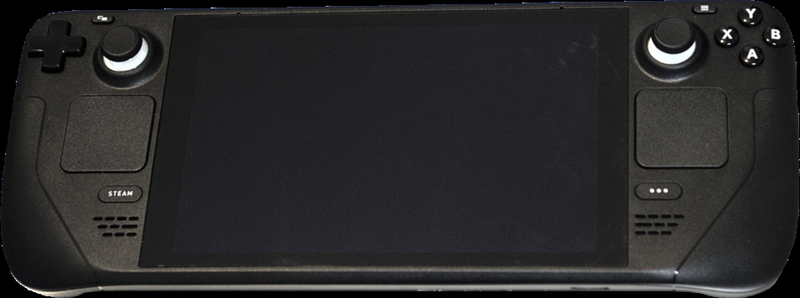
PC handheld · Valve
Steam Deck
A pocket gaming PC from Valve — and after a few minutes with EmuDeck, also the most powerful retro handheld you can get.
Steam Deck — kapesní PC od Valve
Steam Deck is a full-fledged gaming PC in handheld form. Beyond modern games, its performance makes it a top-tier emulation machine — it comfortably handles what cheap boxes choke on (GameCube, Wii, PS2, decently even 3DS, Switch, or PS3 for the best-behaved titles).
Setup is surprisingly easy: the EmuDeck tool installs RetroArch and standalone emulators through a single wizard, creates folders for your ROMs, and wires everything into a nice frontend (EmulationStation-DE) right inside the Deck's gaming mode.
Specs
- Manufacturer
- Valve
- System
- SteamOS (Linux); Windows also works
- Chip
- AMD APU (Zen 2 + RDNA 2)
- Display
- 7" (LCD) / 7.4" OLED
- Emulation
- EmuDeck (RetroArch + standalone emulators)
What it runs
- SmoothlyEverything up to PS1/PSP/DS/Dreamcast/Saturn
- SmoothlyGameCube, Wii, PS2, 3DS, N64
- MostlySwitch, Wii U, PS3 (select titles)
What is the Steam Deck
The Steam Deck is a handheld gaming computer from Valve, the creator of the Steam platform. Unlike classic handhelds such as the Nintendo Switch, it is not a closed console with its own store, but a full-fledged PC in the form factor of a handheld console. It is powered by a customized operating system, SteamOS 3, based on Linux (the Arch Linux distribution with the KDE Plasma environment), and because it is a PC, you can also install Windows on it and essentially anything that runs on a PC. The device targets gamers who want to carry their extensive Steam library with them and play it in their hands, in bed, on the train, or on the couch.
For the community around retro gaming and emulation, the Steam Deck is exceptionally interesting precisely because it is an open PC with powerful hardware, comfortable controls, and a large battery. Thanks to the power of its AMD APU, it handles not only modern AAA titles but also demanding emulation of consoles like the PlayStation 2, GameCube, Wii, Nintendo DS, 3DS, PSP, and, with compromises, even newer systems. It is therefore not a classic cheap Chinese retro handheld (Anbernic, Powkiddy), but a universal machine that handles emulation as one of many disciplines.
The Steam Deck is intended for a wide spectrum of users: from the ordinary gamer who just wants to turn it on and play their Steam library, through enthusiasts who like to fine-tune graphics and performance, all the way to technically skilled users who turn the device into a multi-platform emulation station. It is precisely this versatility that makes it one of the most universal handheld gaming machines on the market — with the caveat that it requires a bit more understanding than a purely plug-and-play console.
History and market context
Valve announced the Steam Deck in July 2021, and the first units began shipping in February 2022. It was not Valve's first attempt to get into living rooms and into the hands of gamers outside the classic PC — it was preceded by the Steam Machines projects (console PCs from third-party manufacturers, 2015) and the Steam Controller, which did not succeed commercially. The Steam Deck learns from these failures: instead of licensing hardware to partners, Valve built and sells its own device at an aggressive price, often close to manufacturing cost, because it earns mainly from game sales.
The Steam Deck kicked off a new wave of interest in powerful handheld gaming PCs with x86 architecture. Following in its footsteps came competition with Windows handhelds — the ASUS ROG Ally, Lenovo Legion Go, devices from AYANEO and GPD, and others. The Steam Deck, however, retained a key advantage: tight integration with SteamOS, which is optimized precisely for the given hardware, and therefore better battery life and a smoother experience than universal Windows on similar hardware.
In November 2023, Valve released an improved version, the Steam Deck OLED, which did not bring significantly higher performance, but a better OLED display, a larger battery, quieter cooling, a lighter construction, and faster Wi‑Fi 6E. With this, the Steam Deck established itself as a long-term platform that Valve actively supports with software updates and the Steam Deck Verified game certification program.
Hardware: SoC, GPU, RAM
The heart of the Steam Deck is a custom AMD APU with the codename Aerith (in the OLED variant a slightly modified Sephiroth on a 6nm process). It is a chip built on the Zen 2 architecture (CPU) and RDNA 2 (GPU) — the same family used by the PlayStation 5 and Xbox Series consoles. The CPU has 4 cores / 8 threads with a frequency of roughly 2.4 to 3.5 GHz, the GPU has 8 compute units (CU) clocked up to approximately 1.6 GHz, which gives a theoretical performance of around 1.6 TFLOPS. For a handheld device, this is very decent performance, enough for 1080p gaming of many modern games at reasonable detail levels.
The device is equipped with 16 GB of unified LPDDR5 memory (shared between the CPU and GPU), which is key for emulation of more demanding systems as well as for modern games. The system memory runs at a frequency of around 5500 MT/s. The shared-memory architecture means that part of the RAM is dynamically used as graphics memory (VRAM), with the base allocation adjustable in the BIOS.
Storage varies by model: the base version had eMMC (slower), higher versions use fast NVMe SSDs in the M.2 2230 format. All models have a microSD card slot (UHS‑I), so capacity can be expanded cheaply — which is ideal for large ROM and emulator libraries. The SSD can theoretically be replaced even in the OLED model, but it is an intervention into the device's internals that requires care.
Display, battery, cooling
The original LCD model has a 7-inch IPS display with a resolution of 1280×800 (16:10 ratio) and a 60 Hz refresh rate. The OLED model brought a 7.4-inch HDR OLED panel with the same 1280×800 resolution, but with higher brightness, perfect black, more saturated colors, and a refresh rate of up to 90 Hz. The OLED variant, thanks to its thinner bezel, is larger in diagonal while maintaining the same external dimensions and offers a noticeably better visual experience, which is especially appreciated in emulation, shaders, and CRT filters.
The battery differs significantly between models. The LCD model has a 40 Wh battery, the OLED model enlarged it to 50 Wh. Combined with the more efficient OLED display and 6nm chip, the OLED version achieves noticeably better battery life. Real-world battery life strongly depends on load: for undemanding 2D and retro games you can reach even 6–8 hours, while for the most demanding 3D titles it can be only around 1.5–2 hours. Battery life can be extended by limiting the frame rate (FPS limit), reducing brightness, and setting a TDP limit via the Quick Access menu.
Cooling is provided by an active fan with a heatpipe and a copper heatsink. The OLED model received a quieter and more efficient fan, so it is less audible under load than the original LCD version, whose noisier fan some users addressed by replacing it. The software allows you to monitor temperatures and frequencies via the built-in Performance Overlay, where you can also set the power limit (TDP) and GPU frequency to balance performance and battery life.
Ports and connectivity
The Steam Deck has one USB‑C port on top (USB 3.2, supports DisplayPort alt mode and Power Delivery), which serves simultaneously for charging, connecting to an external display, and to peripherals via an adapter or dock. At the bottom we find a 3.5mm jack for headphones and a microSD slot. The absence of more ports directly on the device is solved with a dock or USB‑C hub.
Wireless connectivity includes Wi‑Fi and Bluetooth 5.0. The LCD model has Wi‑Fi 5 (ac), while the OLED model was upgraded to Wi‑Fi 6E, which means faster game downloads and lower latency when streaming. Bluetooth is used to connect wireless controllers (DualSense, Xbox, 8BitDo), headphones, and a keyboard/mouse.
For retro and emulation it is key that the Steam Deck behaves like a PC: you can connect multiple controllers for local multiplayer via a USB‑C hub, an external keyboard for configuring emulators, USB flash drives with ROM dumps, or even an external SSD. This makes it a flexible foundation for both handheld gaming and desktop use.
Operating systems and software
The official system is SteamOS 3, built on Arch Linux with the KDE Plasma graphical environment in desktop mode. In the default Gaming mode, the user sees the friendly console interface of Steam — turn it on, select a game, and play. Switching to Desktop mode turns the device into a full-fledged Linux computer, where you can install applications via Discover (Flatpak), manage files, and configure emulators. Running Windows games on Linux is handled by the Proton compatibility layer (based on Wine + DXVK/VKD3D), thanks to which the vast majority of the Steam library runs.
Many users install Windows (10 or 11), either instead of SteamOS or as a dual-boot. Windows makes it possible to run games with anti-cheats or services that do not work on Linux (some multiplayer titles with anti-cheat), and eases certain emulators. The disadvantage of Windows is worse battery life, less smooth controls in the default state, and the need to manually deal with drivers.
For retro gaming, the community distribution EmuDeck is extremely popular — which is not a standalone OS but an installation script that installs and preconfigures a set of emulators (RetroArch, Dolphin, PCSX2, DuckStation, PPSSPP, melonDS, and others) and the EmulationStation‑DE or Steam ROM Manager frontend on SteamOS (and on Windows). An alternative is a whole dedicated system like Batocera Linux or ChimeraOS, which can be booted from an SD card or installed to turn the Deck into a purely emulation machine. There is also Bazzite, a modern gaming distribution suitable for both Steam and emulation.
Emulation compatibility
Thanks to the APU's performance, the Steam Deck handles the vast majority of classic systems smoothly: NES, SNES, Mega Drive/Genesis, Game Boy / GBC / GBA, Master System, PC Engine, Nintendo 64, PlayStation 1, Sega Saturn (with occasional exceptions), Nintendo DS, PSP, and arcades (MAME/FBNeo). These systems run at full speed, often with room for shaders, upscaling, and anti-aliasing. PSP and N64 are among those that benefit from higher rendering resolution.
With reasonable compromises, the Deck handles the more demanding 6th and 7th generation: PlayStation 2 (PCSX2) runs very well for most titles, but some games require tuning; GameCube and Wii (Dolphin) run excellently, often even at native resolution or with upscaling; Nintendo 3DS (Citra/Azahar) runs well for most games. More demanding titles may require lowering the resolution or adjusting settings, but generally it is a strong platform for this era.
With the most demanding and newest systems, the Steam Deck runs into its limits: PlayStation 3 (RPCS3) and Wii U (Cemu) run only for a portion of titles and often with performance compromises. Emulation of the Nintendo Switch is technically possible, but after legal action against some emulators the situation is complicated and the community moves between tools. In general, the more modern the system, the more tuning is needed and the greater the probability that some games will run imperfectly. It is important to play only from your own legal dumps — see the section on legality.
Controls and ergonomics
The Steam Deck is ergonomically designed as a comfortable handheld for longer gaming sessions. It offers a complete set of controls: two analog sticks (with capacitive touch), a classic D-pad, ABXY buttons, two sets of shoulder buttons (L1/R1, L2/R2 analog triggers), and additionally four back buttons (grip buttons L4/R4/L5/R5), which are very valuable for emulation and mapping. A great advantage is the two trackpads (haptic touchpads), which enable precise mouse control — ideal for strategy, point-and-click games, or navigating the desktop.
The device also has a touchscreen, a gyroscope (motion controls, useful for aiming), and the built-in Steam Input interface, which allows you to map any inputs to any action and create shared community control profiles. This is a huge advantage for emulation too — you can map button combinations, emulator shortcuts (save state, fast-forward) to the back buttons, and the like.
In terms of size and weight, the Steam Deck is larger and heavier than the Nintendo Switch or cheap Chinese handhelds (the LCD model weighs about 669 g, the OLED about 640 g). For some it may be more tiring in the hand after a long time, while others appreciate that the large grips hold naturally and the buttons are well arranged. It is a compromise between portability and the comfort of full-fledged controllers.
Image, sound, shaders, and CRT
For retro gaming, how old games look on a modern display matters. Through RetroArch and standalone emulators, the Steam Deck allows you to apply shaders — from subtle smoothing to a faithful imitation of CRT screens (shaders like CRT-Royale, crt-guest-advanced, Lottes), which give pixel art its characteristic scanlines, slight blur, and phosphor glow. On the OLED panel, CRT shaders and scanlines stand out particularly well thanks to perfect black and high contrast.
For pixel sharpness you can use integer scaling, which preserves sharp pixels without blur, or conversely various interpolation filters. For consoles working in a 4:3 ratio, the image is displayed on the Deck's widescreen display with black bars on the sides (pillarboxing), which is correct behavior — stretching to the full width would deform the proportions.
Sound is provided by built-in stereo speakers with decent output, a 3.5mm jack for headphones, and Bluetooth audio (with the slight latency typical for BT). Emulators allow you to fine-tune audio latency and buffer, which is appreciated especially in rhythm games or when synchronizing image and sound. For the lowest latency and best fidelity, wired headphones via the jack or a USB‑C DAC are recommended.
Step-by-step setup
1) System preparation: After the first startup, update SteamOS (Settings → System). For emulation, the easiest path is to install EmuDeck. Switch to Desktop mode (Steam button → Power → Switch to Desktop), download the EmuDeck installer in the browser, and run it. The wizard installs the emulators, creates a folder structure (typically on the SD card in the Emulation/roms folder), and preconfigures the controls and performance settings.
2) BIOS files: Some emulators require the BIOS of the given console (e.g. PS1, PS2, Saturn). You must obtain these files legally from your own console (a dump of your own device) and copy them into the Emulation/bios folder. Without the correct BIOS, some games will not run or will have problems. EmuDeck displays a check screen that shows which BIOS files are present and correct (hash check).
3) Games (ROM/ISO): Copy your own legal dumps of games into the appropriate subfolders (e.g. roms/snes, roms/ps2, roms/gba). You transfer the files via a USB drive, network share, or directly from a PC. After copying, run Steam ROM Manager, which adds the games directly to the Steam library along with covers and metadata, so you can launch them conveniently from Gaming mode.
4) Scraping (metadata and covers): Both the EmulationStation‑DE frontend and Steam ROM Manager can download graphics, descriptions, and videos for the games (scraping) from databases like ScreenScraper. You just need an internet connection and to run the scraper in the settings. It is recommended to create your own account on ScreenScraper for faster downloading. The result is a visually attractive library resembling a real console menu.
Models, revisions, and variants
The Steam Deck exists in two main generations. The LCD model (2022) was sold in three variants differing in storage and display surface: 64 GB eMMC, 256 GB NVMe SSD, and 512 GB NVMe SSD with anti-reflective etched glass. All LCD models share the same APU (Aerith), a 7-inch 60 Hz IPS panel, and a 40 Wh battery.
The OLED model (end of 2023) is available in 512 GB and 1 TB variants (with anti-reflective glass on the 1TB version and a limited edition). The OLED brought a 7.4-inch HDR OLED panel with 90 Hz, a larger 50 Wh battery, a slightly improved 6nm APU (Sephiroth) with the same gaming performance but better efficiency, a quieter fan, a lighter construction, faster Wi‑Fi 6E, and Bluetooth 5.3. Gaming performance is practically the same as the LCD — the OLED is a quality upgrade, not a raw performance one.
When choosing, the following applies: if you are concerned about budget and performance, even the LCD model is still a fully capable machine. If you want the best experience (display, battery life, noise, weight), choose the OLED. For retro gaming, the OLED panel is particularly pleasant thanks to the rendering of CRT shaders and dark scenes. Most people today do not recommend the eMMC variant (64 GB) due to the slower and small storage — at minimum, add a fast microSD card.
Common problems and solutions
Lack of space and slow storage: Large emulation libraries and modern games quickly fill up storage. The solution is a fast microSD card (UHS‑I, branded from Samsung or SanDisk) or replacing the internal SSD (M.2 2230). When replacing the SSD, you must reinstall SteamOS from a recovery image via a USB drive. The slow eMMC on the base model can be circumvented precisely by using an SD card for emulators.
Performance fluctuations in emulation: If a game stutters in an emulator, it helps to lower the internal rendering resolution, disable demanding enhancements (anti-aliasing, anisotropic filtering), set a higher TDP in the Quick Access menu, or use an FPS limit for stability. In PCSX2 and Dolphin you can enable asynchronous shader compilation to reduce stuttering when effects load for the first time. It is always good to monitor the Performance Overlay.
Controls do not work in the emulator: EmuDeck supplies preconfigured Steam Input profiles, but sometimes the controls need to be mapped manually, especially for games added outside Steam ROM Manager. It helps to set the emulator as a Non-Steam game and assign it a community controller layout. The back buttons are handy for quickly saving/loading states.
Updates overwrite the configuration: Because SteamOS has an immutable system partition, larger SteamOS updates sometimes require reinstalling EmuDeck or Flatpaks. It is recommended to back up your configurations and keep ROMs/BIOS on an SD card, which remains untouched by updates. When dual-booting with Windows, watch that the update does not overwrite the bootloader.
Community and where to find help
A very active community has formed around the Steam Deck. The main sources of information are the subreddits r/SteamDeck and r/EmulationOnSteamDeck, the official Steam forums, and the Discord servers of projects like EmuDeck and Batocera. For questions about game compatibility, there is the community database ProtonDB, where users rate how a particular game runs via Proton and which settings to use.
For retro and emulation, YouTube channels and wikis dedicated to the Steam Deck are invaluable, showing specific procedures for tuning emulators, recommended per-game settings, and the current state of performance. The documentation of the EmuDeck and EmulationStation‑DE projects is well maintained and explains the folder structure, BIOS, and scraping step by step.
Valve itself provides official Steam Deck documentation, guides for replacing the SSD, the SteamOS recovery image, and the Steam Deck Verified page, where you can verify whether a particular Steam game is fully supported, playable with minor issues, or unsupported. For Czech-speaking users, there are also local communities and discussions on gaming websites and forums.
Alternatives and comparison
The main competition is Windows handhelds: the ASUS ROG Ally and ROG Ally X, the Lenovo Legion Go, and AYANEO or GPD devices. These devices often have more powerful chips (AMD Z1 Extreme), higher display resolution, and native Windows, so problems with anti-cheats fall away and some emulators are easier to configure. In contrast, the Steam Deck offers better system optimization, longer battery life at comparable performance, trackpads, integrated Steam Input, and usually a lower price — and above all an interface tailored to handheld gaming.
Compared to the Nintendo Switch, the Steam Deck is significantly more powerful and more open (your own library, emulation, mods), but it is larger, heavier, more expensive, and does not have exclusive Nintendo titles in native form. Compared to cheap Chinese retro handhelds (Anbernic, Powkiddy, Miyoo), the Steam Deck is many times more powerful and versatile, but more expensive, larger, and less instantly plug-and-play for purely retro purposes.
If someone is interested exclusively in light retro gaming of 8/16-bit and older 3D consoles in the smallest and cheapest device possible, a specialized Linux handheld (e.g. the Anbernic RG series) makes more sense. The Steam Deck pays off for someone who wants one device for everything — modern PC games, emulation across generations, and desktop use. For TV output via a dock, it also works as a small gaming console for the television.
Who it is suited for
The Steam Deck is suited primarily to gamers with an extensive Steam library who want to carry it with them, and at the same time to enthusiasts of emulation and retro gaming who will appreciate one powerful device covering generations from the NES to the PS2, GameCube, and PSP. It is ideal for technically curious users who are not afraid to occasionally fine-tune something, install EmuDeck, map controls, or experiment with SteamOS and Windows.
It is less suited to those who want a purely plug-and-play console without any setup — for them, the Nintendo Switch or a ready-made retro handheld is simpler. Likewise, it may not suit people who are bothered by the higher weight and size during long handheld sessions, or those who want exclusively the newest AAA games in maximum graphical quality (for that, a powerful desktop/gaming PC is more suitable).
For local multiplayer, the Steam Deck is flexible: via a USB‑C dock you can connect multiple controllers and play co-op on a large display near the television, or use wireless controllers (DualSense, Xbox, 8BitDo) via Bluetooth. But do not forget the fundamental rule of retro gaming: emulate and play only games for which you have legal own dumps from physical media that you own, or from legal digital sources. Obtain both BIOS and ROMs from your own hardware — this way you avoid legal and ethical problems and support a healthy retro community.
More guides
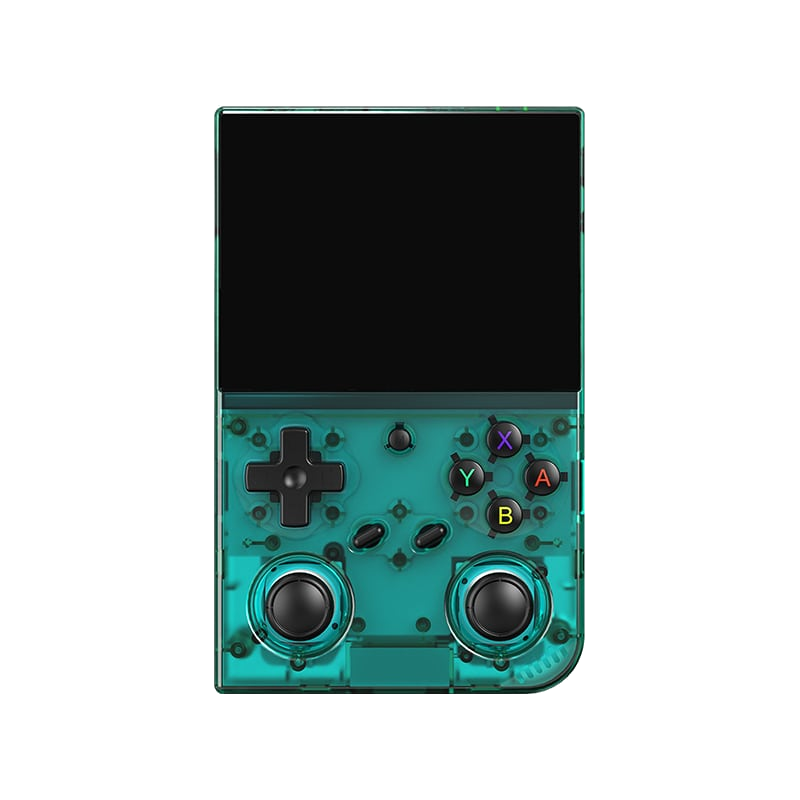
Anbernic RG35XX Pro
A horizontal handheld with the H700 chip — the sweet spot between price and performance.
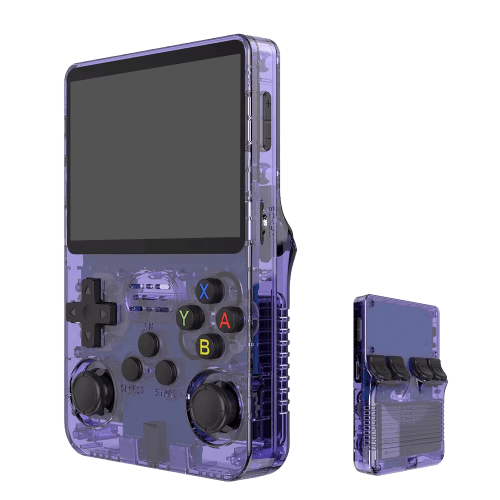
R36S
An affordable clone with a vertical display and an open system.
Batocera.linux
A Linux distribution that turns anything into a retro console — a PC, a Raspberry Pi, or a handheld.
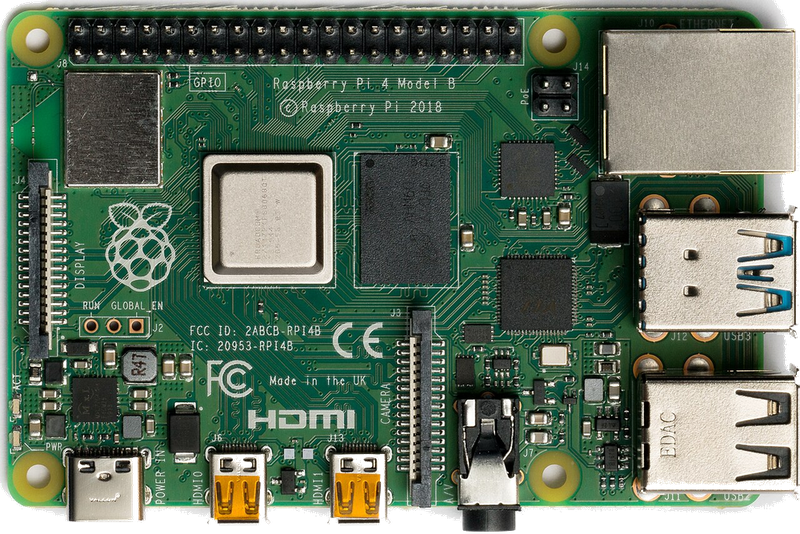
Raspberry Pi & spol.
A cheap box the size of a deck of cards that you can turn into a retro console for your TV.
Android (boxy, TV i telefony)
Phone, TV box or Android TV — download an emulator from the store and play within minutes.
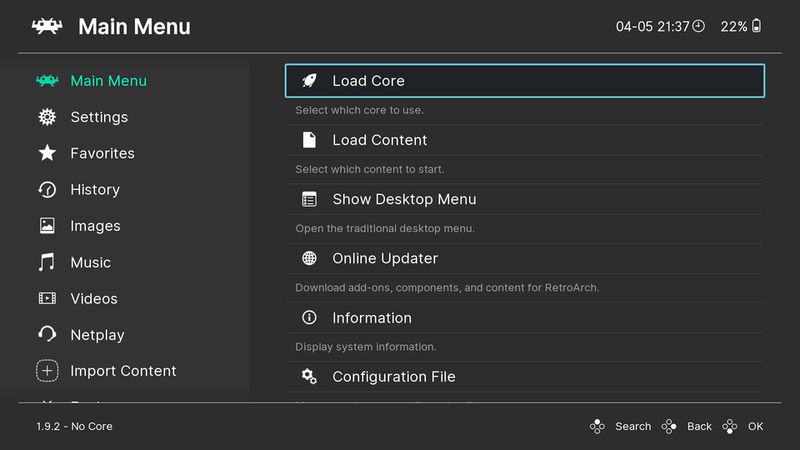
Emulace na PC
The most powerful and flexible path — from 8-bit all the way to PS2, GameCube and 3DS.
iOS (iPhone & iPad)
Since 2024, emulators run on iPhone and iPad too — straight from the App Store.
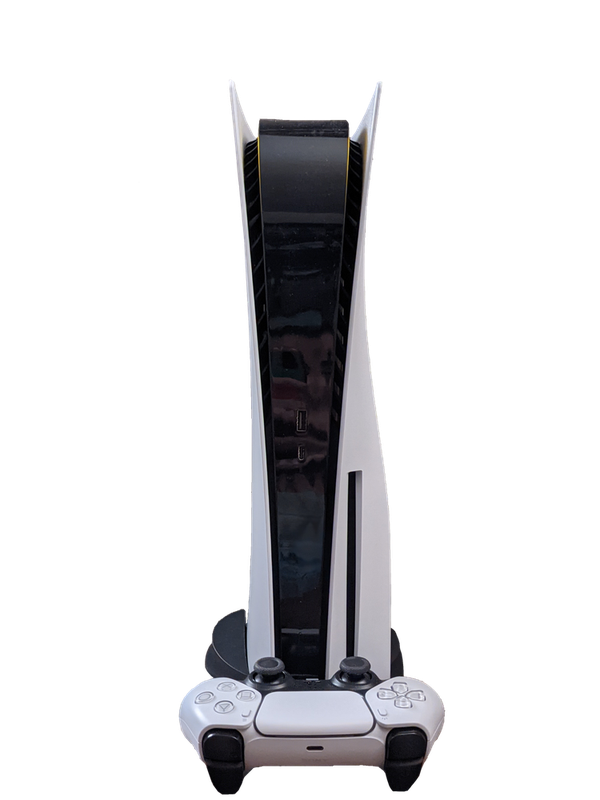
Emulace na konzolích (PS, Xbox, Switch)
Even a PlayStation, Xbox or Switch can be turned into a retro machine — through their homebrew scene.
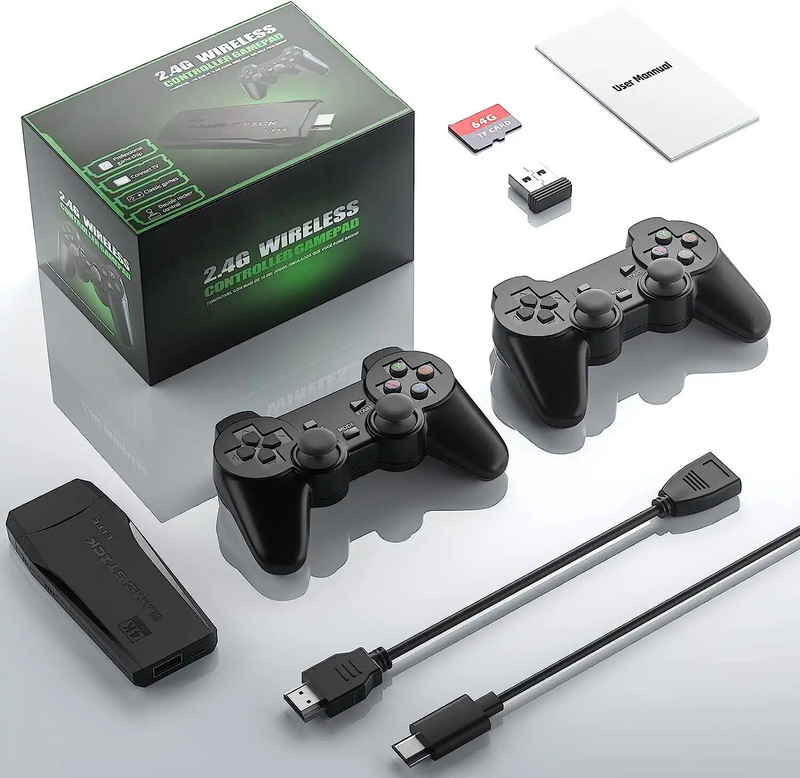
Game Stick (HDMI)
A cheap HDMI "stick" for your TV with a pair of wireless controllers — retro gaming with no setup.
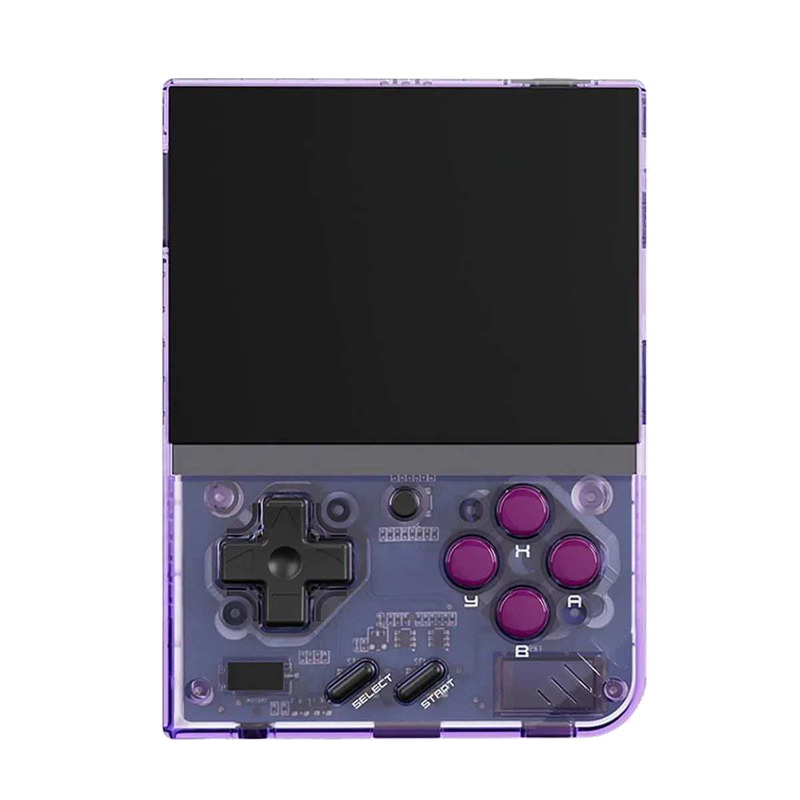
Miyoo Mini Plus
A tiny vertical keychain-sized pocket handheld with an amazing price-to-experience ratio and the community OnionOS.
ROMky: kde se berou hry pro emulátory
What a ROM is, how to obtain one legally, where the law stands, and why game preservation matters.
AYN Odin 2
Výkonný Android handheld ve stylu herního ovladače, ve víc výkonnostních variantách.
Miyoo A30
Vodorovná kapesní konzole ve stylu Game Boy Micro, ideální na NES až PS1 klasiku.
Miyoo Flip
Véčko ve stylu GBA SP s čipem RK3566 – zvládne i Dreamcast, i když ne vždy plynule.
Miyoo Mini V4
Čtvrtá revize levné legendy – stejný slabý čip, ale konečně vydrží baterie i Wi-Fi.
Powkiddy RGB30
Hranatý handheld se čtvercovým displejem a joysticky posazenými nad tlačítky místo vedle nich.
Retroid Pocket 4 Pro
Nejvýkonnější Retroid s AMOLED displejem, který se otáčí i na výšku.
Retroid Pocket 5
Levnější sourozenec Pocket 4 Pro s větším displejem a osvědčeným výkonem.
Retroid Pocket Mini
Kapesní konzole ve skutečně kapesní velikosti pro rychlé retro hraní odkudkoli.
Anbernic RG28XX
Nejmenší člen rodiny s čipem H700, kapesní tvar inspirovaný klasickými herními konzolemi.
Anbernic RG34XX
Sklápěcí tělo v duchu klasických konzolí s neobvyklým 3,4palcovým displejem.
Anbernic RG353M
Vodorovný sourozenec RG353V se stejným T618 čipem a asymetrickými páčkami à la Vita.
Anbernic RG353V
Svislý PDA tvar, duální Android/Linux boot a čip T618 v kapesním balení.
Anbernic RG35XX
Malá krabička, která v roce 2023 nastartovala vlnu levných linuxových retro handheldů.
Anbernic RG35XX H
První RG35XX s pořádnými analogovými páčkami, míří na 3D hry z Nintenda 64 a PSP.
Anbernic RG35XX Plus
Stejná krabička jako RG35XX, jen konečně s Wi-Fi a Bluetooth pro bezdrátové ovladače.
Anbernic RG35XX SP
Sklápěcí tvar jako Game Boy Advance SP – displej schovaný pod krytkou přímo v kapse.
Anbernic RG405M
Kovové tělo, klasické tlačítka bez dotykové obrazovky a čip Unisoc T618.
Anbernic RG405V
Celokovové tělo, čip Unisoc T618 a čistě linuxový systém bez Androidu a kompromisů.
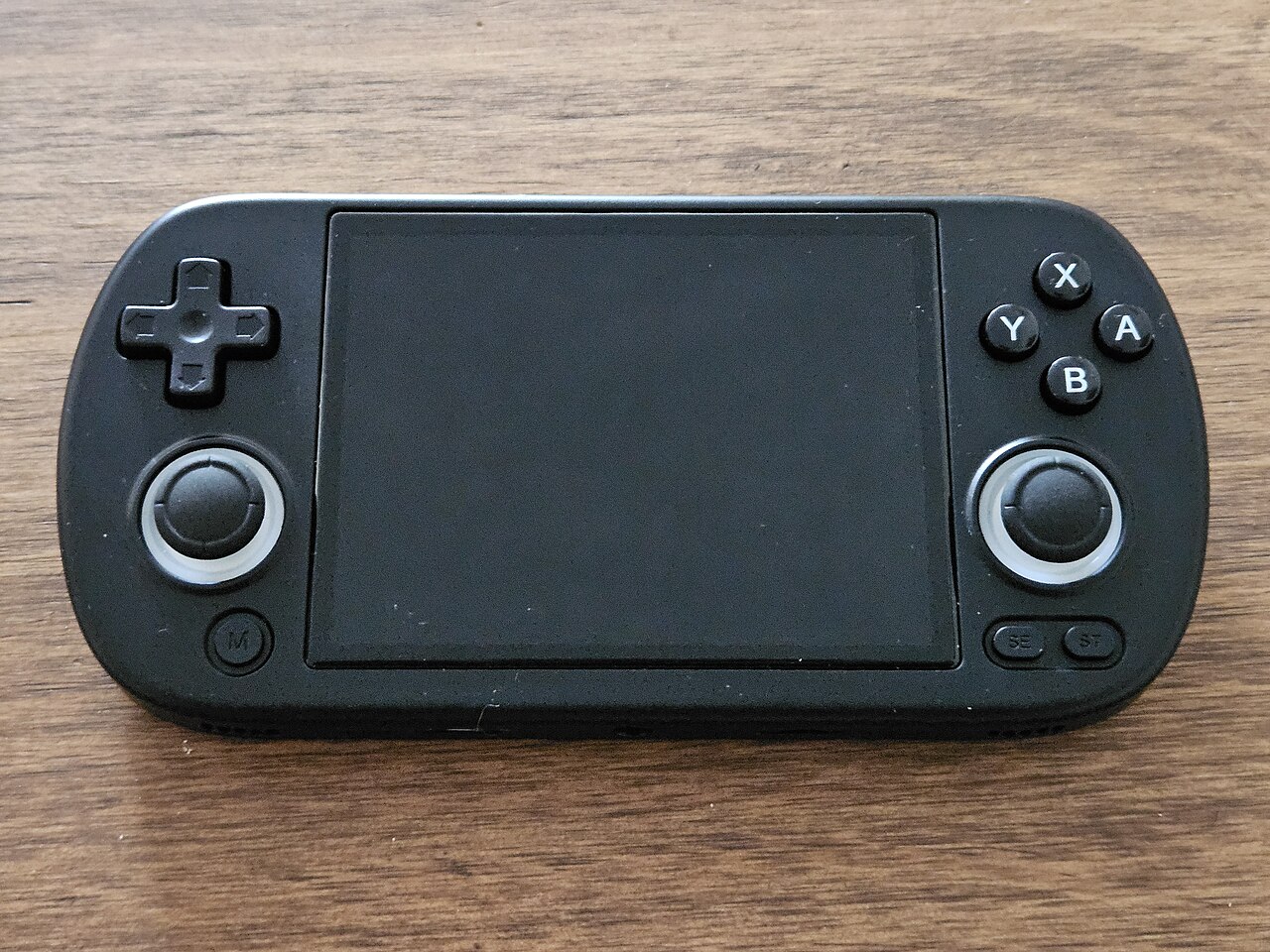
Anbernic RG40XX H
Vodorovná varianta se 4palcovým displejem a čipem H700 pro pohodlnější držení.
Anbernic RG40XX V
Svislá varianta ve tvaru připomínajícím klasický Game Boy, se stejným čipem jako model H.
Anbernic RG503
OLED displej, kovové tělo a čip RK3566 v klasickém tvaru herního ovladače.
Anbernic RG505
Tvar jako PS Vita, ale uvnitř skutečný Qualcomm Snapdragon 865 a AMOLED displej 960×544.
Anbernic RG556
Vlajková loď Anbernic s AMOLED displejem, čipem Unisoc T820 a duálním Android/Linux systémem.
TrimUI Brick
Vertikální handheld ve stylu Game Boye se stejnou elektronikou jako Smart Pro.
TrimUI Smart Pro
Malé tělo, velký 4,96" 16:9 displej a čip sdílený s TrimUI Brick.