Guide — homebrew scene
Emulace na konzolích (PS, Xbox, Switch)
Even a PlayStation, Xbox or Switch can be turned into a retro machine — through their homebrew scene.
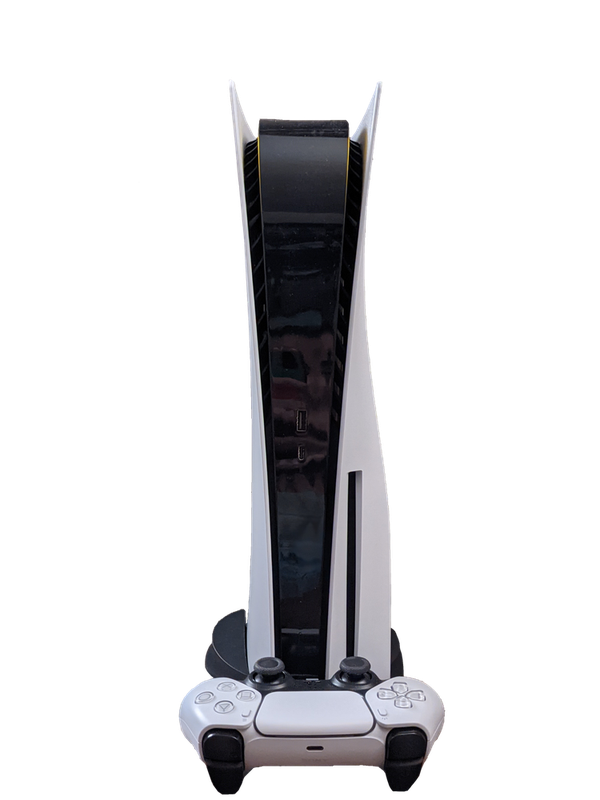
PlayStation 5 s ovladačem DualSense — i z konzole jde udělat emulační stroj
Modern game consoles pack a lot of power under the hood — and the community knows how to use it for emulation too. Through so-called homebrew (unofficial software), a PlayStation, Xbox or Switch can be turned into a full-fledged retro machine running RetroArch. It's a step more advanced than a handheld or a Raspberry Pi: it depends on the specific model and firmware version, and sometimes you risk voiding the warranty or getting banned from online services. Here's an overview of what each family can do.
Specs
- Principle
- homebrew / firmware modification of the given model
- Software
- usually RetroArch (a port for the given console)
- Depends on
- the model and firmware version (important!)
- Controller
- the console's own controller right away
- Risk
- voided warranty, and a ban when online — at your own risk
What it runs
- SmoothlyPS Vita, original Xbox, Switch: 8/16bit–PS1, PSP
- MostlyPS3 / Xbox 360 / Switch: N64, DC, PSP, Saturn
- Select titlesSwitch / Series: GameCube, Wii, PS2 (selected)
What it is and who it's for
Emulation on gaming consoles means that instead of a dedicated retro handheld (Anbernic, Miyoo, RG35XX), you use a modern console you already own at home — the PlayStation 4/5, Xbox One / Series S|X, or Nintendo Switch — to run emulators of older systems (NES, SNES, Mega Drive, PS1, N64, GBA, arcade, and more). The appeal is clear: a powerful SoC, a quality gamepad in hand, output to a big TV, and on the Switch even a portable mode. The downside is that none of these manufacturers (Sony, Microsoft, Nintendo) officially supports emulation on their closed platforms — everything rests on the homebrew scene and on circumventing software locks.
The target audience is enthusiasts who don't mind experimenting: installing custom firmware, dealing with system versions, exploits, and compatibility. For the ordinary player who just wants to "turn it on and play," cheap Chinese handhelds with preinstalled Linux are paradoxically better than an expensive console that you have to laboriously hack while risking a ban from online services.
It's important to distinguish three very different situations right from the start. The Switch is currently the strongest emulation platform of this trio thanks to the Tegra chip, a mature CFW scene (Atmosphère), and Linux (L4T Ubuntu). The Xbox (Series S|X and One) offers an official Retro mode in Dev Mode, so emulation here is a relatively legitimate and safe path. The PlayStation is the most locked down: emulation works only on specific, long-abandoned firmware versions via jailbreak, making it the least practical and most unstable.
This guide covers all three families but points out where the paths diverge. The common denominator is always the legality of the content: the emulators themselves are legal tools, but you must create ROMs and BIOSes from your own originals (dumps), not download them from the internet.
History and context
Homebrew on consoles has a long tradition — from the PSP and Wii (Homebrew Channel), through the PS Vita (HENkaku), to today's generations. The community has always looked for ways to run its own code on closed hardware, and emulation was one of the main motivations from the outset. Manufacturers responded by tightening security: each new firmware version typically patches the exploits that homebrew relies on.
The Nintendo Switch became legendary in 2018, when the hardware exploit Fusée Gelée was discovered in the bootROM of the Nvidia Tegra X1 chip. Because it's a flaw in a non-rewritable part of the silicon, older "erista" consoles (manufactured roughly up to mid-2018) are permanently and unpatchably hackable. Newer revisions (Mariko) and the Switch 2 model don't have this hole, so on the second-hand market it's precisely the old, "unpatched" units that are prized for emulation.
Xbox went a different way: since the Xbox One, Microsoft has offered an official Developer Mode for a one-time developer-account registration fee. In this mode you can legitimately install UWP applications, including emulator ports (RetroArch, various standalone emulators from the Dev Mode store / sideload). Microsoft does occasionally pull some apps, but the Dev Mode principle remains — this makes the Xbox the most emulation-friendly mainstream console.
The PlayStation is long the toughest nut. The PS3 once had Linux (OtherOS), but Sony removed it. The PS4 and PS5 are hackable only on old versions of the system software via webkit/kernel exploits, which Sony continually patches. Emulation on the PS4/PS5 therefore remains the domain of a narrow group that keeps consoles on outdated firmware and never connects them to the internet.
Hardware: Nintendo Switch
At the heart of the Switch is the Nvidia Tegra X1 (the T210 variant in the original model, T214/Mariko in newer ones and in the OLED). It's an SoC with an ARM Cortex-A57 architecture (four active cores for games) and an integrated Maxwell GPU with 256 CUDA cores. That's the weakest raw performance of this trio, but Nvidia's architecture and decent driver support (both in HOS and in Linux L4T) make it a surprisingly capable emulation machine up to roughly the level of PS1, N64, Dreamcast, and lower-end PSP/PS2.
Memory consists of 4 GB LPDDR4 (the OLED model has faster LPDDR4X, but still 4 GB). Storage is 32 GB eMMC (OLED 64 GB) plus a slot for microSD (UHS-I), where the vast majority of games and the ROM collection are stored. The display on the base model is a 6.2" LCD 720p, on the OLED a 7" OLED 720p; in docked mode the output goes to the TV at up to 1080p. The Lite is a purely handheld 5.5" LCD with no dock and no detachable Joy-Cons.
Power is supplied by a battery of around 4310 mAh (original model) up to 4310–5000 mAh depending on the revision; the newer "red box" Mariko and OLED have markedly better endurance (easily 4.5–9 hours depending on load) than the first launch model. Charging and docking run over USB-C with USB-PD support. Cooling is active — a small fan and heat pipe — which helps hold clocks when emulating more demanding systems (PS2, GameCube via Linux).
From an emulation standpoint it's crucial to distinguish the revisions: HAC-001 (erista) = hackable via the hardware exploit; HAC-001(-01) "red box", Lite (HDH), OLED, and Switch 2 = Mariko/newer, not vulnerable to Fusée Gelée and requiring either a previously obtained "fuse" state or a modchip. So for an emulation purchase, deliberately look for an old erista unit with low firmware.
Hardware: Xbox
The Xbox Series S and Series X are built on a custom AMD SoC with a Zen 2 architecture (eight cores) and RDNA 2 graphics. The Series X has a 12 TFLOPS GPU, 16 GB GDDR6, and a 1 TB NVMe SSD; the Series S is weaker (4 TFLOPS, 10 GB RAM, 512 GB SSD), but even so it's incomparably more powerful hardware than any retro handheld. For emulation, this performance is more of a "reserve" — the limit isn't usually the hardware but what Dev Mode allows the apps to do.
The Xbox One / One S / One X use an older AMD APU with Jaguar cores and GCN graphics. Even that is plenty for emulating 8/16-bit, PS1, and on the One X even N64/PSP/Dreamcast better. The key point is that all Xbox One and Series models share the same Dev Mode principle, so the hacking procedure (registering a dev account) is practically identical across generations.
A fundamental limitation of Dev Mode is the software cap on performance and memory: apps in the retail-mode profile of Dev Mode get less RAM and CPU than full-fledged games. RetroArch and other emulators run in the so-called UWP context, so the most demanding cores (PS2, GameCube, Switch) either don't run at all or run with compromises. The Series S also has less memory than the Series X, which shows with demanding cores.
Control is handled by the standard Xbox Wireless Controller — an excellent D-pad on the Elite versions, low latency, easy pairing. Output is purely to a TV/monitor via HDMI; the Xbox isn't a handheld, so you won't deal with portable mode or local "split" handheld multiplayer here, but you can connect multiple wired controllers for multiplayer on a single screen.
Hardware: PlayStation
The PlayStation 4 uses an AMD APU with eight Jaguar cores and GCN graphics (1.84 TFLOPS on the base PS4, 4.2 TFLOPS on the PS4 Pro), 8 GB GDDR5, and a classic HDD/SSD. The PlayStation 5 raises everything higher: a Zen 2 CPU, an RDNA 2 GPU (~10.3 TFLOPS), 16 GB GDDR6, and a very fast NVMe SSD. In raw terms the PS5 is thus comparable to the Series X and would be enough for almost anything in emulation.
The practical problem, however, lies elsewhere: on the PS4/PS5 you can emulate only when the console runs on old, jailbreakable firmware. Exploits (webkit + kernel, or hypervisor) always exist only for a specific range of system versions, and Sony patches them with new updates. A console intended for emulation must therefore be kept offline and never updated, or you'll lose the ability to hack it.
The DualShock 4 (PS4) and DualSense (PS5) controllers are first-class — the DualSense adds adaptive triggers and haptics, which you won't use in emulation, though. Output is again purely to a TV via HDMI. The PS4/PS5 aren't handhelds (the PS Vita and PS Portal are different categories), so portability isn't a concern.
In summary: on the hardware side the PlayStation would be a great emulation machine, but the availability and stability of the jailbreak make it the least recommended choice of this trio in practice. Anyone who already has a hacked PS4 on low firmware can emulate; buying a console purely for emulation makes no sense, because getting a suitably "low" and undamaged unit is a lottery.
Systems and custom firmware
On the Switch there are two main paths. The first is Atmosphère — an open-source custom firmware that runs in parallel alongside the original system (Horizon OS). It's launched via a payload (on erista consoles by sending the Fusée payload over USB in RCM mode) and allows running homebrew, including RetroArch from a set of NRO applications and standalone emulators. The second path is L4T (Linux for Tegra) — a full-fledged Ubuntu/Linux on an SD card, where desktop emulators run (RetroArch, PCSX2, Dolphin, Citra/forks) with markedly better compatibility for demanding systems.
On the Xbox the official path is via Developer Mode. After registering a dev account, you switch the console into Dev Mode and sideload UWP packages — the most important is RetroArch (UWP), which encompasses dozens of cores. There are also standalone ports (e.g., PS2/Dreamcast/PSP emulators community-ported to UWP). Everything is uploaded via the web-based Device Portal interface in a browser from the same network.
On the PlayStation, after jailbreak you use tools like etaHEN / GoldHEN (PS4) or the appropriate payload loaders (PS5) to upload homebrew, which opens the option to run PKG packages and homebrew. Here too the main star is RetroArch, complemented by standalone emulator ports. Everything, however, is tied to a specific system version and is less "polished" than on the Switch or Xbox.
Across platforms, RetroArch is the common denominator: a unified frontend environment built on libretro cores (Snes9x, Genesis Plus GX, mGBA, Beetle PSX, Mupen64Plus-Next, PPSSPP, FBNeo, and others), with support for shaders, save states, netplay, and unified settings. Anyone who masters RetroArch on one console can easily find their way around on the others.
Compatibility by system
Smooth on all three (via RetroArch/cores): the 8-bit and 16-bit era — NES/Famicom, SNES, Master System, Mega Drive/Genesis, PC Engine/TurboGrafx, Game Boy / GBC / GBA, Neo Geo, and most 2D arcade via FBNeo and MAME. This also includes lighter consoles like the Atari, Lynx, and WonderSwan. Even the weakest hardware handles these systems at full speed with room for shaders.
Moderately demanding — mostly smooth, with occasional compromises: PlayStation 1 (Beetle PSX / PCSX-ReARMed), Nintendo 64 (Mupen64Plus-Next — the N64 is notoriously demanding on accuracy, some games have graphical glitches), Sega Saturn (demanding, not everything runs ideally), and PSP (PPSSPP). On the powerful Xbox Series and on the Switch under Linux this category runs very well; on the weaker Xbox One or Switch in HOS you'll run into individual problematic titles.
Demanding — heavily platform-dependent: Dreamcast (Flycast) runs decently on the Xbox and Switch. The PlayStation 2 (PCSX2) and GameCube/Wii (Dolphin) are realistic mainly on the Switch under L4T Linux and theoretically on a powerful Xbox, but in UWP Dev Mode these emulators are limited — expect a selection of titles, not universal full speed.
Practically out of reach for this trio: newer systems like the Wii U, 3DS only to a limited extent, PS3/Xbox 360 not at all, and the Switch of course doesn't emulate itself. The general rule: the newer the emulated system, the more it depends on the specific title — don't expect that "PS2 runs" means every game runs. Always look up compatibility lists for the specific emulator and game.
Controls and ergonomics
A major advantage of all three consoles is a quality native gamepad. The Xbox Wireless Controller as well as the DualSense/DualShock 4 are among the best controllers on the market — low latency, comfortable grip, precise analog sticks. For retro games the D-pad is key: here the DualShock/DualSense and the Xbox Elite line excel; the standard Xbox D-pad is good, but for precise 2D platformers prefer a quality directional pad.
The Switch Joy-Cons are a compromise: the small buttons and above all the split, not entirely precise D-pad (four separate buttons instead of a cross) are less ideal for retro platformers and fighting games. The solution is the Pro Controller with a solid D-pad, or handheld "grip" accessories. The Joy-Cons also suffer from the well-known analog drift, which is a nuisance when emulating 3D games.
You handle button mapping in the frontend (RetroArch has per-core and per-game remaps). Watch out for the A/B and X/Y layout — Nintendo has historically swapped A/B compared to the Xbox, so when emulating games from another platform you'll often want to remap the buttons so that "confirm" matches the original. Both RetroArch and standalone emulators let you save this.
For multiplayer you connect additional controllers (Xbox/PS via Bluetooth/USB by default; the Switch pairs additional Pro Controllers or pairs of Joy-Cons). On a big TV you can thus easily play local co-op 16-bit games, two-player arcade machines, and fighting games. The Switch in handheld mode additionally lets you split the Joy-Cons into two mini-controllers for two-player games on the go.
Picture, sound, and shaders
All three consoles aim mainly at TV output via HDMI (the Xbox and PlayStation exclusively; the Switch when docked), so it's crucial to set the scaling and aspect ratio correctly. Retro games have a 4:3 ratio (or 8:7 on the NES), so on a 16:9 TV I recommend keeping the original ratio with black borders (pillarbox) instead of stretching. RetroArch offers integer scaling for a sharp, pixel-accurate picture without blurring.
Shaders are the main draw of emulation on a big screen. RetroArch includes suites like CRT-Royale, crt-lottes, crt-guest-advanced and LCD/handheld grid shaders, which faithfully simulate the shadow mask of a CRT television (scanlines, mask, slight blur, and glow) or the grid of original LCD handhelds. On a 1080p/4K TV, scanline effects look markedly better than on small displays, so this is precisely where the consoles shine.
The performance impact of shaders varies: simple scanlines are free, but CRT-Royale is very demanding and on weaker hardware (Switch in HOS, Xbox One) can drop the framerate with more demanding cores. On the Series X / PS5 / Switch under Linux, on the other hand, you can afford heavy shaders even with the PS1.
You handle sound over HDMI digitally — the important thing is to set a low audio latency and correct resampling so that no crackling occurs during slight slowdown of the emulation. RetroArch has audio buffer and dynamic rate control options; if the sound crackles, slightly increase the buffer. With emulators prone to tempo errors, it helps to enable audio synchronization as the master and let the picture keep up.
Setup step by step
Switch (Atmosphère): 1) Get an erista console on low firmware. 2) Prepare an SD card with the Atmosphère files, the Hekate bootloader, and the payload. 3) Put the console into RCM (a jig into the right Joy-Con rail + buttons), connect it via USB-C to a PC, and send the payload (TegraRcmGUI / Fusée). 4) From Hekate, launch the CFW and install RetroArch (the NRO into /switch/). 5) Copy ROMs and BIOSes onto the SD into the cores' folders. For demanding systems consider L4T Ubuntu on a separate SD as an alternative boot.
Xbox (Dev Mode): 1) On the console, download the Dev Mode Activation app and register a developer account (one-time fee). 2) The console restarts into Dev Mode. 3) In Dev Home find the Device Portal address and open it in a browser on a PC on the same network. 4) Via "Add" upload the RetroArch UWP package (.appx/.msixbundle + dependencies). 5) Launch RetroArch, download the cores (online updater), and copy ROMs/BIOSes into the available storage via the Device Portal or a network share.
PlayStation (jailbreak, only on low FW): 1) Keep the console offline on a vulnerable version. 2) In the console's browser open the exploit host (locally hosted), run the jailbreak (e.g., etaHEN/GoldHEN depending on the model and FW). 3) Install the homebrew/PKG RetroArch. 4) Upload cores and content via USB/FTP. Note: the jailbreak is temporary (it must be repeated after a restart) and the whole process is sensitive to the exact system version.
Scraping and metadata: RetroArch and frontends can pull in box art, titles, and descriptions via online databases (RetroAchievements/thumbnail repo, or Skraper on a PC, with which you prepare the whole collection in advance). The recommended procedure is to organize ROMs into folders by system, name the files according to the no-intro/redump convention, and then let the scraper generate the previews — the result is a clear, visually attractive library.
Models, revisions, and variants
Switch: for emulation the crucial difference is between erista (HAC-001, hackable forever via Fusée Gelée) and Mariko (HAC-001(-01) "red box", Lite, OLED — the unpatchable hole is missing, requiring a modchip or a prior fuse state). A serial number starting with XAW often indicates a hackable erista unit, but it's reliable to check the specific range; always verify the firmware too before buying. The Switch 2 is practically locked for CFW.
Xbox: Dev Mode works on the whole range — One, One S, One X, Series S, and Series X. The Series X gives the most performance and memory for demanding cores; the Series S is cheaper, but with less RAM in the Dev Mode profile. The Xbox One X is a solid older choice. The activation principle is the same for all; only the raw performance differs.
PlayStation: the system software version decides. The PS4 (base / Slim / Pro) and PS5 (base / Slim / Pro / Digital) are hackable only on the specific FW ranges for which an exploit was released. The console model matters less than whether you're on the "right" low version and have never updated the console.
General advice when sourcing a second-hand unit for emulation: for the Switch, deliberately look for an old erista on low FW; for the Xbox, feel free to get a new Series S/X (the FW doesn't matter, Dev Mode always works); for the PlayStation, buy only if the seller can prove a hackable version and the console has been permanently offline — otherwise the risk is too high.
Common problems and solutions
A ban from online services is the biggest risk on the Switch and PlayStation. Do not connect a hacked console to Nintendo Online / PSN — the manufacturers detect CFW and can permanently ban the console and account. A practical solution: separate playing games online (a clean, unupdated state) from emulation, use emuMMC (an emulated internal memory partition on the Switch), and block network communication. The Xbox Dev Mode is safer in this respect because it's an official mode.
Sound crackles / the game slows down: typically insufficient core performance or bad audio synchronization. Try a lighter core (e.g., PCSX-ReARMed instead of Beetle PSX HW), turn off a heavy shader, increase the audio buffer, and enable dynamic rate control. With the N64 and PS2, expect that some titles simply won't be smooth regardless of the settings.
Black screen / the game won't start: most often a missing or wrong BIOS (the PS1, Saturn, Neo Geo, and other cores require one) or the ROM is in a wrong format/region. Verify the correct names and checksums of the BIOSes, use ROMs in the format the core expects (e.g., .chd for CD-based systems via redump). On the Switch, after a CFW update it sometimes helps to regenerate the keys/configuration.
The Switch won't boot into CFW / a payload error: check the correct payload for your Atmosphère version, a quality SD card (a slow or faulty card is a common culprit of freezing), and on Mariko units remember that without a modchip/fuse it won't work. Always back up the NAND and keys before intervening, so you have a way back.
Community, alternatives, and verdict
Where to look for help: for the Switch the hub is GBAtemp and the community wikis (Atmosphère, Hekate, the NH Switch Guide); for RetroArch the source is the official libretro documentation and Reddit's r/RetroArch; for the Xbox Dev Mode the communities around RetroArch UWP and r/originalxbox/r/emulation; for the PlayStation the forums around jailbreak tools (PSXHAX, the etaHEN/GoldHEN GitHub repositories). Always verify that a guide is current — exploits and versions change quickly.
Alternatives: if you want carefree emulation without hacking, dedicated Linux handhelds (Anbernic RG35XX Pro, RG40XX, Miyoo Mini, RG556) or single-board solutions (a Raspberry Pi with Batocera / RetroPie, a mini PC with EmuDeck), and of course the Steam Deck, which today is the reference emulation pocket PC, are better for retro gaming. These platforms are legal, open, and don't risk a ban.
Comparison of the trio: For emulation, today the most capable in practice is the Switch (a mature CFW + Linux scene, portability, but only on old erista hardware and with the risk of a ban). The Xbox is the safest and simplest thanks to the official Dev Mode, albeit with the UWP performance cap. The PlayStation is theoretically the most powerful (PS5) but in practice the most complicated and least recommended because of its fragile, version-bound jailbreak.
Who it's for: enthusiasts who already own the console in question (mainly an old hackable Switch or an Xbox in Dev Mode) and enjoy experimenting — they'll make use of the great gamepad and the big TV. Who it's not for: anyone who just wants to play the classics quickly and legally without risk — a cheap retro handheld or a Steam Deck will serve them better. And a golden rule applies to everyone: emulators yes, but content only from your own legal dumps, not from pirated sources.
More guides
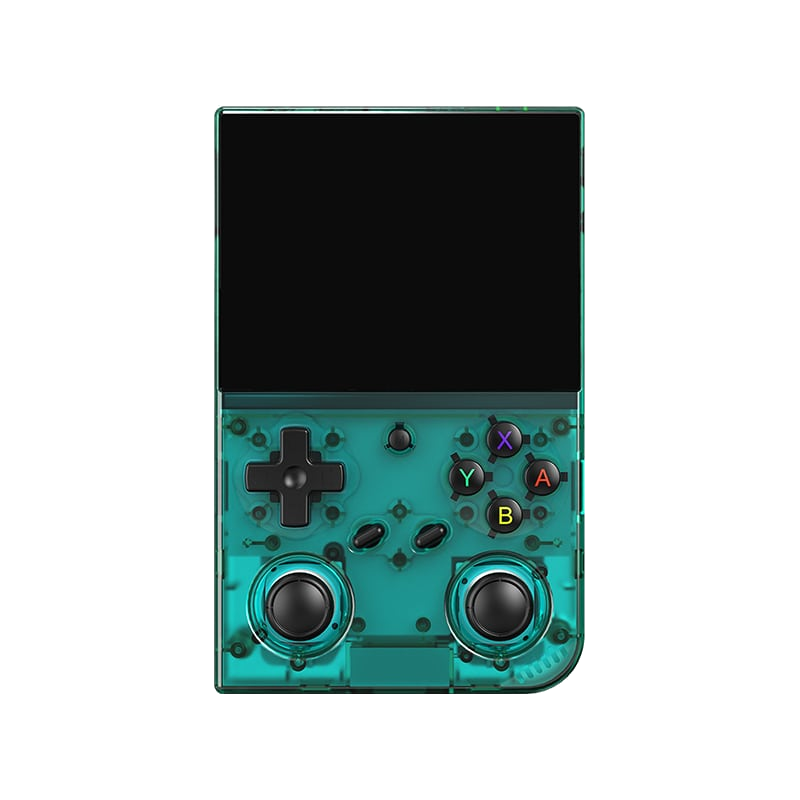
Anbernic RG35XX Pro
A horizontal handheld with the H700 chip — the sweet spot between price and performance.
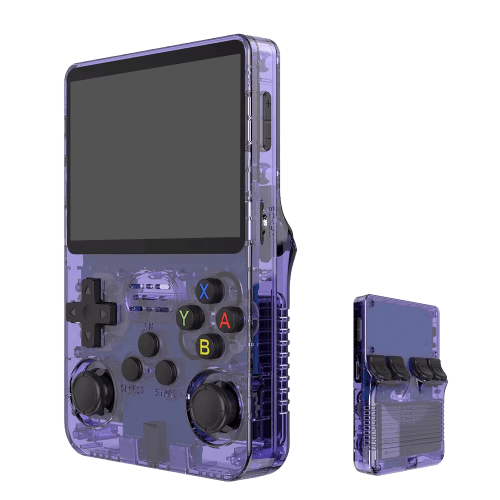
R36S
An affordable clone with a vertical display and an open system.
Batocera.linux
A Linux distribution that turns anything into a retro console — a PC, a Raspberry Pi, or a handheld.
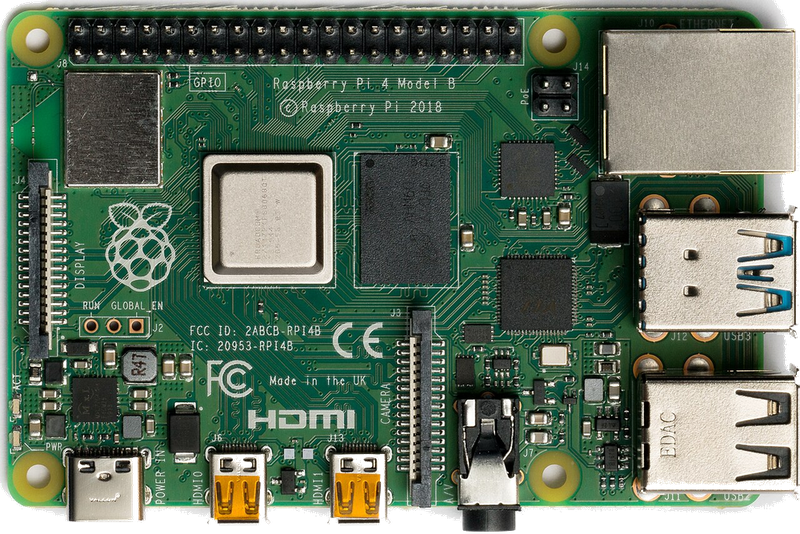
Raspberry Pi & spol.
A cheap box the size of a deck of cards that you can turn into a retro console for your TV.
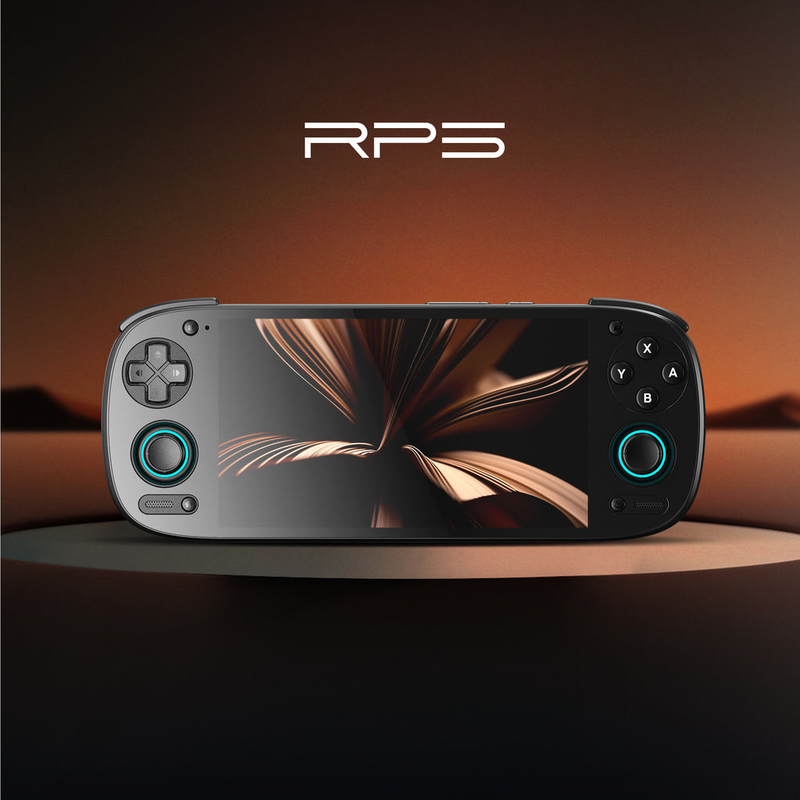
Android (boxy, TV i telefony)
Phone, TV box or Android TV — download an emulator from the store and play within minutes.
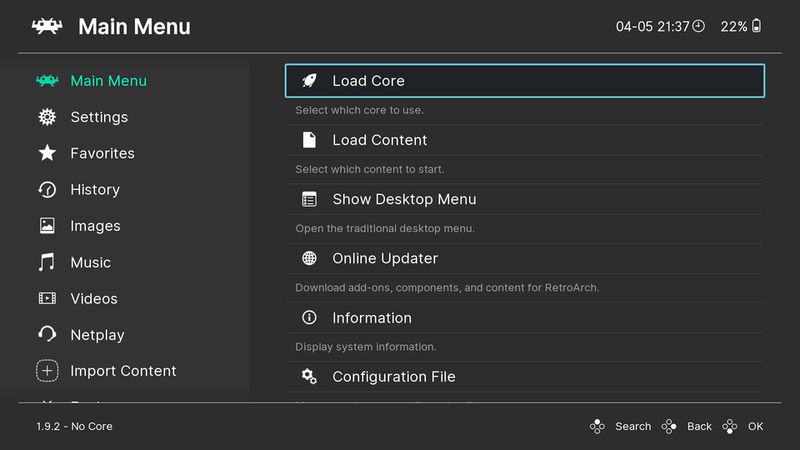
Emulace na PC
The most powerful and flexible path — from 8-bit all the way to PS2, GameCube and 3DS.
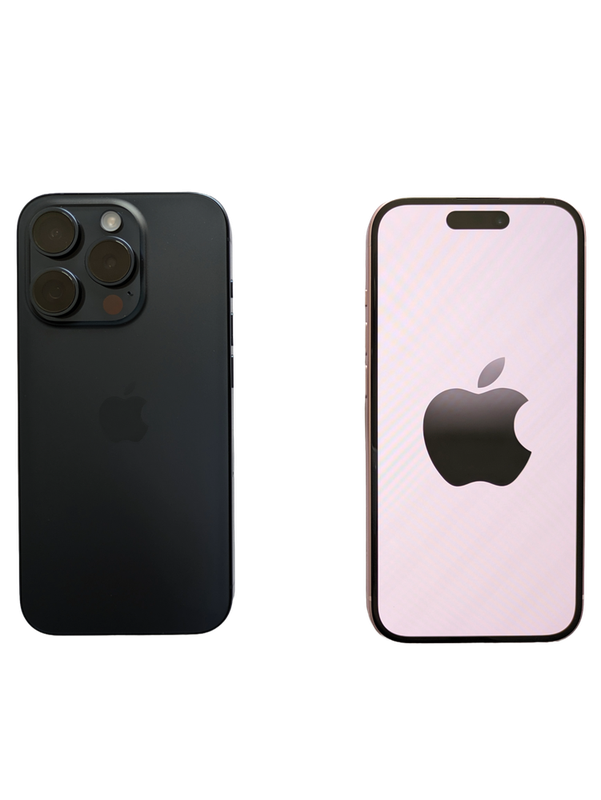
iOS (iPhone & iPad)
Since 2024, emulators run on iPhone and iPad too — straight from the App Store.
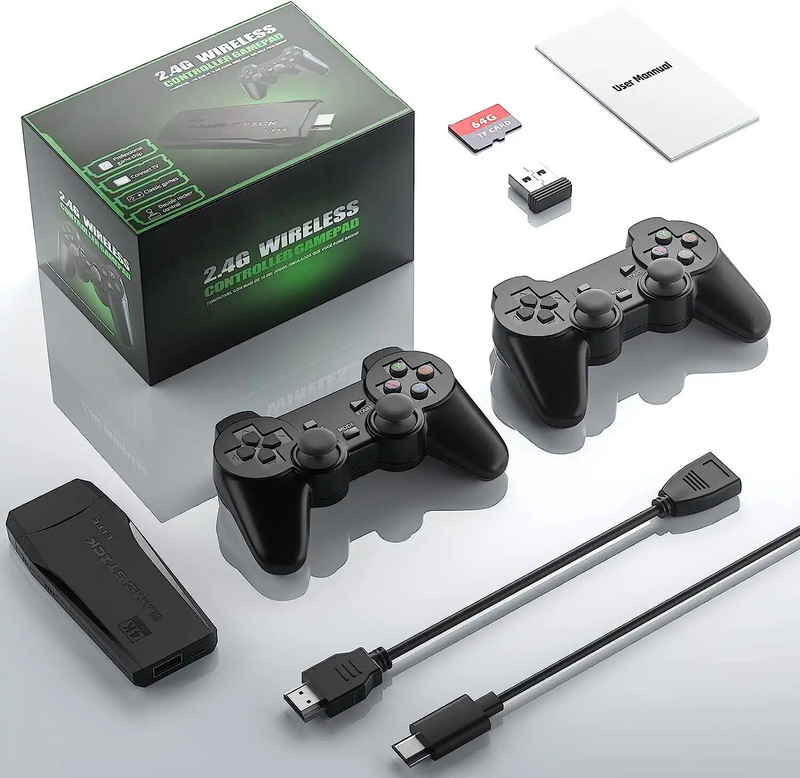
Game Stick (HDMI)
A cheap HDMI "stick" for your TV with a pair of wireless controllers — retro gaming with no setup.
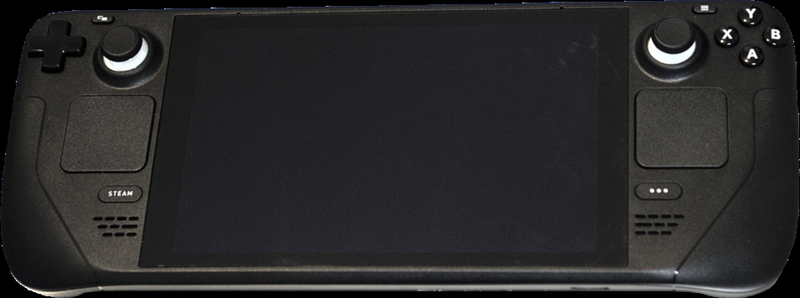
Steam Deck
A pocket gaming PC from Valve — and after a few minutes with EmuDeck, also the most powerful retro handheld you can get.
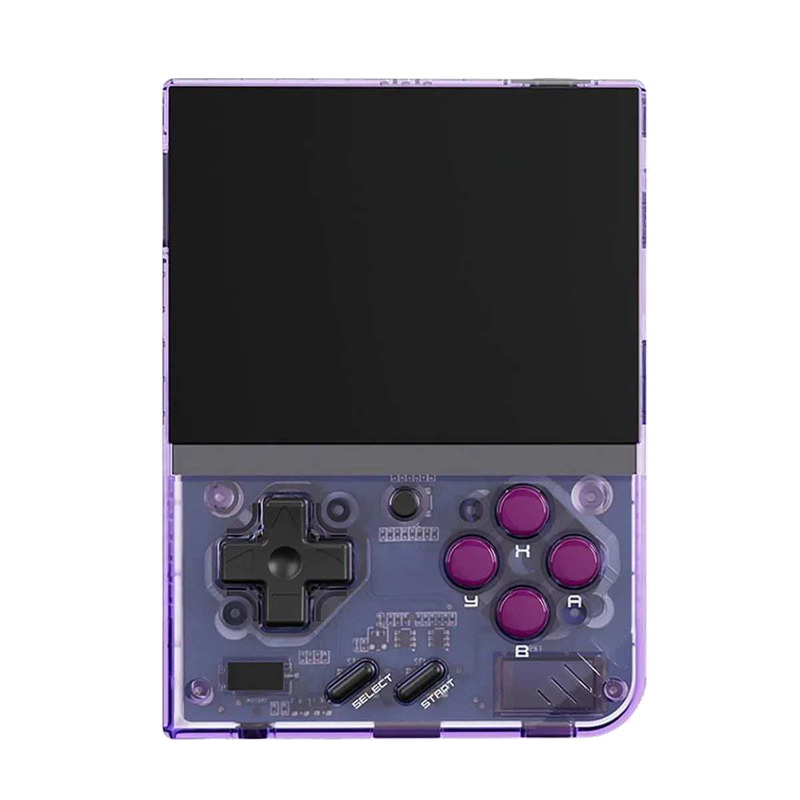
Miyoo Mini Plus
A tiny vertical keychain-sized pocket handheld with an amazing price-to-experience ratio and the community OnionOS.
ROMky: kde se berou hry pro emulátory
What a ROM is, how to obtain one legally, where the law stands, and why game preservation matters.
AYN Odin 2
Výkonný Android handheld ve stylu herního ovladače, ve víc výkonnostních variantách.
Miyoo A30
Vodorovná kapesní konzole ve stylu Game Boy Micro, ideální na NES až PS1 klasiku.
Miyoo Flip
Véčko ve stylu GBA SP s čipem RK3566 – zvládne i Dreamcast, i když ne vždy plynule.
Miyoo Mini V4
Čtvrtá revize levné legendy – stejný slabý čip, ale konečně vydrží baterie i Wi-Fi.
Powkiddy RGB30
Hranatý handheld se čtvercovým displejem a joysticky posazenými nad tlačítky místo vedle nich.
Retroid Pocket 4 Pro
Nejvýkonnější Retroid s AMOLED displejem, který se otáčí i na výšku.
Retroid Pocket 5
Levnější sourozenec Pocket 4 Pro s větším displejem a osvědčeným výkonem.
Retroid Pocket Mini
Kapesní konzole ve skutečně kapesní velikosti pro rychlé retro hraní odkudkoli.
Anbernic RG28XX
Nejmenší člen rodiny s čipem H700, kapesní tvar inspirovaný klasickými herními konzolemi.
Anbernic RG34XX
Sklápěcí tělo v duchu klasických konzolí s neobvyklým 3,4palcovým displejem.
Anbernic RG353M
Vodorovný sourozenec RG353V se stejným T618 čipem a asymetrickými páčkami à la Vita.
Anbernic RG353V
Svislý PDA tvar, duální Android/Linux boot a čip T618 v kapesním balení.
Anbernic RG35XX
Malá krabička, která v roce 2023 nastartovala vlnu levných linuxových retro handheldů.
Anbernic RG35XX H
První RG35XX s pořádnými analogovými páčkami, míří na 3D hry z Nintenda 64 a PSP.
Anbernic RG35XX Plus
Stejná krabička jako RG35XX, jen konečně s Wi-Fi a Bluetooth pro bezdrátové ovladače.
Anbernic RG35XX SP
Sklápěcí tvar jako Game Boy Advance SP – displej schovaný pod krytkou přímo v kapse.
Anbernic RG405M
Kovové tělo, klasické tlačítka bez dotykové obrazovky a čip Unisoc T618.
Anbernic RG405V
Celokovové tělo, čip Unisoc T618 a čistě linuxový systém bez Androidu a kompromisů.
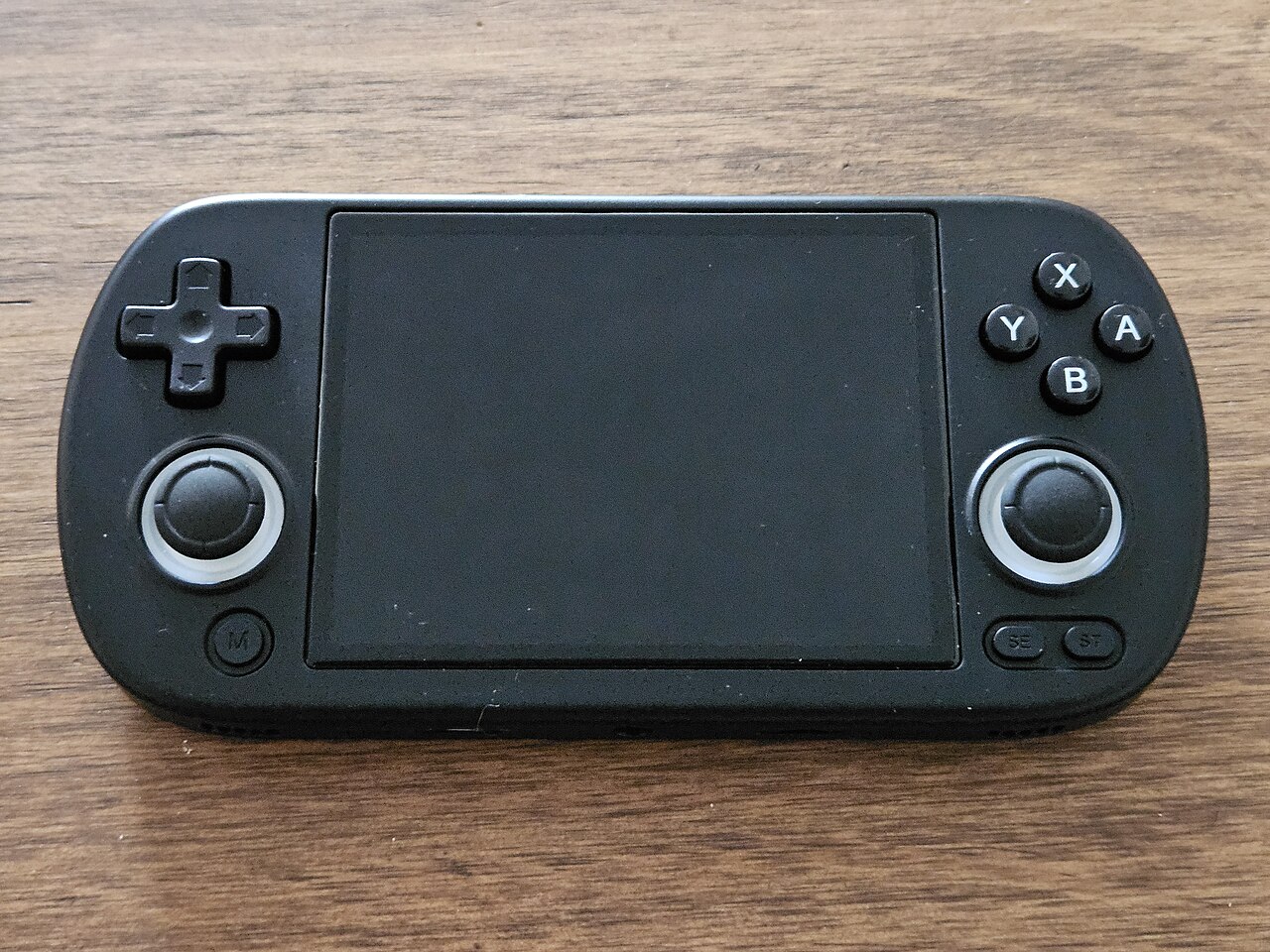
Anbernic RG40XX H
Vodorovná varianta se 4palcovým displejem a čipem H700 pro pohodlnější držení.
Anbernic RG40XX V
Svislá varianta ve tvaru připomínajícím klasický Game Boy, se stejným čipem jako model H.
Anbernic RG503
OLED displej, kovové tělo a čip RK3566 v klasickém tvaru herního ovladače.
Anbernic RG505
Tvar jako PS Vita, ale uvnitř skutečný Qualcomm Snapdragon 865 a AMOLED displej 960×544.
Anbernic RG556
Vlajková loď Anbernic s AMOLED displejem, čipem Unisoc T820 a duálním Android/Linux systémem.
TrimUI Brick
Vertikální handheld ve stylu Game Boye se stejnou elektronikou jako Smart Pro.
TrimUI Smart Pro
Malé tělo, velký 4,96" 16:9 displej a čip sdílený s TrimUI Brick.