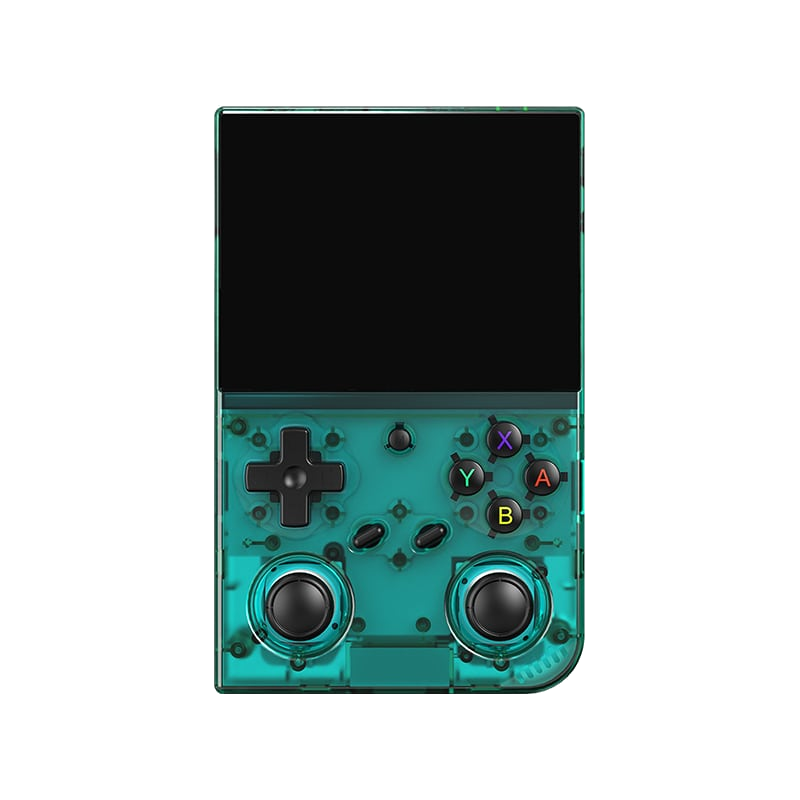
Handheld console · 2024
Anbernic RG35XX Pro
A horizontal handheld with the H700 chip — the sweet spot between price and performance.
Anbernic RG35XX Pro v průhledné variantě
The RG35XX Pro is the horizontal flagship of the popular RG35XX line from Chinese manufacturer Anbernic. It combines a comfortable pocket-friendly size, a sharp 4:3 display, and the Allwinner H700 chip, which handles the vast majority of the retro library up to PlayStation. For its price, it offers a ratio of performance, battery life, and community support that few can beat.
Specs
- Chip (SoC)
- Allwinner H700, 4× Cortex-A53 @ ~1.5 GHz
- Graphics
- Mali-G31 MP2
- Display
- 3.5" IPS, 640×480 (4:3)
- Memory
- 1 GB LPDDR4
- Battery
- ~3300 mAh (approx. 5–8 h of play)
- Storage
- 2× microSD (system + games)
- Connectivity
- Wi-Fi, HDMI output, USB-C
- Operating systems
- muOS, Knulli, Batocera, ROCKNIX, stock
What it runs
- SmoothlyNES, SNES, Mega Drive, Master System, PC Engine
- SmoothlyGame Boy / GBC / GBA
- SmoothlyPlayStation (PS1)
- MostlyNintendo 64, PSP
- Select titlesDreamcast, Saturn
What is the RG35XX Pro
The Anbernic RG35XX Pro is a handheld emulation console running the Linux operating system, launched by the Chinese brand Anbernic in late 2023 as a more powerful and ergonomically improved variant of the very successful RG35XX model. It belongs to the category of so-called vertical handhelds (screen on top, controls at the bottom), whose shape and aspect ratio deliberately evoke the classic Nintendo Game Boy. The device is primarily intended for emulating retro games from the 8-bit through 32-bit era, and partly the 64-bit generation as well, and it targets players who want an affordable, pocketable, and instantly usable device without having to build a PC or a Raspberry Pi.
The main purpose of the device is nostalgia in the palm of your hand: you turn it on, pick a game, and play, much like on an original console back in the day. Unlike a phone with an emulator, it offers physical controls (a proper cross-shaped D-pad, four action buttons, shoulder buttons) and compact pocket-friendly dimensions. Compared to the base RG35XX, the "Pro" version mainly adds two analog sticks (the original model had none at all), a faster chip, a better speaker, and a more comfortable grip, so it can handle even more demanding systems like the PlayStation 1 or Nintendo 64.
The target audience includes both beginners looking for a cheap entry into retro gaming with simple controls straight out of the box, and enthusiasts of custom firmware, who will appreciate the openness of the platform and the ability to install community systems like Knulli or muOS. It is important to stress that the console is sold without games — users must obtain game content themselves, and legally: ideally in the form of their own dumps from physical cartridges and discs they own, not by downloading pirated ROMs from the internet.
History and market context
Anbernic is among the most prominent brands in the segment of Chinese retro handhelds, and its RG35XX line became one of the best-selling models of its time. The original RG35XX (2022/2023) drew attention with its low price, a nice 3:2 IPS display, and a cute "Game Boy" shape, but it had two main limitations: it lacked analog sticks, and its Actions ATM7039S chip was rather weak, so it was mainly suited to 8/16-bit systems and lighter emulation.
The RG35XX Pro was the answer to the community's demand for a more powerful yet still compact device. In it, Anbernic switched to the newer Allwinner H700 SoC, added dual analog sticks, reworked the ergonomics to feel more "horizontal" despite the vertical shape, and improved the speaker and overall build quality. The Pro belongs to a broader family of devices built on the same platform, which also includes the RG35XX Plus, the horizontal RG35XX H, and later the clamshell RG35XX SP (in the style of the Game Boy Advance SP) — all share the same chip and much of their software support, which made the H700 one of the best-supported foundations in the community.
On the market, the RG35XX Pro competes with offerings from brands like Powkiddy, Miyoo (especially the popular Miyoo Mini Plus), and with Anbernic's own siblings. Its position is defined by the combination of a very favorable price, excellent community support, and sufficient performance for most "classic" systems. It is not a high-end device for full PSP or Dreamcast emulation, but within its price class it is among the best-balanced choices — which is why it is often recommended as the ideal "first" Linux handheld.
Hardware in detail
At the heart of the RG35XX Pro is the Allwinner H700 chip — a quad-core ARM Cortex-A53 SoC clocked at around 1.5 GHz, complemented by a Mali-G31 MP2 graphics core. This combination is proven in the budget handheld segment and offers significantly higher performance than the older Actions SoC in the base RG35XX. Thanks to it, the Pro smoothly handles not only 8/16-bit systems but also most PlayStation 1 games, lighter titles for the Nintendo 64, and part of the Dreamcast or PSP library with compromises.
The working memory consists of 1 GB of LPDDR4 RAM, which is sufficient for retro emulation. The display is a 3.5" IPS panel with a resolution of 640 × 480 pixels in a 4:3 aspect ratio — ideal for games from the 4:3 era (NES, SNES, PS1), where the image fills the panel without large black bars. The panel has nice viewing angles and decent brightness. Storage is provided by a microSD card; the device has two microSD slots — one typically for the system (TF1 / OS) and the other for games (TF2 / ROMS), or the system runs from one card and the second serves only as an expansion for games.
Power is handled by a built-in Li-Po battery with a capacity of approximately 3300 mAh. Connectivity includes USB-C (charging and data transfer), a 3.5mm jack for headphones, and an integrated Wi-Fi module, which is useful for scraping metadata, transferring files over the network, and in some firmwares also for netplay. The device includes a mono speaker (the Pro has noticeably improved sound compared to the original model). Cooling is passive — the H700 chip does not generate extreme heat, so an active fan is not needed; the body only warms up slightly under load.
The body is plastic but well assembled, with pocket-friendly dimensions. The controls include a cross-shaped D-pad, four action buttons (A/B/X/Y), two analog sticks with L3/R3 buttons, shoulder buttons L1/R1 and L2/R2, Start/Select buttons, and a function (Menu/Function) button for invoking the game menu. The sticks are one of the main strengths of the "Pro" version, because they allow comfortable control of 3D games on the PS1 and N64, where the base RG35XX forced players to handle movement with the D-pad alone.
Operating systems and software
The RG35XX Pro ships with official firmware from Anbernic, which is based on a Linux distribution and built on top of the EmulationStation frontend with a RetroArch (libretro) emulation base. The factory system is functional right after inserting a card with games, offers a multilingual interface, preinstalled emulation cores, and basic scraping and configuration options. For many users the stock firmware is sufficient and they don't need to change it.
The real strength of the platform, however, lies in community (custom) firmwares. The most popular choices for H700 devices are Knulli (a branch of the Batocera project adapted for these handhelds, built on EmulationStation), muOS (a clean, fast, and very popular system with a simple interface), and older ports like GarlicOS or Batocera itself. These systems bring better game organization, richer per-system and per-game settings, higher-quality shaders, improved save-state management, and often snappier operation than the factory software.
Custom firmware is usually installed on a separate microSD card, so Anbernic's original system card can be left untouched and returned to at any time — the risk of "bricking" the device is thereby minimal. The vast majority of these systems use RetroArch under the hood, which means shared concepts across firmwares: cores, overlays and shaders, run-ahead for reducing input latency, automatic and manual save states, and support for BIOS files on systems that require them (PS1, Neo Geo, PC Engine CD, etc.).
When choosing firmware, a simple rule applies: muOS suits those who want maximum speed, cleanliness, and simplicity, while Knulli/Batocera suits those who want a rich feature library, nice themes, scraping, and fine-tuning of each system. The community releases updates regularly, so it pays to follow the official pages of those projects and download firmware exclusively from them, so as not to install a modified, dangerous, or illegal image.
Compatibility by platform
Smoothly and without problems, the RG35XX Pro handles the entire 8-bit and 16-bit era: NES / Famicom, SNES / Super Famicom, Sega Master System, Mega Drive / Genesis, PC Engine / TurboGrafx-16, Game Boy / Game Boy Color / Game Boy Advance, Neo Geo Pocket, WonderSwan, Atari systems, and arcade games based on FinalBurn Neo and older MAME from the corresponding era. The PlayStation 1 also runs comfortably — the vast majority of the PS1 library runs at full speed, which is very pleasant thanks to the analog sticks.
With compromises, you can play Nintendo 64 (many games run well, but a number of titles have frame drops or require tuning and switching cores, typically between Mupen64Plus cores), Sega Dreamcast (lighter 2D and less demanding 3D titles are playable via the Flycast core, but graphically rich games struggle with performance), and Sony PSP (simpler 2D/2.5D and less demanding 3D run decently via PPSSPP, but more demanding 3D titles need to be underclocked to a lower resolution and may still slow down).
At the limit or entirely beyond reach are systems like the Sega Saturn (emulation is computationally very demanding and on the H700 it is at best partial and unstable), Nintendo GameCube / Wii, PlayStation 2, and newer consoles — those are not playable on this chip. Likewise the more demanding arcade boards (e.g., CPS3 works, but Naomi/Atomiswave only marginally). Anyone aiming primarily at Dreamcast, Saturn, or full PSP should consider a more powerful handheld with a Snapdragon-series chip.
In general, the RG35XX Pro is ideal for 8/16/32-bit and very good for the PS1, while with the 64-bit generation and up it is a title-by-title gamble. It therefore pays to gather experience from community compatibility lists, where players share which games run well and what settings to use for them.
Controls and ergonomics
Although the RG35XX Pro is a vertical "Game Boy" handheld, Anbernic tuned the ergonomics so that it sits in the hand better than the original model. The D-pad is precise and suited to platformers and fighting games, the action buttons have a pleasant travel, and the two analog sticks placed below the display resolve a long-standing shortcoming of the line — thanks to them, playing 3D games on the PS1 and N64 is genuinely comfortable. The sticks also support clicking (L3/R3), which some games make use of.
The shoulder buttons L1/R1 and L2/R2 are always a bit of a compromise on vertical handhelds due to the shape of the body, but on the Pro they are reasonably accessible. The function button (Menu/Function) combined with other buttons serves as quick keyboard shortcuts — invoking the RetroArch game menu, saving and loading a state, changing brightness or volume, or quickly powering off. The specific combinations differ by firmware, so it pays to learn the shortcuts of the given system (e.g., in muOS and Knulli they are documented).
For longer gaming sessions, it is worth keeping in mind that the compact vertical body suits large hands less well than larger horizontal handhelds (e.g., the sibling RG35XX H). If you prefer a "landscape" feel like the Game Gear or PSP, the H version may be more comfortable; the Pro, on the other hand, is ideal for fans of the classic vertical format and for gaming on the go, where the small dimensions are appreciated.
Image, sound, and shaders
The 4:3 aspect ratio display is a big advantage for retro gaming: the vast majority of games from the NES to PS1 era were designed for exactly 4:3, so the image fills the panel naturally, without distortion or the need for heavy cropping. The 640 × 480 resolution is dense enough for integer scaling and shaders to look good, and the IPS panel ensures faithful colors and decent brightness even outside of interiors.
Thanks to RetroArch, the user has access to a wide range of shaders and CRT filters that mimic the look of old TVs and monitors — scanlines, slight blur, phosphor graininess, or screen curvature. For pixel-art games, popular shaders like CRT-Royale, CRT-Lottes, or lighter variants nicely soften sharp edges on the 3.5" panel. Beware of performance, though: demanding CRT shaders can subtract frames on graphically richer systems, so lighter variants are chosen for them or they are turned off. Overlay frames are also available (e.g., an imitation of the Game Boy's bezel), along with the option of integer scaling for perfectly sharp pixels.
Sound is handled by the improved mono speaker, which is louder and cleaner than on the original RG35XX, and of course a 3.5mm jack for headphones. For more serious listening (especially musically strong titles like PS1 RPGs), it pays to use headphones or a Bluetooth speaker if the given firmware supports it. RetroArch also offers tuning of audio latency and synchronization, which helps with rhythm games and the sense of smoothness in general.
Battery life and power
The battery with a capacity of roughly 3300 mAh provides real-world endurance usually in the range of 4 to 7 hours depending on load. Light systems (Game Boy, NES, SNES) with lower display brightness last closer to the upper limit, while demanding emulation (N64, PSP, PS1 with shaders) and high brightness shorten the runtime. Passive cooling and the relatively efficient H700 chip keep power consumption within reasonable limits, so it is not a power hog.
Charging is done via USB-C, ideally from a common 5V charger or power bank. The device can also be charged while playing, which is practical on longer trips in combination with a power bank. Battery life can be further extended by lowering display brightness, turning off Wi-Fi when you don't need it, and using less demanding shaders or cores.
For everyday carrying, it is good to keep in mind that microSD cards and batteries are consumable components — a quality brand-name microSD (e.g., SanDisk, Samsung) reduces the risk of data corruption, and if you don't use the device for a long time, it is advisable to leave it charged to roughly half to preserve the Li-Po battery.
Multiplayer and TV output
The RG35XX Pro is primarily a single-player handheld, but thanks to USB-C you can connect an external controller via an adapter (USB OTG), so it is possible to play two-player on one screen in games that supported local multiplayer (e.g., fighting and sports games on the SNES, Mega Drive, or PS1). Some custom firmwares also enable netplay via RetroArch over Wi-Fi, where two players connect over the internet or a local network — this, however, requires matching cores, versions, and a bit of patience during setup, and it is generally not among the most stable features on this type of device.
As for TV output, one must be realistic: the vertical handhelds of the RG35XX line generally do not have full HDMI/video output like some of their larger siblings. If playing on a large screen is essential for you, it is more advisable to reach for a model that officially supports video output, or for a classic box like a mini PC. The RG35XX Pro, on the other hand, is best at what it was designed for — as a compact pocket console for travel.
For gaming with more people, then, the best experience is offered by connecting a second controller via OTG in games with split-screen / shared-screen mode, or the console is better suited to alternating players on a single title. For full-fledged party gaming on a television, a different solution is more appropriate.
Accessories
Among the most useful accessories are quality microSD cards — because the device has two slots, many users choose a smaller card for the system and a large one (128–512 GB) for the game library. Brand-name cards (SanDisk, Samsung) with good speed are recommended, because cheap no-name cards are a frequent cause of crashes, corrupted save files, and problems booting the firmware.
Also useful are a protective case or cover for carrying, a screen protector or tempered glass for the display, and a quality USB-C cable with a power bank for longer trips. Anbernic and third parties offer silicone covers and cases tailored to the exact dimensions of the RG35XX Pro. For more comfortable control, you can connect an external gamepad via a USB OTG adapter — suitable both for multiplayer and for seated play, when you set the console down.
From a purely practical standpoint, it pays to have a microSD card reader for the computer on hand, because the simplest way to load games, BIOSes, and update firmware is to remove the card and work with it directly on a PC. Some users also use a USB fan or cooling pad, but given the passive cooling of the H700, this is usually not necessary on this device.
Step-by-step setup
1) Preparing the system. If you want to stay with the factory firmware, just insert a card with games into the slot. If you want custom firmware (e.g., muOS or Knulli), download the image exclusively from the project's official source, write it to a microSD on your PC using a tool like balenaEtcher or Rufus, and insert the card into the appropriate slot. It is recommended to set Anbernic's original system card aside as a backup.
2) Loading games. Copy games (ROM/ISO/CHD) on your PC into the correct folders by system — each firmware has its own structure (e.g., /roms/snes, /roms/psx). For PS1 disc games it pays to convert BIN/CUE into the space-saving CHD format, which saves space and simplifies multi-disc titles. A reminder of the legal framework: load exclusively your own dumps of games you physically own.
3) BIOS files. Some systems require a BIOS (PS1, Neo Geo, PC Engine CD, sometimes Game Boy Advance for accuracy). These files belong in a designated folder (often /bios) and must have the exact name and checksum, otherwise emulation won't start. Here too, the BIOS is protected and you should obtain it from your own device.
4) Scraping and finalization. After turning on the console, connect Wi-Fi and in the frontend settings (EmulationStation) run scraping — the automatic download of box art, descriptions, and metadata for the games, which makes the library look tidy. Finally, I recommend going through the per-system settings (core, aspect ratio, shader), learning the keyboard shortcuts for save states, and calmly testing a few games from different platforms to uncover any titles that need tuning.
Models, revisions, and variants
The RG35XX Pro is part of a broader family of H700 devices from Anbernic, and it is useful not to overlook them when choosing. The base RG35XX is the cheapest, but without sticks and with a weaker chip. The RG35XX Plus is essentially the "innards of the Pro" in the original (simpler) body without sticks, but with the faster H700. The RG35XX Pro adds analog sticks and improved ergonomics in a vertical format.
Alongside them exist the horizontal RG35XX H (a "landscape" shape with a better grip for large hands and usually with better options, including video output on some revisions) and the clamshell RG35XX SP in the style of the Game Boy Advance SP with a flip-up design and screen cover. All these models share the same chip and much of the firmware support, so the choice is mainly a matter of format and ergonomics, not performance.
For the RG35XX Pro there are minor manufacturing revisions and color variants (e.g., transparent and colored finishes), which, however, do not fundamentally change performance. When buying, it is good to verify that it really is a Pro (for the sticks and the H700) and not an older base model, because the labels in listings tend to be interchangeable. Community firmware is developed across the entire H700 family, so buying any of these models means good long-term software support.
Common problems and solutions
The most frequent troubles stem from microSD cards: cheap or fake cards cause crashes, vanishing save states, or the firmware not booting at all. The solution is to use quality brand-name cards, format them correctly (FAT32/exFAT according to the firmware's instructions), and write the image with a verified tool (balenaEtcher). If the system doesn't boot, the first step is always to rewrite the card again and test a different card.
The second typical problem is games not launching due to a missing or wrong BIOS (typically PS1, Neo Geo, PC Engine CD). The symptom is usually a black screen or an immediate return to the menu. The solution is to place the correct BIOS with the correct name and checksum in the designated folder. With N64 and PSP, games slow down — here it helps to switch the emulation core, lower the internal resolution, turn off demanding shaders, and look up recommended settings in community compatibility lists.
Other common situations include weaker battery life at high brightness (solved by lowering brightness and turning off Wi-Fi), quieter factory sound (improved on the Pro, but still mono — for music choose headphones), and occasional audio/video stutter, which is usually eliminated in the synchronization settings in RetroArch. If the console behaves unstably after experimenting with firmware, the simplest thing is to return to the original system card or rewrite the firmware again — this won't damage the hardware.
With any firmware update it is sensible to have a backup of save files (copy the folder with saves and save states to a PC), because an upgrade or rewriting the card can erase them. The rule "change only one thing and test" applies here too — it makes it easier to trace the cause if something breaks.
Community and where to seek help
There is a very active community around Anbernic's H700 devices. The main sources of information are Reddit (subreddits dedicated to Anbernic and to retro handhelds in general, like r/SBCGaming), the Discord servers of the individual custom firmwares (muOS, Knulli/Batocera), and the official pages and wikis of these projects, where you'll find installation guides, lists of supported systems, and documentation of keyboard shortcuts.
For video guides, a good source is YouTube, where a number of creators focused on retro handhelds review specific models, show firmware installation, and compare performance across systems. These channels often also publish compatibility lists and tips for settings on problematic titles (especially N64 and PSP).
An important principle of the community is sharing knowledge, not pirated content — quality sources will guide you on how to legally create your own dumps from games you own, and where to find legal or freely available titles (homebrew, public-domain games, official collections). When you run into a problem, it pays to first search the documentation and Discord of the given firmware, because most questions have already been answered.
Alternatives and comparison
The closest alternative is the Miyoo Mini Plus — an even smaller and cheaper vertical handheld with excellent community firmware (OnionOS), but without analog sticks and with lower performance. It suits those who want the smallest possible device primarily for 8/16-bit and PS1 without 3D ambitions. The RG35XX Pro is somewhat larger, more powerful, and, thanks to the sticks, more versatile.
From the Anbernic stable, the main competitors are its own siblings: the RG35XX H (horizontal, more comfortable for large hands and often with better output), the RG35XX Plus (same chip but without sticks and cheaper), and the clamshell RG35XX SP. Anyone who wants significantly higher performance for full Dreamcast, Saturn, and PSP must go a class higher — to devices with Qualcomm Snapdragon series chips (e.g., the pricier Anbernic RG556/RG406 and similar Android handhelds), which, however, cost several times more and tend to run Android instead of lightweight Linux.
The comparison therefore comes out clearly: if you are looking for an affordable, compact handheld for the classics up to the PS1 with analog sticks and great community support, the RG35XX Pro is one of the best choices. But if you are aiming at newer systems (GameCube, PS2, full-fledged Dreamcast/Saturn/PSP), it is more sensible to invest in a more powerful (and more expensive) device and leave the RG35XX Pro as a light pocketable second console.
Who it's for
The RG35XX Pro is an ideal choice for beginners and fans of the classics who want to simply and cheaply play games from the era of the NES, SNES, Mega Drive, Game Boy/GBA, arcades, and PlayStation 1 in a pocket format. You'll appreciate it if you like the look and feel of the classic Game Boy, want physical controls including analog sticks, and like the openness of the platform with the option to install community firmware like muOS or Knulli.
It is less suitable for those aiming primarily at demanding 64-bit and newer emulation (full Nintendo 64 without compromises, Dreamcast, Saturn, full PSP, GameCube and up) — the H700 chip isn't enough for that, and a pricier device with a Snapdragon will serve better. Likewise, if you need full TV output to a large screen or a larger body for large hands, other models are more suitable (e.g., the RG35XX H or specialized boxes).
Overall, the RG35XX Pro is a balanced, affordable, and well-supported pocket emulator that offers excellent value within its class. For most people who want to relive the classics of their childhood on the go — and do so legally from their own dumps — it is one of the most sensible entries into the world of Linux handhelds.
More guides
R36S
An affordable clone with a vertical display and an open system.

Batocera.linux
A Linux distribution that turns anything into a retro console — a PC, a Raspberry Pi, or a handheld.
Raspberry Pi & spol.
A cheap box the size of a deck of cards that you can turn into a retro console for your TV.
Android (boxy, TV i telefony)
Phone, TV box or Android TV — download an emulator from the store and play within minutes.
Emulace na PC
The most powerful and flexible path — from 8-bit all the way to PS2, GameCube and 3DS.
iOS (iPhone & iPad)
Since 2024, emulators run on iPhone and iPad too — straight from the App Store.
Emulace na konzolích (PS, Xbox, Switch)
Even a PlayStation, Xbox or Switch can be turned into a retro machine — through their homebrew scene.
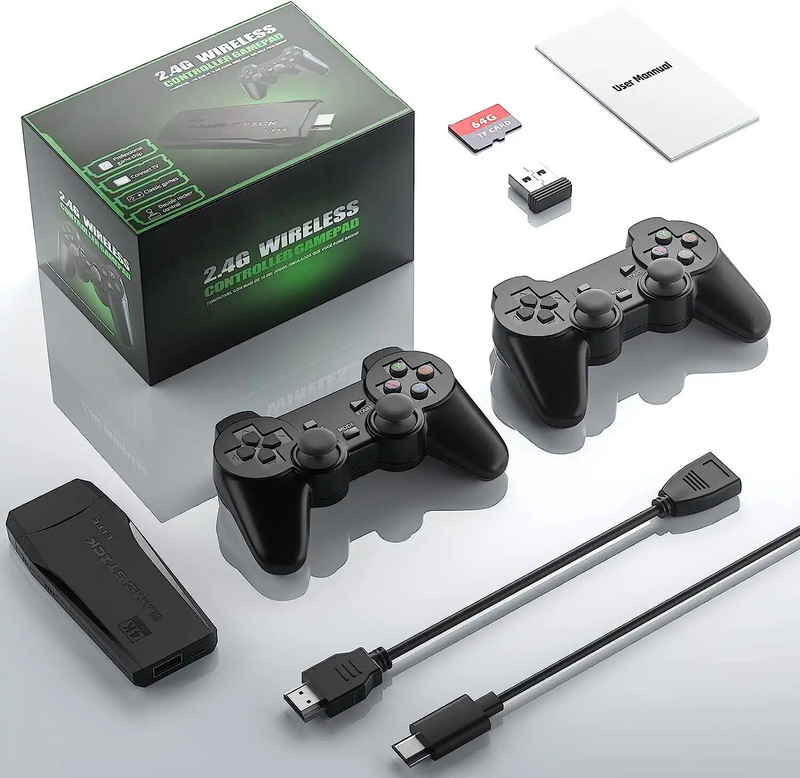
Game Stick (HDMI)
A cheap HDMI "stick" for your TV with a pair of wireless controllers — retro gaming with no setup.
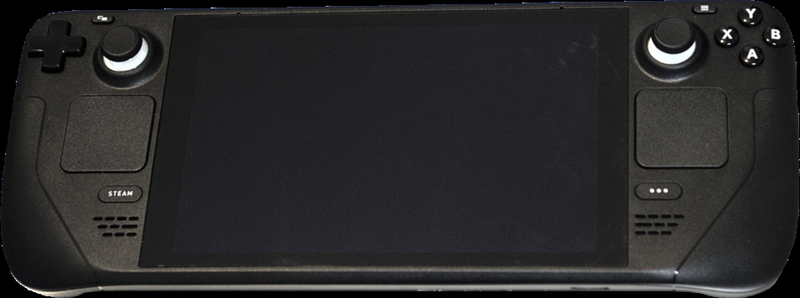
Steam Deck
A pocket gaming PC from Valve — and after a few minutes with EmuDeck, also the most powerful retro handheld you can get.
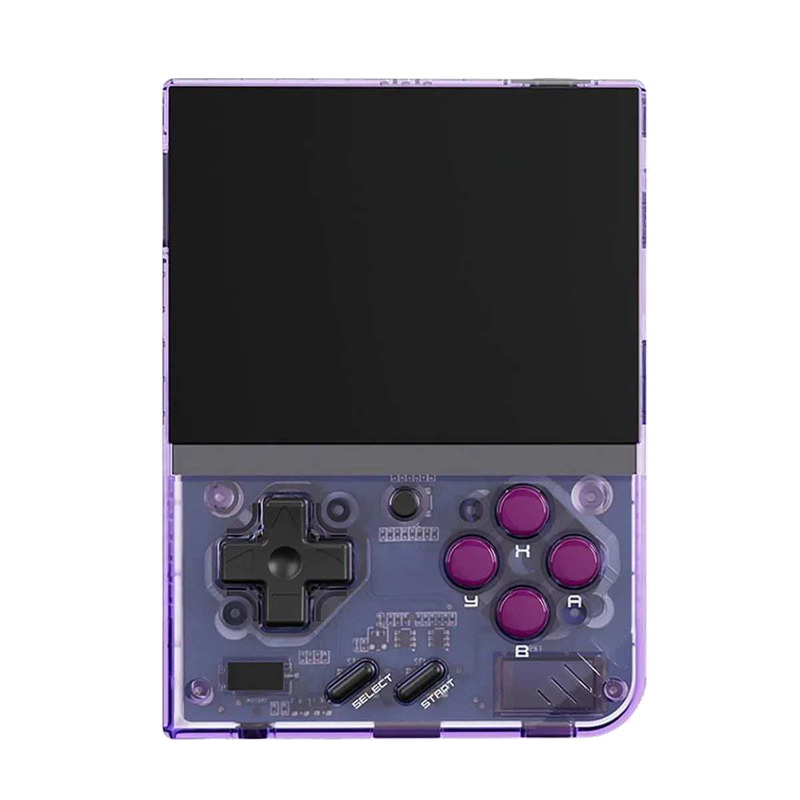
Miyoo Mini Plus
A tiny vertical keychain-sized pocket handheld with an amazing price-to-experience ratio and the community OnionOS.
ROMky: kde se berou hry pro emulátory
What a ROM is, how to obtain one legally, where the law stands, and why game preservation matters.
AYN Odin 2
Výkonný Android handheld ve stylu herního ovladače, ve víc výkonnostních variantách.
Miyoo A30
Vodorovná kapesní konzole ve stylu Game Boy Micro, ideální na NES až PS1 klasiku.
Miyoo Flip
Véčko ve stylu GBA SP s čipem RK3566 – zvládne i Dreamcast, i když ne vždy plynule.
Miyoo Mini V4
Čtvrtá revize levné legendy – stejný slabý čip, ale konečně vydrží baterie i Wi-Fi.
Powkiddy RGB30
Hranatý handheld se čtvercovým displejem a joysticky posazenými nad tlačítky místo vedle nich.
Retroid Pocket 4 Pro
Nejvýkonnější Retroid s AMOLED displejem, který se otáčí i na výšku.
Retroid Pocket 5
Levnější sourozenec Pocket 4 Pro s větším displejem a osvědčeným výkonem.
Retroid Pocket Mini
Kapesní konzole ve skutečně kapesní velikosti pro rychlé retro hraní odkudkoli.
Anbernic RG28XX
Nejmenší člen rodiny s čipem H700, kapesní tvar inspirovaný klasickými herními konzolemi.
Anbernic RG34XX
Sklápěcí tělo v duchu klasických konzolí s neobvyklým 3,4palcovým displejem.
Anbernic RG353M
Vodorovný sourozenec RG353V se stejným T618 čipem a asymetrickými páčkami à la Vita.
Anbernic RG353V
Svislý PDA tvar, duální Android/Linux boot a čip T618 v kapesním balení.
Anbernic RG35XX
Malá krabička, která v roce 2023 nastartovala vlnu levných linuxových retro handheldů.
Anbernic RG35XX H
První RG35XX s pořádnými analogovými páčkami, míří na 3D hry z Nintenda 64 a PSP.
Anbernic RG35XX Plus
Stejná krabička jako RG35XX, jen konečně s Wi-Fi a Bluetooth pro bezdrátové ovladače.
Anbernic RG35XX SP
Sklápěcí tvar jako Game Boy Advance SP – displej schovaný pod krytkou přímo v kapse.
Anbernic RG405M
Kovové tělo, klasické tlačítka bez dotykové obrazovky a čip Unisoc T618.
Anbernic RG405V
Celokovové tělo, čip Unisoc T618 a čistě linuxový systém bez Androidu a kompromisů.
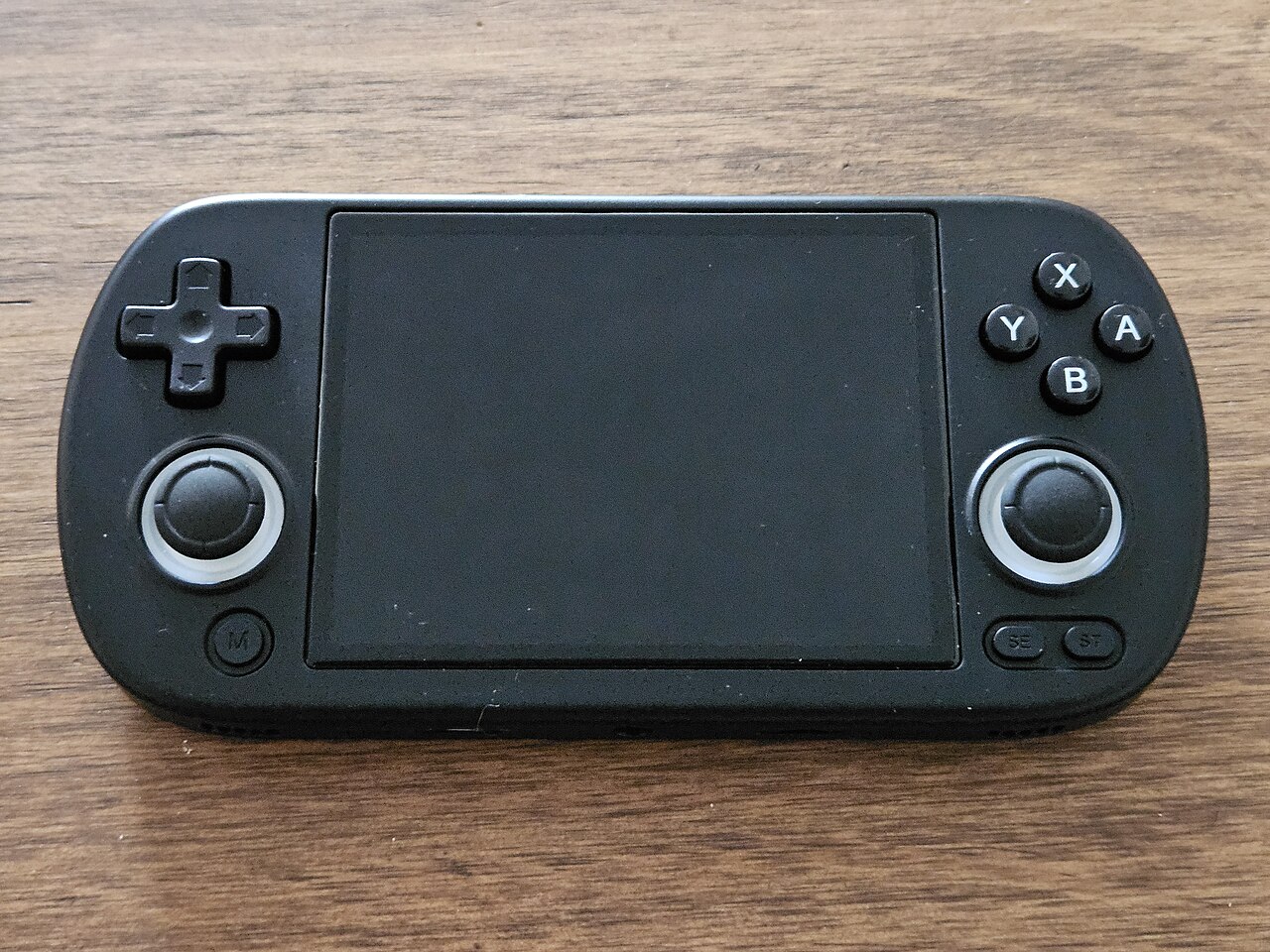
Anbernic RG40XX H
Vodorovná varianta se 4palcovým displejem a čipem H700 pro pohodlnější držení.
Anbernic RG40XX V
Svislá varianta ve tvaru připomínajícím klasický Game Boy, se stejným čipem jako model H.
Anbernic RG503
OLED displej, kovové tělo a čip RK3566 v klasickém tvaru herního ovladače.
Anbernic RG505
Tvar jako PS Vita, ale uvnitř skutečný Qualcomm Snapdragon 865 a AMOLED displej 960×544.
Anbernic RG556
Vlajková loď Anbernic s AMOLED displejem, čipem Unisoc T820 a duálním Android/Linux systémem.
TrimUI Brick
Vertikální handheld ve stylu Game Boye se stejnou elektronikou jako Smart Pro.
TrimUI Smart Pro
Malé tělo, velký 4,96" 16:9 displej a čip sdílený s TrimUI Brick.