Plug-and-play · HDMI
Game Stick (HDMI)
A cheap HDMI "stick" for your TV with a pair of wireless controllers — retro gaming with no setup.
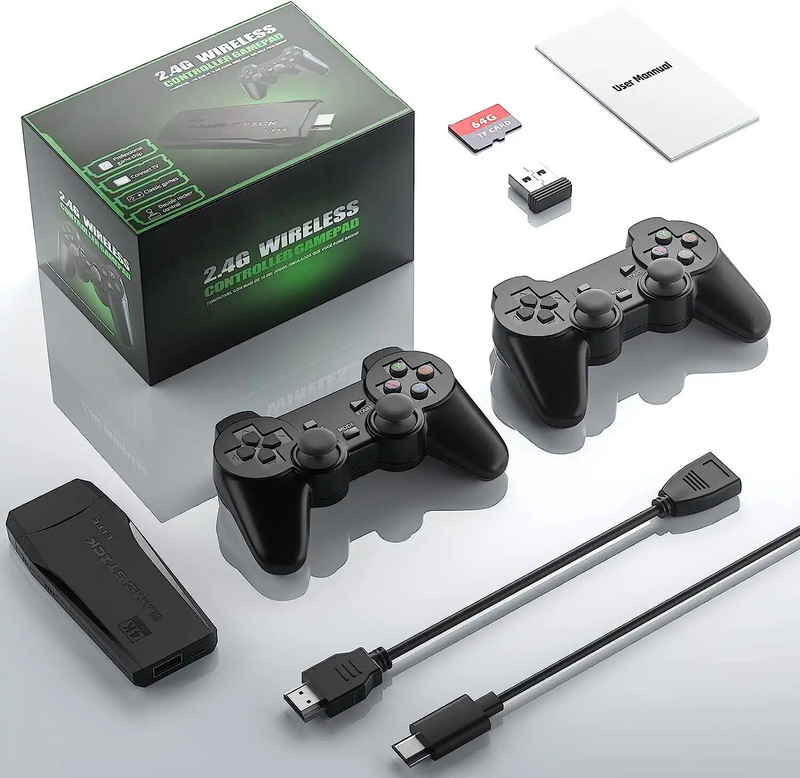
Game Stick — HDMI krabička se dvěma bezdrátovými ovladači
Under names like Game Stick Lite, Game Stick 4K, Powkiddy A12/A13 or various "Super Console" labels, a whole family of cheap HDMI boxes and dongles is sold. You plug them into your TV, pair two wireless controllers and start playing right away — no computer, no installation. Inside runs either a stripped-down Android or Linux/EmuELEC with RetroArch and a pile of emulators.
It's the simplest way to get retro onto the TV for the whole family. The catch is in what usually comes preloaded on them — see below.
Specs
- Type
- HDMI stick / mini box (Android or Linux)
- Output
- HDMI to TV (the "4K" version = 4K UI, games at their period resolution)
- Controllers
- 2× wireless gamepad included
- System
- EmuELEC / RetroArch, or an Android launcher
- Storage
- microSD (often bundled, "full")
What it runs
- SmoothlyNES, SNES, Mega Drive, GB/GBC/GBA, arcade
- MostlyPS1, N64, PSP (the better titles)
- Select titlesDreamcast, Saturn (a lottery depending on the chip)
What Is a Game Stick
The Game Stick (often sold under names like Game Stick Lite, GD10, Y3 Game Stick or dozens of other variants) is a cheap plug-and-play HDMI device shaped like a large USB flash drive or a small TV dongle that plugs directly into a TV's HDMI port and, once powered on, offers a library of classic games from the 8-bit and 16-bit era. It targets nostalgic couch gaming without complicated setup: you plug in HDMI, power via USB, and pick up one of the two bundled wireless controllers.
From a technical standpoint, this is not an original console of any brand, but a generic emulation player built on a cheap ARM SoC with pre-installed Linux and emulators. The marketing promises thousands to tens of thousands of games (typically numbers like "10,000", "20,000" or "30,000 games in 1"), which is the main selling point and at the same time the biggest source of misunderstanding — the real quality and legality of that library are discussed later in this guide.
The device is aimed at casual gamers, parents, children and nostalgics who want to "plug in and play" for a few dollars. For this group it is the cheapest possible route to retro gaming on a big screen. Conversely, enthusiasts who want accurate emulation, smooth 3D or legal management of their own ROMs will quickly hit a ceiling and reach for platforms like Anbernic, Retroid or Raspberry Pi.
History and Market Context
The "N in 1" console category has roots going back to the 1990s with Chinese NES clones (the famous Famiclones like "Subor" or "PolyStation"). Modern HDMI dongles, however, only emerged in the second half of the 2010s, when ARM SoCs from TV boxes and smartphones became cheap enough to build an emulation device for a few dollars. The Game Stick is a direct descendant of these TV-box chips — it typically shares a platform with cheap Android/Linux multimedia players.
The commercial boom came around 2020–2023, when hundreds of visually near-identical devices from various nameless manufacturers (OEM/ODM from Shenzhen) appeared on AliExpress, Temu, Amazon and Wish. They differ mainly in the box print, plastic color and advertised game count, but the internals are often identical. There is no single "Game Stick manufacturer" — it is more of a generic product archetype than a specific brand.
This market model has consequences: no official support, no updates, wildly varying quality from unit to unit and a complete absence of any compatibility guarantee. What you get depends on the specific batch and firmware. From a legal standpoint it is also a gray-to-black zone, because the included games are practically always unlicensed ROMs — we'll return to this in the section on the legal side.
Hardware in Detail
The heart of most Game Sticks is a cheap ARM SoC from the family of TV-box chips. Most often you'll encounter Allwinner (e.g. the F-series like F1C100s/F1C200s for the cheapest units, or the H-series H3/H6 in more powerful ones) and Rockchip (RK3128, RK3328, etc.). These chips typically have a single- to quad-core ARM Cortex-A7/A53 CPU clocked at roughly 1–1.5 GHz and an integrated Mali-400/450 GPU or similar. This is hardware costing a few dollars, performance-wise far below even a cheap smartphone.
RAM ranges from a mere 32–128 MB in the cheapest "F1C" versions (where a bare Linux kernel runs without Android) up to 256 MB–1 GB DDR3 in more powerful models. Storage is usually small internal eMMC or NAND (often just a few GB) plus a microSD card slot, on which the entire game library is actually stored. There is no display or battery here — the device is purely a desktop/TV unit, powered via microUSB or USB-C from the mains or a TV's USB port (5 V).
For ports you'll find an HDMI output (often directly as a connector on the body, or via a short cable), USB for power, a microSD slot and, on some variants, one USB-A port for a wired controller or flash drive. The wireless controllers communicate via their own 2.4 GHz USB receiver (dongle), not via Bluetooth. Cooling is passive — the chip is so weak that it practically doesn't heat up, so neither a fan nor a heatsink are needed and are completely absent in the vast majority of units.
The practical consequence of this build is clear: the hardware is more than enough for 8-bit and 16-bit systems, but for anything more demanding (PS1, N64) it lacks both performance and memory. Advertised numbers like "4K HDMI" usually refer only to the output signal scaled to 720p/1080p; the games themselves run at their original low resolution.
System and Software
Unlike open handhelds such as Anbernic, the Game Stick runs on closed, pre-installed firmware that the manufacturer assembled themselves. In the cheapest "F1C100s" versions it is a minimalist embedded Linux with a simple graphical launcher and a set of old emulators compiled in permanently. In more powerful Rockchip/Allwinner models it is usually a stripped-down Android or Linux with a custom overlay resembling EmulationStation.
Official custom firmware and updates practically do not exist — the manufacturer ships the device "as is" and does not care about it any further. The software is usually an old, unmaintained version of the emulator (often derived from ancient builds of RetroArch or standalone emulators), with no way to legally download fixes. This is a fundamental difference compared to devices with active community support.
The community around Game Sticks is smaller and fragmented, but for some widespread models (especially versions with the Allwinner F1C100s/F1C200s chip) unofficial alternative firmwares and tools have emerged. An example is the stock-fw / aftermarket builds project based on lightweight Linux, which replace the original interface, fix controls or allow adding your own games. Installation, however, is technically demanding, risks "bricking" and requires flashing via an SD card or USB.
An important warning: downloading unofficial firmware from an unknown source may carry malware or illegally bundled ROMs. If you go for it, stick to verified community projects (GitHub, forums like Reddit's r/SBCGaming) and always back up the original SD card content first.
Compatibility by Platform
Handles smoothly: 8-bit consoles NES/Famicom, Sega Master System, Game Boy / Game Boy Color, plus arcade machines from the CPS-1 and older MAME era and usually also 16-bit — SNES, Sega Mega Drive / Genesis and Game Boy Advance. These systems are light enough for the given SoC and mostly run at full speed, although the accuracy of emulation depends on the age of the emulator used (old cores have bugs in sound or graphics on more demanding titles).
With compromises or not at all: Sony PlayStation 1, Nintendo 64, Sega Saturn, Atari Jaguar and PSP are out of reach for a typical Game Stick. PS1 occasionally runs on more powerful Rockchip versions, but often with frame drops, audio lag and graphical glitches. N64 and Saturn are notoriously demanding to emulate even on more powerful hardware, so on this chip they are practically unplayable. Anything newer (Dreamcast, GameCube, PS2) is entirely out.
Real-world experience also varies from unit to unit — it depends on the specific batch, firmware version and SoC. Advertising of "20,000 games" includes a huge amount of duplicates, hacks, ROMs in foreign languages and non-functional entries. The number of truly playable and quality titles is an order of magnitude lower. Take game counts as marketing, not as a technical spec.
If your goal is reliable PS1 or N64 emulation on a TV, the Game Stick is not the right choice — reach for a more powerful HDMI device (e.g. Retroid, a mini PC, Raspberry Pi 4/5) described in the section on alternatives.
Controls and Ergonomics
The Game Stick usually comes with two wireless controllers on 2.4 GHz with their own USB receiver (often the receiver is built directly into a dongle, or plugs into a USB port). The controllers tend to have a layout inspired by SNES/PlayStation — a directional pad, four action buttons, L/R shoulder buttons and Start/Select. Some pricier variants also add analog sticks, but their accuracy and dead zone tend to be poor.
The build quality is, as expected, cheap: light plastic, rubber membrane buttons instead of microswitches and a directional pad that may not be ideal for demanding fighting games or platformers. For casual old-school gaming, however, it is more than enough, and a big advantage is the wireless freedom — you sit by the TV without cables.
A weak point tends to be input latency (lag) and occasional disconnections of the 2.4 GHz link, especially if the dongle is far away or in an interference-heavy environment. The controller batteries are mostly AAA/AA cells (need to be bought separately), less often built-in rechargeable ones. Two-player multiplayer is standard equipment thanks to the pair of controllers and is one of the main draws for family gaming (Contra, Bomberman, Street Fighter, Mario, etc.).
Picture, Sound and Shaders
The Game Stick outputs via HDMI typically at 720p or 1080p, with the picture of the games themselves (at their original low resolution, e.g. 256×240 for NES) being stretched/scaled to fill the whole screen. Cheap firmwares use simple bilinear scaling, which blurs the image, or conversely a crude "nearest neighbor" enlargement with visibly large pixels. Aspect ratio settings (4:3 vs. 16:9) tend to be limited or absent.
Shaders and CRT filters — that is, effects that mimic the look of old televisions (scanlines, curvature, phosphor grain) — are usually missing or very basic on the Game Stick's weak hardware. This is a big difference compared to RetroArch on more powerful hardware, where you can choose from hundreds of sophisticated shaders. If you care about an authentic retro look, the Game Stick will disappoint you.
Sound goes via HDMI to the TV and, with well-functioning emulators, is faithful, but with older/buggy cores you'll encounter crackling, slowed-down audio or desynchronization with the picture. Overall the audiovisual output is "functional but unpolished" — it serves its purpose for casual gaming, but don't expect pixel-perfect reproduction or fine-tuning options.
Power and Operation
Because the Game Stick has no battery or display, the whole question of battery life is replaced by the question of power. The device is powered via microUSB or USB-C from the included adapter, from a TV's USB port, or from a common USB charger (5 V). Power consumption is very low (a few watts), so often even the TV's own USB port is enough — no additional cable to the mains is needed.
Beware, however, of TV USB ports with low current output: some TVs supply little power, and the device may then randomly restart, freeze or not boot at all. If you have stability problems, the first step is always to power it from a quality standalone charger (at least 5 V / 1 A), not from the TV.
Battery life therefore only concerns the controllers — those on AA/AAA cells last weeks to months depending on the type of gaming, while units with a built-in accumulator recharge via USB. Operationally the device is undemanding: you turn on the TV, switch to the appropriate HDMI input and, after a few seconds of startup, you're in the menu.
Accessories and Packaging
In the box you'll typically find the dongle itself, one HDMI extension cable (so the device fits behind the TV), a power USB cable, two wireless controllers with a receiver and a microSD card with a pre-installed library (often already inserted in the device). Cheaper units may lack a power adapter — it's assumed you'll power it from the TV or your own charger.
The most important "accessory" is actually the microSD card, because it holds the entire game library and configuration. It's sensible to back it up after unboxing (copy the entire content to a computer) — if the card gets damaged or you accidentally overwrite it, you have a way to restore functionality. The cards tend to be cheap and not always of the highest quality, so failure is not exceptional.
You can buy replacement/better controllers (mind the 2.4 GHz dongle compatibility — not every controller will work), a USB hub to connect more peripherals, and, on models with a USB port, possibly a wired gamepad with lower latency. You can use a quality larger-capacity microSD card to expand the library, but only if the firmware can read custom game folders.
Step-by-Step Setup
Basic setup: 1) Plug the dongle into the TV's HDMI port (or via the included extension cable). 2) Connect power via USB (preferably to a standalone charger rather than the TV for stability). 3) Insert the controllers' USB receiver and batteries into the controllers. 4) On the TV, switch to the correct HDMI input. 5) After startup, a launcher appears with categories by console — select a system and a game and play.
Adding your own games is only possible on models where the firmware reads games from a readable folder structure on the SD card. The procedure: remove the microSD, insert it into a reader on a computer, find the folders named by console (e.g. NES, SNES, MD) and copy your ROM files into them in the correct format (.nes, .sfc, .gba, .bin/.cue, etc.). After returning the card, the games should appear in the menu. Unfortunately this doesn't work with closed firmwares that use an encrypted card.
BIOS files may be needed for some systems (e.g. PS1 requires a BIOS SCPH file, Game Boy Advance optionally a BIOS for higher accuracy). Cheap Game Sticks usually come with the BIOS already bundled, but legally you should use your own dump from your original device. Scraping (automatic downloading of game covers and descriptions) is not supported by most of these devices — metadata and images are permanently part of the supplied library.
If you want full control (your own games, scraping, shaders), consider either a model with open firmware onto which a community build can be loaded, or move straight to a platform like Batocera/RetroPie/EmulationStation on more powerful hardware, where all settings are documented and supported.
Models, Revisions and Variants
"Game Stick" is not a single product, but a whole family of visually similar devices sold under many names: Game Stick Lite, GD10, Y3, Data Frog, X2, M8 and many others. They differ mainly in the advertised game count (4K, 10K, 20K, 30K), the color and shape of the controllers and the SoC used. The key is to look at the chip, not the box print.
Roughly they can be divided into two camps. The cheapest versions (Allwinner F1C100s/F1C200s chip) have minimal RAM, run on bare Linux and handle only 8/16-bit — but community firmware exists for them. The more powerful versions (Rockchip RK3128/RK3328 or Allwinner H3/H6) have more RAM, sometimes run on Android and, in the best units, can handle some PS1 games, though at the cost of a higher price and still inconsistent emulation.
Because these are OEM products without a permanent production line, two devices with the same name may have a different chip and firmware inside, depending on when and by whom the batch was made. This complicates any blanket recommendation. Before buying it's advisable to look for reviews of the specific seller and model, ideally with a teardown analysis and a test of real compatibility.
Common Problems and Solutions
Random restarts and freezing are the most common issue and are typically caused by weak power from the TV's USB port. Solution: power from a quality standalone charger of 5 V / 1 A or more. Non-functional or disconnecting controllers can be addressed by replacing the batteries, moving/relocating the 2.4 GHz receiver closer, and checking pairing (some controllers need to be re-paired with a button after a battery change).
A black screen or "no signal" after plugging in often means an incompatible HDMI resolution or a faulty cable — try a different HDMI port, a different cable, and restart both the TV and the device. Missing or non-functional games in a bloated library are unfortunately common: many of the advertised thousands of titles are duplicates, bad dumps or games for an unsupported system. Here the only help is finding working titles by trial and error.
A damaged SD card shows up as games disappearing or the system not booting. If you backed up the card (see the accessories section), it's enough to write it back or load the backup onto a new card. Without a backup, repair is often impossible. With slow or choppy operation of more demanding games (PS1, N64), it's usually a hardware limit — no setting will fix it, the game must be filed under "can't handle it".
Community and Where to Find Help
Because manufacturers provide no support, all help is community-based. The best starting point is the subreddit r/SBCGaming (Single Board Computer Gaming), where enthusiasts of cheap emulation devices gather, and the more general r/EmulationOnAndroid or r/emulation. For specific chips (especially Allwinner F1C100s) there are threads on GitHub and forums like 4PDA with alternative firmwares and guides.
A useful resource is also YouTube reviews, which take the device apart and test real compatibility — thanks to them you'll find out what chip is hidden in a given batch and what it can really handle. Search for reviews by the exact model name and seller, not by the generic "Game Stick", because the internals differ.
Draw general retro-emulation knowledge (ROM formats, BIOS, emulator settings) from the documentation of RetroArch, the Batocera project and the EmulationStation wiki — even though the Game Stick runs on simplified firmware, the principles are the same and will help you understand why things work the way they do. For the Czech-speaking community, retro gaming groups on Facebook and forums focused on emulation and handhelds are a good source.
Alternatives and Comparison
If you want to stay with cheap HDMI plug-and-play but with better quality, there are semi-official official mini-consoles: Sega Mega Drive Mini / Mini 2, SNES Classic Mini, NES Classic Mini or PlayStation Classic. These have licensed games, quality emulation and decent controllers — just fewer titles and a higher price. For an authentic and legal experience of a specific platform, they are clearly a better choice than a generic Game Stick.
For significantly higher performance on a TV, reach for a Raspberry Pi 4/5 with Batocera or RetroPie, a cheap mini PC, or Android devices like the Retroid Pocket (with TV output) or set-top boxes. These solutions handle PS1, N64, Dreamcast and often even PSP/PS2 smoothly, offer scraping, shaders, save states and, above all, full control over legally obtained ROMs. The price and setup complexity, however, are higher.
In the category of handhelds with TV output, devices worth mentioning are Anbernic (RG35XX and up), Miyoo and Powkiddy — some can play on a TV via HDMI/USB-C output while also working portably. The Game Stick is thus the cheapest, but also the weakest and least supported member of the broader ecosystem; every step up means more money, but also an order-of-magnitude better experience and greater freedom.
Who It's For
The Game Stick makes sense for completely undemanding old-school gaming: you want to, for a few dollars, plug the dongle into the TV, put a controller into the hands of children or parents and play Mario, Contra, Bomberman or Sonic without any setup. As a gift, party piece or nostalgic addition to the living room it serves its purpose, and the pair of controllers makes it a pleasant multiplayer toy.
It is not suitable for anyone who wants accurate emulation, smooth 3D (PS1, N64 and up), CRT shaders, scraping, save states at the level of RetroArch, or legal and organized management of their own ROMs. It will likewise disappoint those who can't stand the varying quality from unit to unit, zero support and missing updates. For these users, every extra investment (a mini console, Raspberry Pi, Retroid) is better spent.
Legal note: the vast majority of Game Sticks are sold with pre-installed unlicensed ROMs, which is a copyright infringement. If you want to play legally, use your own dumps of games you physically own, or legal sources (official mini-consoles, paid retro collections, services like Nintendo Switch Online, Antstream and the like). Emulation itself is legal; the problem is the source of the games — and with these devices it is almost always pirated. Bear this in mind from both a legal and an ethical standpoint.
More guides
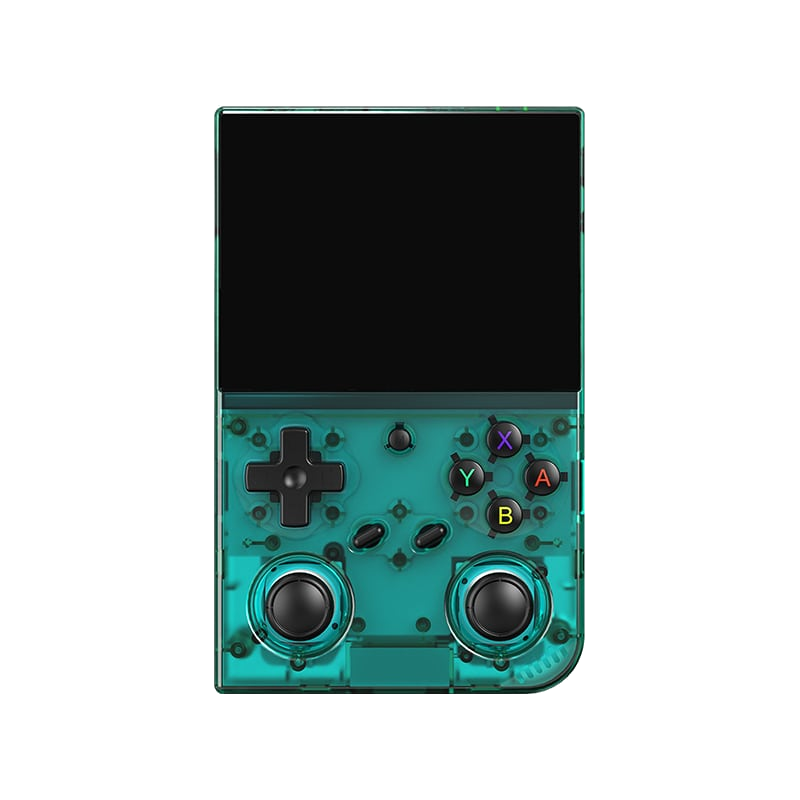
Anbernic RG35XX Pro
A horizontal handheld with the H700 chip — the sweet spot between price and performance.
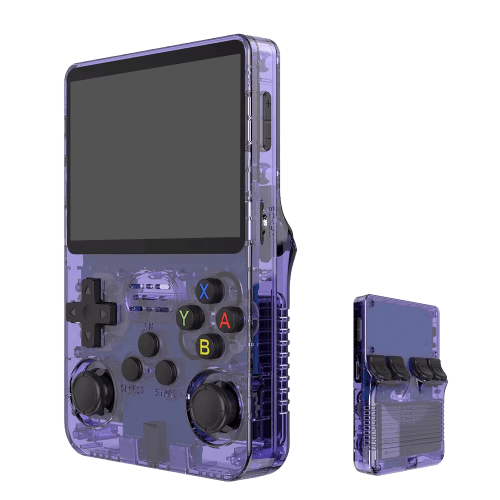
R36S
An affordable clone with a vertical display and an open system.
Batocera.linux
A Linux distribution that turns anything into a retro console — a PC, a Raspberry Pi, or a handheld.
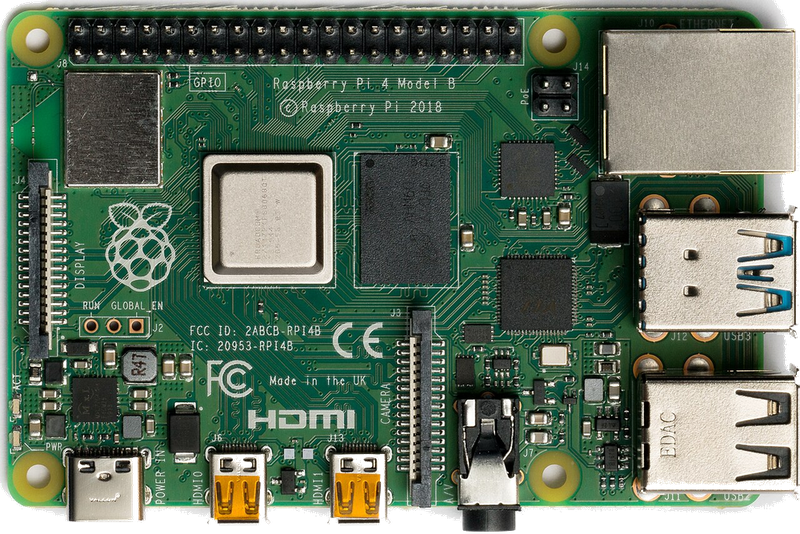
Raspberry Pi & spol.
A cheap box the size of a deck of cards that you can turn into a retro console for your TV.
Android (boxy, TV i telefony)
Phone, TV box or Android TV — download an emulator from the store and play within minutes.
Emulace na PC
The most powerful and flexible path — from 8-bit all the way to PS2, GameCube and 3DS.
iOS (iPhone & iPad)
Since 2024, emulators run on iPhone and iPad too — straight from the App Store.
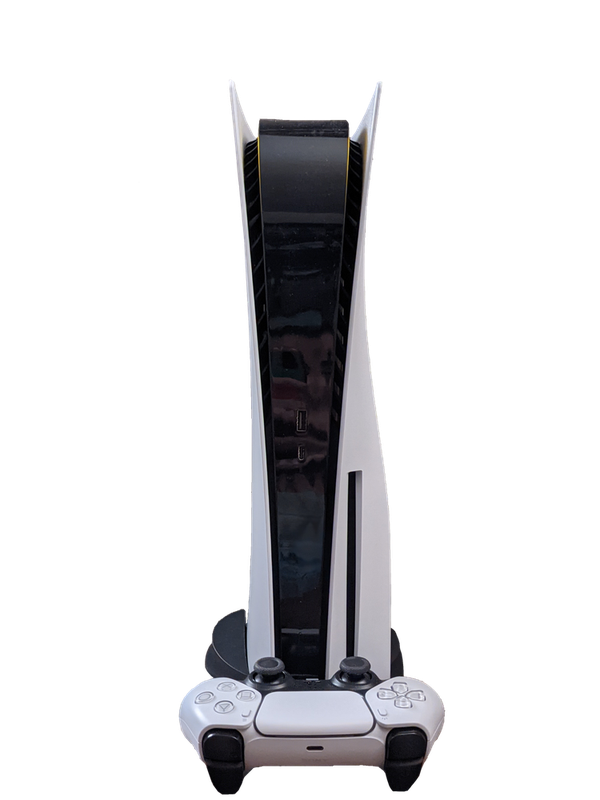
Emulace na konzolích (PS, Xbox, Switch)
Even a PlayStation, Xbox or Switch can be turned into a retro machine — through their homebrew scene.
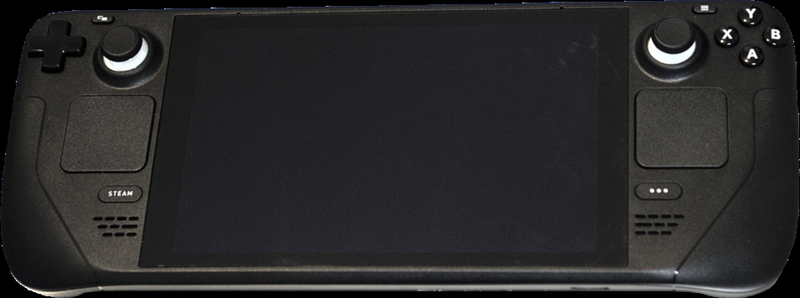
Steam Deck
A pocket gaming PC from Valve — and after a few minutes with EmuDeck, also the most powerful retro handheld you can get.
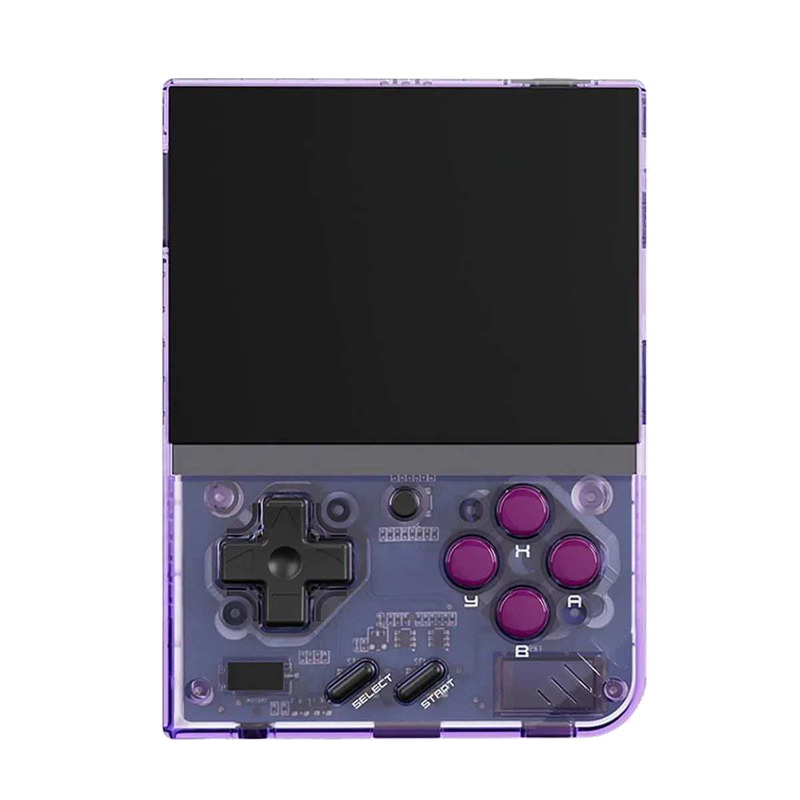
Miyoo Mini Plus
A tiny vertical keychain-sized pocket handheld with an amazing price-to-experience ratio and the community OnionOS.
ROMky: kde se berou hry pro emulátory
What a ROM is, how to obtain one legally, where the law stands, and why game preservation matters.
AYN Odin 2
Výkonný Android handheld ve stylu herního ovladače, ve víc výkonnostních variantách.
Miyoo A30
Vodorovná kapesní konzole ve stylu Game Boy Micro, ideální na NES až PS1 klasiku.
Miyoo Flip
Véčko ve stylu GBA SP s čipem RK3566 – zvládne i Dreamcast, i když ne vždy plynule.
Miyoo Mini V4
Čtvrtá revize levné legendy – stejný slabý čip, ale konečně vydrží baterie i Wi-Fi.
Powkiddy RGB30
Hranatý handheld se čtvercovým displejem a joysticky posazenými nad tlačítky místo vedle nich.
Retroid Pocket 4 Pro
Nejvýkonnější Retroid s AMOLED displejem, který se otáčí i na výšku.
Retroid Pocket 5
Levnější sourozenec Pocket 4 Pro s větším displejem a osvědčeným výkonem.
Retroid Pocket Mini
Kapesní konzole ve skutečně kapesní velikosti pro rychlé retro hraní odkudkoli.
Anbernic RG28XX
Nejmenší člen rodiny s čipem H700, kapesní tvar inspirovaný klasickými herními konzolemi.
Anbernic RG34XX
Sklápěcí tělo v duchu klasických konzolí s neobvyklým 3,4palcovým displejem.
Anbernic RG353M
Vodorovný sourozenec RG353V se stejným T618 čipem a asymetrickými páčkami à la Vita.
Anbernic RG353V
Svislý PDA tvar, duální Android/Linux boot a čip T618 v kapesním balení.
Anbernic RG35XX
Malá krabička, která v roce 2023 nastartovala vlnu levných linuxových retro handheldů.
Anbernic RG35XX H
První RG35XX s pořádnými analogovými páčkami, míří na 3D hry z Nintenda 64 a PSP.
Anbernic RG35XX Plus
Stejná krabička jako RG35XX, jen konečně s Wi-Fi a Bluetooth pro bezdrátové ovladače.
Anbernic RG35XX SP
Sklápěcí tvar jako Game Boy Advance SP – displej schovaný pod krytkou přímo v kapse.
Anbernic RG405M
Kovové tělo, klasické tlačítka bez dotykové obrazovky a čip Unisoc T618.
Anbernic RG405V
Celokovové tělo, čip Unisoc T618 a čistě linuxový systém bez Androidu a kompromisů.
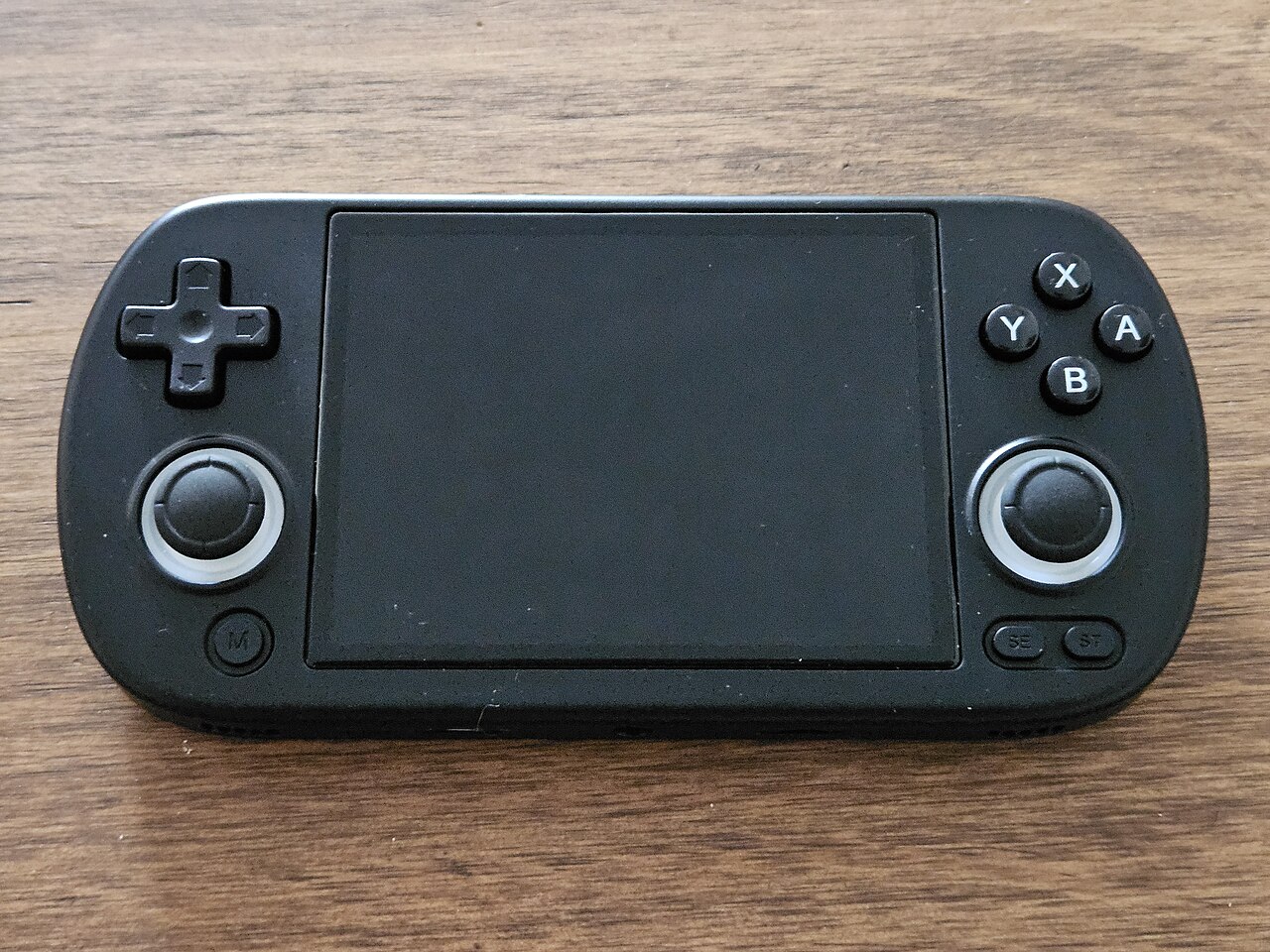
Anbernic RG40XX H
Vodorovná varianta se 4palcovým displejem a čipem H700 pro pohodlnější držení.
Anbernic RG40XX V
Svislá varianta ve tvaru připomínajícím klasický Game Boy, se stejným čipem jako model H.
Anbernic RG503
OLED displej, kovové tělo a čip RK3566 v klasickém tvaru herního ovladače.
Anbernic RG505
Tvar jako PS Vita, ale uvnitř skutečný Qualcomm Snapdragon 865 a AMOLED displej 960×544.
Anbernic RG556
Vlajková loď Anbernic s AMOLED displejem, čipem Unisoc T820 a duálním Android/Linux systémem.
TrimUI Brick
Vertikální handheld ve stylu Game Boye se stejnou elektronikou jako Smart Pro.
TrimUI Smart Pro
Malé tělo, velký 4,96" 16:9 displej a čip sdílený s TrimUI Brick.