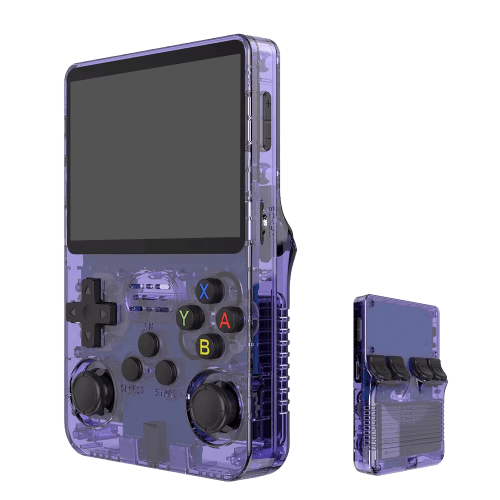
Handheld console · 2023
R36S
An affordable clone with a vertical display and an open system.
R36S v průhledné fialové variantě (přední i zadní strana)
The R36S is a cheap "people's" handheld in the spirit of the older Anbernic RG351 — a vertical body, a 3.5" IPS display and an open system for which the community has prepared great, finely tuned distributions. It doesn't rank among the top performers, but as an entry gate into retro gaming for a few dollars it's hard to beat. The catch is that it exists in a flood of variants and clones, so before buying it's worth knowing what you're getting into.
Specs
- Chip (SoC)
- Rockchip RK3326, 4× Cortex-A35 @ ~1.3 GHz
- Graphics
- Mali-G31
- Display
- 3.5" IPS, 640×480 (4:3)
- Memory
- 1 GB DDR3L
- Battery
- ~3200 mAh (approx. 4–6 h)
- Storage
- microSD (often 2 slots)
- Systems
- ArkOS, ROCKNIX/JELOS, Batocera, stock
What it runs
- SmoothlyNES, SNES, Mega Drive, GB/GBC/GBA
- SmoothlyPC Engine, Master System, arcades (lighter)
- MostlyPlayStation (PS1)
- Select titlesNintendo 64, DOS, ScummVM
- Select titlesDreamcast, PSP
What the R36S is and who it's for
The R36S is a very cheap handheld gaming console of Chinese origin, aimed primarily at emulating retro games. It is based on a proven hardware platform built around the Rockchip RK3326 chip — the very same foundation that Anbernic previously used in its RG351 model line. The R36S also borrows a visual shape that strongly resembles the classic Game Boy with added analog sticks, and it targets the customer who wants, for a few dollars, a device capable of reasonably running games from the eight-bit and sixteen-bit era, plus with some headroom even PlayStation 1 or lighter portable platforms.
It's important to dispel a common misconception right at the start: the R36S is not a product of Anbernic or any other established brand. It is a so-called clone-market device sold under various names (Data Frog, Boyhom, and other nameless OEM labels) by multiple sellers, but physically it is one and the same reference design. You won't find official support, guaranteed firmware, or consistent quality here — that's the price you pay for the low cost.
The target group consists of undemanding enthusiasts and beginners who want to try out the world of retro handhelds cheaply, plus people looking for a second "pocket" device or a gift, and tinkerers who enjoy experimenting with community firmware. Conversely, anyone who wants a hassle-free device with support, higher performance (PS2, GameCube, Dreamcast at full speed), or premium build quality should look elsewhere — the R36S is a toy of compromises, where the low price is paid for with time spent tuning.
History and market context
The RK3326 platform established itself in the retro handheld community around 2020–2021, precisely thanks to Anbernic and its RG351P/M/V models and a clone of an open-source project. The chip offered enough performance to emulate up to the PS1 era at very low power consumption and cost, so it became the de facto standard of the budget class. When Anbernic moved on to newer chips, the RK3326 remained cheap and well documented — and Chinese clone manufacturers seized upon this.
The R36S appeared roughly in 2023–2024 as one of many "recyclings" of this design. It uses mature hardware for which an extensive community software base exists (ArkOS, EmuELEC, and others), so the manufacturer essentially just assembled well-known components into a body resembling a vertical Game Boy. This created an extremely cheap product that paradoxically benefits from years of community work around the original Anbernic devices.
The market for these consoles is, however, chaotic. Under the name R36S circulate multiple revisions and clones of clones with different displays, different mainboards, and even different chips than the genuine RK3326. This has a major practical impact: firmware that works on one batch may hard-brick (lock up) another batch. The buyer therefore enters a lottery where even identical-looking units may not be the same inside.
Hardware in detail
At the heart of the device is the Rockchip RK3326 — a quad-core 64-bit processor with ARM Cortex-A35 cores clocked at around 1.5 GHz. Graphics are handled by the Mali-G31 MP2 with support for OpenGL ES 3.2 and Vulkan (in practice, mainly OpenGL/GLES is used for emulation). It is a power-efficient but performance-modest SoC: it handles 2D and 32-bit rendering excellently, but struggles more with demanding 3D emulation. The operating memory is 1 GB DDR3L, which today is rather the bare minimum and can be a limiting factor with some emulators.
The display is usually a 3.5" IPS with a resolution of 640×480 (4:3 ratio), which suits retro games better than a widescreen format. Watch out for revisions, however: there are variants with different panels and, above all, with different display orientations (horizontal vs. so-called vertically mounted panel), which is one of the main reasons why a particular firmware may not display correctly on a given unit. Storage is provided by a microSD card — on dual-slot versions, one card is for the system and the other for games.
Power is provided by an integrated battery with a capacity stated at around 3200 mAh, and charging is done via USB-C. Among the ports you'll typically find USB-C (charging and OTG/data), microSD slot(s), and a 3.5mm headphone jack; the speaker is mono. Cooling is passive — no fan, the chip is cooled only by the console body, which is more than enough for this performance ceiling. The controls include a D-pad, four action buttons, two analog sticks (usually classic potentiometer ones, not Hall-effect sensors — beware misleading marketing), and shoulder buttons L1/L2/R1/R2.
Systems and software
The R36S is sold with a preinstalled system on a microSD card, most often a variant of ArkOS or EmuELEC with the EmulationStation frontend and RetroArch cores. The factory card tends to be low-quality, unoptimized, and often full of preinstalled (legally problematic) ROMs — which is why the vast majority of the community recommends setting the factory card aside as a backup and deploying a clean community distribution on your own, quality card.
For genuine RK3326 hardware, the gold standard is ArkOS (the branch maintained for these clones, e.g. ArkOS-R3XS by AeolusUX), followed by ROCKNIX (the successor to the discontinued JELOS project) and the formerly popular AmberELEC (today practically without development). These Linux-based systems offer convenient management, metadata scraping, shaders, and regular emulator updates.
A crucial warning for owners of clones: there are R36S variants that do not have a genuine RK3326 but a different chip (the community labels them e.g. K36, G80D, etc.). You must not flash standard ArkOS/ROCKNIX/JELOS onto such a device — the images are compiled for specific hardware, and flashing onto an incompatible board can overwrite the bootloader and irreversibly brick the device. For clones there are special branches such as arkos4clone, dArkOSRE, or PAN4ELEC. Therefore, always find out first which revision and panel you have.
Compatibility by platform
Smoothly and without compromise, the R36S handles eight-bit and sixteen-bit systems: NES, SNES, Game Boy / GB Color / GB Advance, Sega Master System, Mega Drive / Genesis, PC Engine / TurboGrafx-16, Neo Geo, and most arcade games (MAME/FBNeo of reasonable age). Here the experience is practically flawless, including full speed and room for shaders.
With compromises run PlayStation 1 (the vast majority of titles run well; with the most demanding 3D games an occasional frame drop is possible), plus PSP and Nintendo 64 — these are very uneven: lighter titles run decently, demanding ones do not. Similarly, Dreamcast is a borderline case, and Nintendo DS is plagued by the ergonomics of two screens on a single display as well as by performance in 3D games.
Not at all or unusably: PlayStation 2, GameCube, Wii, Sega Saturn (Saturn is extremely demanding to emulate) and newer systems are beyond the capabilities of this chip. The R36S is simply a machine for the era up to roughly PS1/PSP. Realistic expectations are key — anyone targeting PS2 or GameCube has bought the wrong device.
Controls and ergonomics
The R36S body copies the vertical (upright) Game Boy-style shape, which is comfortable to hold in one hand and suits 2D games. The D-pad and action buttons are decent by the standards of this price class, but manufacturing is inconsistent — the feel of the press and button noise vary from unit to unit. The speaker is mono and rather average in loudness; for better sound we recommend headphones via the 3.5mm jack.
The two analog sticks are placed low below the buttons, so for games requiring intensive stick use (3D titles) they are not ergonomically ideal. Moreover, they are mostly classic potentiometer sticks, which over time may suffer from drift (the stick reports movement even when you're not touching it). The vertical format generally suits retro 2D genres better than modern 3D.
The L/R shoulder buttons tend to be flat and, on some units, harder to feel, which can be bothersome in games with frequent triggers (PS1, racing). Overall the ergonomics are usable, but they must be taken in the context of the price: don't expect the precision of premium handhelds. For more comfortable long play sessions there are printed grips and 3D-printed pads that the community shares.
Image, sound, and shaders
The 640×480 4:3 display is very well suited to retro emulation — many consoles of that era worked in a similar ratio, so the image fills the panel without ugly black bars on the sides. The IPS panel offers decent viewing angles and colors; brightness is sufficient indoors, but it struggles in direct sunlight. Panel quality varies between batches.
In RetroArch you can use a whole range of shaders and video filters. For an authentic old-TV impression, CRT shaders (e.g. crt-pi, zfast-crt) are handy, simulating scanlines and dot masking; for smooth scaling without blur there is integer scaling and LCD-type filters for handheld systems. On the RK3326 it is wise to choose lighter shaders — demanding multi-pass shaders can reduce the frame rate in 3D emulation.
On the audio side, the output is clean through the jack; the built-in mono speaker is average. In emulators we recommend enabling the correct audio latency, and with some cores (PS1, PSP) watching the synchronization of sound with frames — because during FPS drops the sound can stutter. Small tweaks in RetroArch (audio sync, frame skip) often help noticeably.
Battery life and power
A battery of around 3200 mAh gives a real-world runtime of roughly 5–8 hours depending on load. With undemanding systems (NES, Game Boy, SNES) you can expect the upper end, i.e. approximately 7–8 hours, whereas with sixteen-bit load the runtime hovers around 5–6 hours, and with more demanding 3D titles (PS1, N64) it drops to roughly 4 hours.
Charging is done via USB-C with a common charger; a full charge usually takes a few hours. Runtime can be extended by lowering the display brightness (one of the biggest energy drains), limiting the CPU clock on light games, and turning off demanding shaders. Some community firmwares allow performance/power-saving profiles switchable according to the emulated system.
Watch out for cell quality — on cheap clones the battery capacity and aging vary from unit to unit, and occasionally even safety lapses of cheap electronics appear. Do not leave the console charging unattended overnight, and use a sensible charger. The battery is theoretically replaceable on most revisions, but it is an intervention requiring disassembly of the device.
Multiplayer and TV output
The R36S is primarily a solo device. Multiplayer gaming is most often possible in software — via netplay in RetroArch (over the network), where two players with their own devices connect over the internet on supported cores. Local multiplayer on a single device runs into the fact that the console has only one set of controls; theoretically you can connect an external gamepad via USB-C OTG, but support and stability vary from firmware to firmware.
TV output on the R36S is practically absent — unlike some more expensive handhelds, it has neither HDMI nor a reliable video-out over USB-C, so it is not a device meant for playing on a large screen. Anyone who wants retro games on a television is better served by another platform (e.g. handhelds with HDMI or small emulation boxes).
For truly comfortable multiplayer or TV gaming, we therefore do not recommend the R36S as the main solution. It is a pocket machine for personal gaming; its domain is battery life and portability, not living-room entertainment. Take it as a deliberate limitation dictated by the price and concept.
Setup step by step
1) Determine the revision. Before you flash anything, verify whether you have a genuine RK3326 or a clone (panel orientation, photos of the board, questions in the community). This is the most important step — deploying incompatible firmware can brick the device. 2) Prepare the card. Get a quality microSD (branded, preferably with a higher speed class) and on a PC download the appropriate image (ArkOS for genuine HW, or arkos4clone/dArkOSRE for a clone).
3) Flash the image. Unpack the image and write it with a tool such as Balena Etcher or Raspberry Pi Imager onto the microSD. On first boot the system will expand the card itself and create folders for games (e.g. roms) — either on the second slot (dual-slot versions) or on the same card. 4) Load games and BIOS. Sort games into folders by system (snes, nes, psx…). For platforms requiring a BIOS (PS1, sometimes Neo Geo, PSP), place the corresponding files into the prescribed folder (typically bios) — without them the given emulator won't start.
5) Scraping and appearance. In EmulationStation run the scraper (e.g. Skraper on a PC, or the built-in scraper), which downloads box art, descriptions, and previews for the games. Choose a theme, set the aspect ratio, shaders, and controls. Legal note: download and use exclusively games whose original you own (your own dumps from your cartridges/discs), or legal sources (homebrew, freeware, officially released titles). Obtain the BIOS from your own device as well. Piracy is illegal and this guide does not encourage it.
Models, revisions, and variants
Under the name R36S hide multiple versions that differ in fundamental details. The main dividing line runs between units with a genuine RK3326 and clones with a different chip. Visually they tend to be indistinguishable, which is why the community has developed detection procedures (checking system information, firmware behavior, photos of the board). You often only recognize a fake unit by the fact that the "official" firmware won't boot correctly on it.
Furthermore, there are variants with different displays and panel orientations (horizontally vs. vertically mounted), which directly affects which image displays the picture correctly and which shows it rotated/broken. You'll also encounter single- and dual-slot microSD versions and minor differences in the color and material of the casing. Related devices such as the R36 Ultra or other "R3x" models are different hardware — don't confuse them.
The practical consequence: always look up a guide for your specific revision and don't blindly adopt the procedure from the owner of a differently looking unit. Community sites (handhelds.wiki) keep overviews of clones and recommendations of which firmware belongs on which variant. An investment of ten minutes in identification can save you a bricked device.
Common problems and solutions
Analog stick drift is the most common ailment: the character moves on its own, the camera drifts. The solution proceeds from the simplest — recalibrating the sticks in the firmware settings, through increasing the deadzone in RetroArch, up to a physical replacement of the stick module if the potentiometer is worn. Occasionally there's also a swapped/inverted axis of the stick, which is solved by a specific fix in the firmware or by remapping.
A rotated or non-functional image after flashing most often means the wrong image for the given panel — you need to deploy the version intended for your display orientation, or adjust the configuration/DTB. Sound stuttering and FPS drops in more demanding games can be addressed by turning off heavy shaders, enabling frame skip, checking audio sync, and choosing a lighter core (e.g. a more economical PS1 core).
A game won't start typically because of a missing BIOS or the wrong ROM format (for PS1 prefer .chd/.pbp, correctly split discs). A bricked device after an unfortunate flash is the most serious scenario — hence, again, the appeal: identify the revision first. Back up the factory card (an image of the whole card), so you have somewhere to return to. When you're stuck, photograph the board and ask the community before you experiment.
Community and where to look for help
Around cheap RK3326 handhelds there is a lively community. An excellent hub is handhelds.wiki, where you'll find overviews of R36S clones, recommended firmwares, and guides. For firmware development branches, follow the GitHub of the respective projects (e.g. ArkOS-R3XS by AeolusUX), where specific bugs (issues) are also addressed and new versions are released.
Also helpful are the subreddit r/SBCGaming, topic-focused Discord servers for individual firmwares, and a number of YouTube channels that test specific revisions and demonstrate flashing procedures. Because the hardware shares its foundation with popular Anbernic devices, a large part of the guides (RetroArch, shaders, scraping) is transferable to the R36S as well.
When seeking help, always provide as precise an identification of your unit as possible (panel orientation, photos of the board, which firmware you have). General questions like "I have an R36S, what do I do with it" often don't lead to a solution, because too many variants hide under that name. A specific description saves you time as well as risk.
Alternatives and comparison
The closest "original" alternative is the Anbernic RG351 (P/M/V) on the same RK3326 chip — more expensive, but with better build quality and both official and community support without the clone lottery. Anyone who wants significantly higher performance in a still low price class should consider handhelds with the RK3566 chip (e.g. the Anbernic RG353 or RG40XX line), which run Dreamcast/PSP more smoothly.
For the Android camp and even higher performance (decent PS2/GameCube) there are devices with Snapdragon chips or stronger Rockchip/Allwinner SoCs, but at a higher price and with a different philosophy (Android instead of pure Linux). The R36S, by contrast, is justified solely by price — it is one of the cheapest ways to try out a retro handheld.
The comparison therefore comes out clearly: if you want maximum certainty, support, and quality, pay extra for an Anbernic or a newer chip. If you want to run 2D and PS1 as cheaply as possible and don't mind the tinkering around the firmware and the risk of an inconsistent batch, the R36S is a sensible choice. In between lies a host of devices with a better performance/support ratio for a slightly higher price.
Who it's for and who it isn't
It's suitable for enthusiasts on a tight budget who want to sample retro emulation up to the PS1/PSP era cheaply, for tinkerers who enjoy tuning community firmware, shaders, and themes, and for undemanding play of 2D classics in your pocket with nice battery life. It is also a decent "second" device for travel, one where it doesn't matter if it gets scratched or lost.
It's not suitable for someone who wants a hassle-free device with the certainty of support and consistent quality — the chaos around revisions and clones can give a beginner a real hard time, including the risk of bricking during a bad flash. It is likewise not suitable for playing PS2/GameCube/Saturn, for demanding 3D, for playing on a television (it lacks a reliable video output), or as a comfortable machine for local multiplayer.
In conclusion: the R36S is an honestly cheap compromise. If you go into the purchase with realistic expectations, verify the revision in advance, and deploy the right community firmware, you'll get a surprisingly capable pocket console for 2D and PS1 at a fraction of the price of branded devices. But anyone who wants peace of mind, support, and higher performance will find a more suitable alternative for a little more money. And either way — play exclusively legally obtained games from your own dumps and legal sources.
More guides
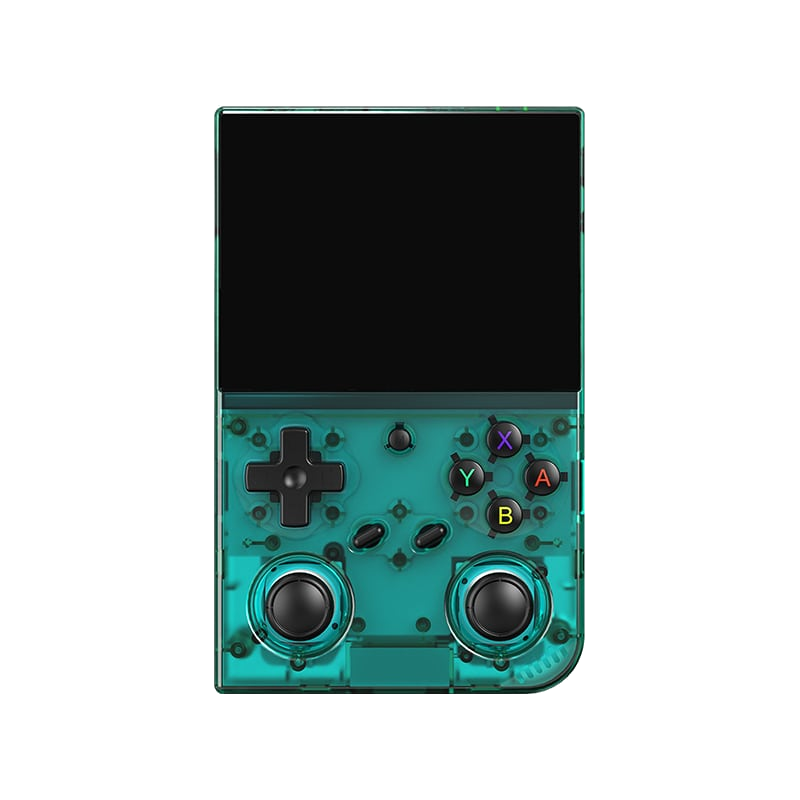
Anbernic RG35XX Pro
A horizontal handheld with the H700 chip — the sweet spot between price and performance.

Batocera.linux
A Linux distribution that turns anything into a retro console — a PC, a Raspberry Pi, or a handheld.
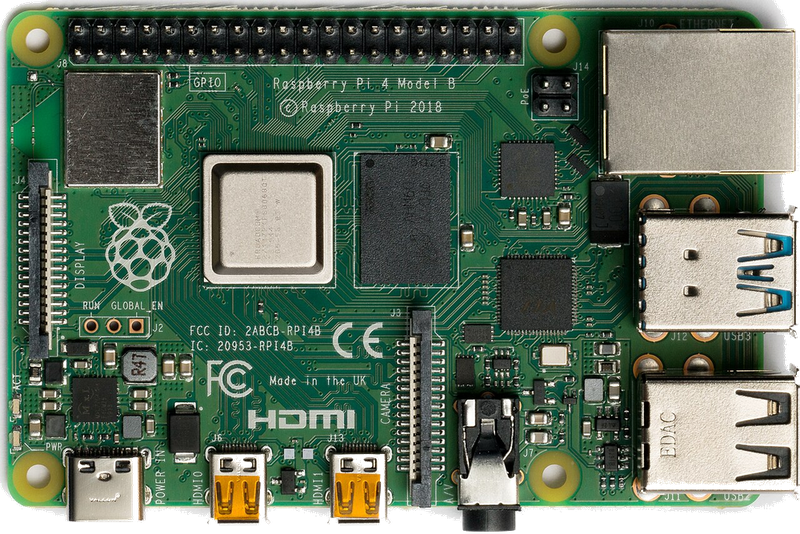
Raspberry Pi & spol.
A cheap box the size of a deck of cards that you can turn into a retro console for your TV.
Android (boxy, TV i telefony)
Phone, TV box or Android TV — download an emulator from the store and play within minutes.
Emulace na PC
The most powerful and flexible path — from 8-bit all the way to PS2, GameCube and 3DS.
iOS (iPhone & iPad)
Since 2024, emulators run on iPhone and iPad too — straight from the App Store.
Emulace na konzolích (PS, Xbox, Switch)
Even a PlayStation, Xbox or Switch can be turned into a retro machine — through their homebrew scene.
Game Stick (HDMI)
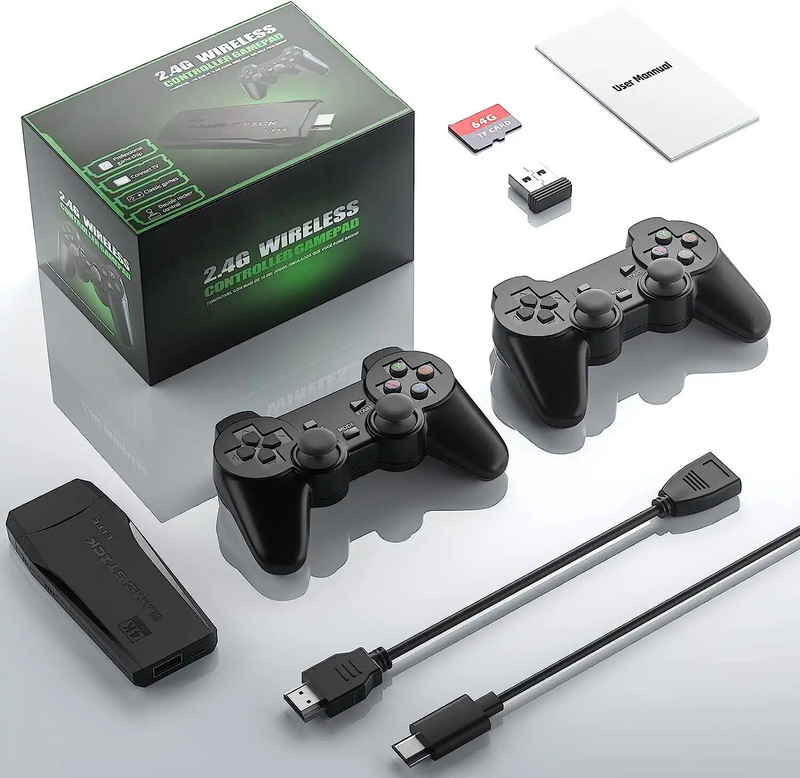
A cheap HDMI "stick" for your TV with a pair of wireless controllers — retro gaming with no setup.
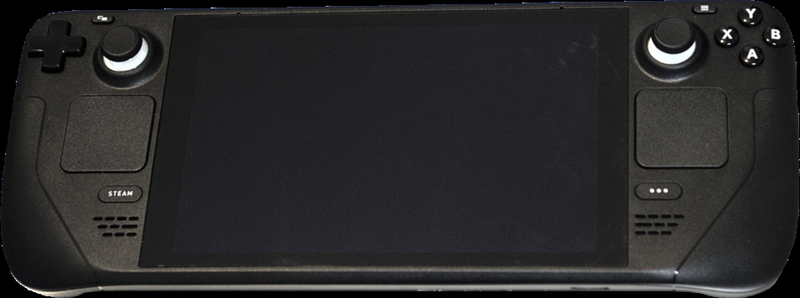
Steam Deck
A pocket gaming PC from Valve — and after a few minutes with EmuDeck, also the most powerful retro handheld you can get.
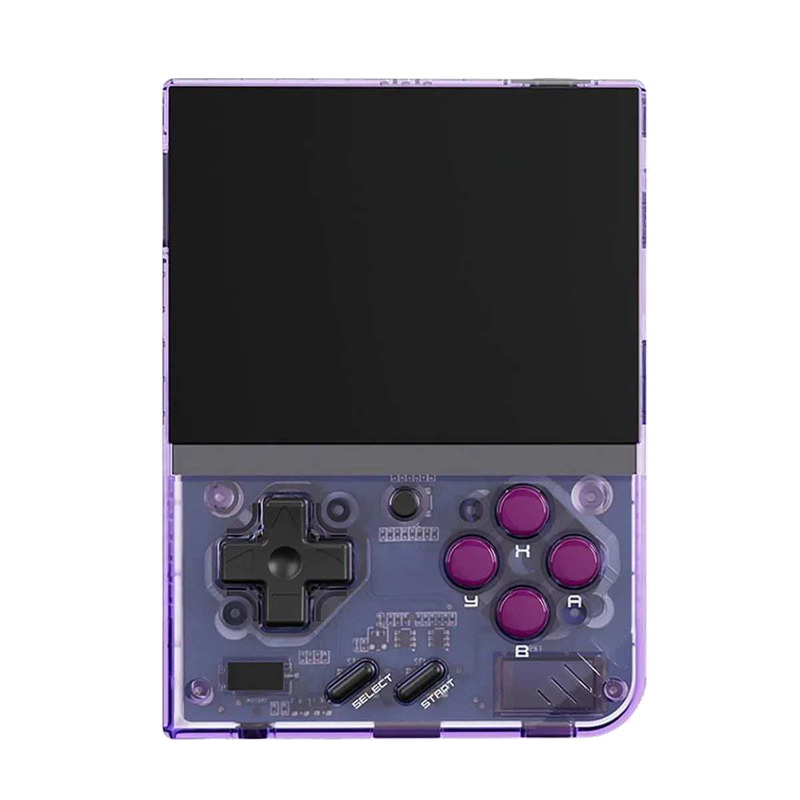
Miyoo Mini Plus
A tiny vertical keychain-sized pocket handheld with an amazing price-to-experience ratio and the community OnionOS.
ROMky: kde se berou hry pro emulátory
What a ROM is, how to obtain one legally, where the law stands, and why game preservation matters.
AYN Odin 2
Výkonný Android handheld ve stylu herního ovladače, ve víc výkonnostních variantách.
Miyoo A30
Vodorovná kapesní konzole ve stylu Game Boy Micro, ideální na NES až PS1 klasiku.
Miyoo Flip
Véčko ve stylu GBA SP s čipem RK3566 – zvládne i Dreamcast, i když ne vždy plynule.
Miyoo Mini V4
Čtvrtá revize levné legendy – stejný slabý čip, ale konečně vydrží baterie i Wi-Fi.
Powkiddy RGB30
Hranatý handheld se čtvercovým displejem a joysticky posazenými nad tlačítky místo vedle nich.
Retroid Pocket 4 Pro
Nejvýkonnější Retroid s AMOLED displejem, který se otáčí i na výšku.
Retroid Pocket 5
Levnější sourozenec Pocket 4 Pro s větším displejem a osvědčeným výkonem.
Retroid Pocket Mini
Kapesní konzole ve skutečně kapesní velikosti pro rychlé retro hraní odkudkoli.
Anbernic RG28XX
Nejmenší člen rodiny s čipem H700, kapesní tvar inspirovaný klasickými herními konzolemi.
Anbernic RG34XX
Sklápěcí tělo v duchu klasických konzolí s neobvyklým 3,4palcovým displejem.
Anbernic RG353M
Vodorovný sourozenec RG353V se stejným T618 čipem a asymetrickými páčkami à la Vita.
Anbernic RG353V
Svislý PDA tvar, duální Android/Linux boot a čip T618 v kapesním balení.
Anbernic RG35XX
Malá krabička, která v roce 2023 nastartovala vlnu levných linuxových retro handheldů.
Anbernic RG35XX H
První RG35XX s pořádnými analogovými páčkami, míří na 3D hry z Nintenda 64 a PSP.
Anbernic RG35XX Plus
Stejná krabička jako RG35XX, jen konečně s Wi-Fi a Bluetooth pro bezdrátové ovladače.
Anbernic RG35XX SP
Sklápěcí tvar jako Game Boy Advance SP – displej schovaný pod krytkou přímo v kapse.
Anbernic RG405M
Kovové tělo, klasické tlačítka bez dotykové obrazovky a čip Unisoc T618.
Anbernic RG405V
Celokovové tělo, čip Unisoc T618 a čistě linuxový systém bez Androidu a kompromisů.
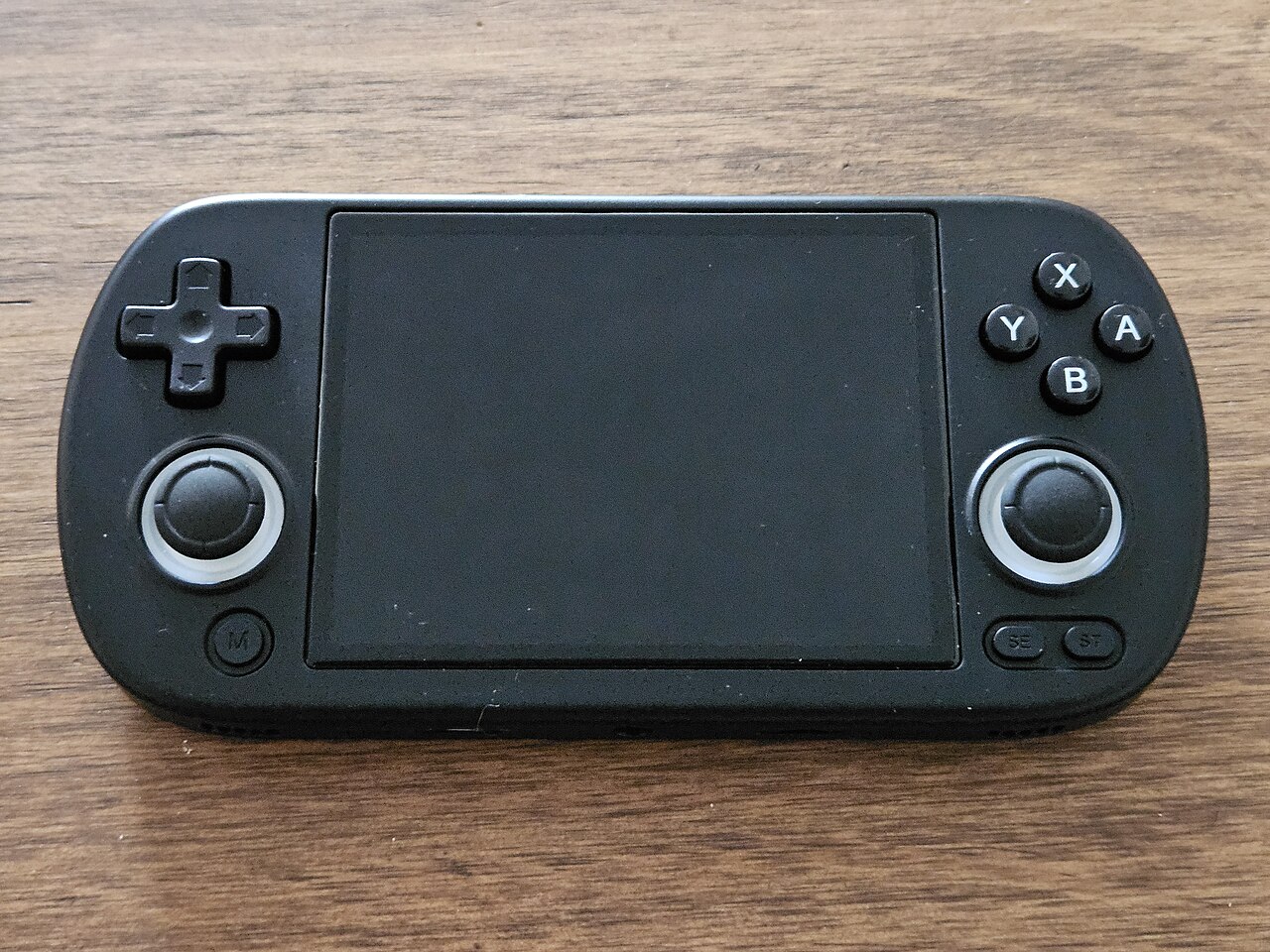
Anbernic RG40XX H
Vodorovná varianta se 4palcovým displejem a čipem H700 pro pohodlnější držení.
Anbernic RG40XX V
Svislá varianta ve tvaru připomínajícím klasický Game Boy, se stejným čipem jako model H.
Anbernic RG503
OLED displej, kovové tělo a čip RK3566 v klasickém tvaru herního ovladače.
Anbernic RG505
Tvar jako PS Vita, ale uvnitř skutečný Qualcomm Snapdragon 865 a AMOLED displej 960×544.
Anbernic RG556
Vlajková loď Anbernic s AMOLED displejem, čipem Unisoc T820 a duálním Android/Linux systémem.
TrimUI Brick
Vertikální handheld ve stylu Game Boye se stejnou elektronikou jako Smart Pro.
TrimUI Smart Pro
Malé tělo, velký 4,96" 16:9 displej a čip sdílený s TrimUI Brick.