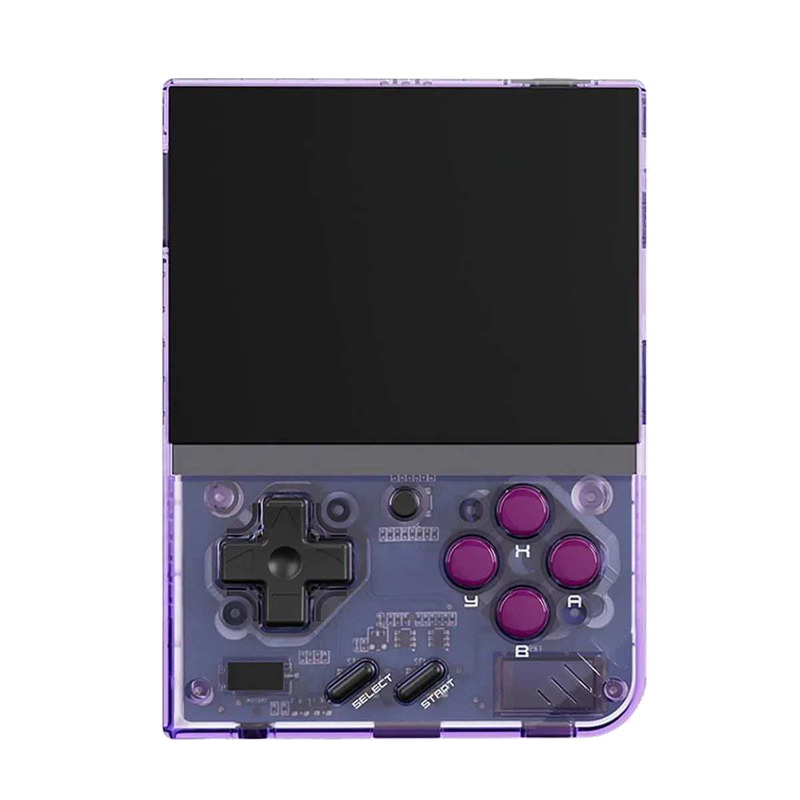
Handheld console · 2023
Miyoo Mini Plus
A tiny vertical keychain-sized pocket handheld with an amazing price-to-experience ratio and the community OnionOS.
Miyoo Mini Plus — vertikální handheld do kapsy
Miyoo Mini (and the larger Miyoo Mini Plus) is a miniature vertical handheld that has earned cult status: for just a few dollars you get a beautiful IPS display, pleasant buttons and, above all, the excellent community system OnionOS. It's the ideal "pocketable" machine for 8/16-bit, GB/GBC/GBA and PS1.
The vertical format suits classic 2D games and retro handhelds; don't get it for anything 3D. On the other hand, its battery life, size and price are hard to beat — and OnionOS is one of the most polished frontends around.
Specs
- Manufacturer
- Miyoo
- System
- OnionOS (community-made, built on RetroArch)
- Display
- 3.5" IPS (Plus), 640×480
- Format
- vertical (palm/pocket-sized)
- Connectivity
- Wi-Fi (Plus) — netplay, scraping
What it runs
- SmoothlyNES, SNES, Mega Drive, GB/GBC/GBA, PS1
- SmoothlyArcades, PC Engine, Master System, Lynx
- Select titlesN64, DOS, PSP
What is the Miyoo Mini Plus
The Miyoo Mini Plus is a tiny pocket-sized handheld gaming console designed primarily for emulating 8-bit through 32-bit gaming systems. It builds on the highly popular Miyoo Mini, adding a larger 3.5-inch display (compared to the original 2.8"), a built-in Wi-Fi module, and a switch from micro-USB to USB-C. It targets players who want a maximally portable pocket device that, in its controls and shape, harks back to old-school handhelds in the spirit of the Game Boy, but which offers modern emulation performance inside.
The device is popular mainly thanks to its combination of a low price (typically around 60–80 USD), a quality IPS display, and above all the excellent community firmware OnionOS, which turns an otherwise average official system into one of the most pleasant emulation environments in its class. It is precisely the software that is the main reason the Miyoo Mini Plus has gained cult status in the retro handheld community.
Who it's for: it is ideal for players who want a console that truly fits in your pocket for playing classics from consoles like the NES, SNES, Mega Drive, Game Boy / Game Boy Advance, PlayStation 1, and arcades. It is not a device for demanding emulation of newer systems (it handles Nintendo 64, Dreamcast, and PSP only to a limited degree). Anyone looking for a compact, cheap, and software-polished device for 2D classics will find the Mini Plus to be one of the best candidates.
It's also important to mention the legal side of emulation: the console is sold without games, and users should only run ROM/ISO images of games they legally own (their own dumps from original cartridges and discs), or possibly titles from legal sources (homebrew, freeware, official collections). Downloading commercial ROMs you do not own is a violation of copyright.
History and market context
The Miyoo brand is among the Chinese manufacturers of cheap emulation handhelds, of which a great many have appeared in recent years (Anbernic, Powkiddy, Retroid, and others). The original Miyoo Mini came out in 2021 and almost immediately became a phenomenon — its miniature dimensions reminiscent of a keychain-sized Game Boy, its quality 2.8" IPS panel, and its pleasant ergonomics made it one of the most recommended entry-level handhelds of all.
The main weakness of the original model was poor availability (it was produced in small batches and sold out quickly), the micro-USB connector, and the absence of Wi-Fi. The Miyoo Mini Plus, launched around the turn of 2022 and 2023, responded to this and addresses most of these pain points: a larger display, USB-C, Wi-Fi, and a somewhat larger battery, while retaining practically the same internal chip and thus excellent software compatibility with the existing community scene.
In the market context, the Mini Plus filled the segment of ultra-portable cheap handhelds with vertical (portrait, Game Boy-like) ergonomics. It competes with devices such as the Anbernic RG35XX (and its variants), Powkiddy, and other cheap consoles in a similar price range. Its main strength, however, is not raw performance, but the custom firmware ecosystem and a huge, active community.
The significance of the Miyoo Mini Plus also lies in the fact that it popularized the idea that software makes the console. Cheap hardware with an average factory system was transformed, thanks to OnionOS, into a device with a perfect user interface, rich options, and a polished experience that in some respects surpasses even more expensive competitors with official systems.
Hardware in detail
The heart of the Miyoo Mini Plus is the SigmaStar SSD202D chip — a cheap System-on-Chip with a dual-core ARM Cortex-A7 processor clocked at roughly 1.2–1.4 GHz. It is the same platform as in the original Miyoo Mini, which is key for backward compatibility with community software. The SoC contains integrated 128 MB DDR3 RAM right in the package (a so-called SiP solution), which is the main limitation of the device from the perspective of more demanding emulators.
Graphics performance is provided by an integrated block within the SSD202D; there is no separate powerful GPU here, and hardware 3D acceleration is very limited. Emulation of 3D systems (PS1) therefore runs mostly in software, and for most 2D systems the performance is absolutely sufficient. The display is a 3.5-inch IPS panel with a resolution of 640 × 480 (4:3 ratio), which is sharp, has good viewing angles, and faithful colors — for retro games with a low native resolution, the 4:3 ratio is ideal.
Connectivity and ports: USB-C (charging and data transfer / can also be used as OTG), a 3.5mm jack for headphones, a slot for a microSD card (the original Mini had two slots, the Plus typically has one), and a built-in Wi-Fi module (usually 2.4 GHz), which is used for downloading, scraping box art, and streaming functions. The speaker is mono, but listenable; for a better experience, headphones are recommended.
The battery has a capacity of around 3000 mAh, which for such a small device with an economical chip means very decent battery life (commonly 5–8 hours depending on the system and brightness). The console has no active cooling (no fan) — given the low power consumption of the SoC, it practically does not heat up, and passive cooling through the plastic body is more than enough. The body is all-plastic, light, with a shape that fits well in the palm.
Systems and software
The console ships with the official (stock) firmware from Miyoo, which is functional but relatively bare and unpolished in places. Most of the community therefore replaces it almost immediately with custom firmware. The absolute standard and the main reason for the device's popularity is OnionOS — a community operating system built on top of an emulation core, which brings an elegant interface, a wealth of emulators, themes, game statistics, save states, quick switching, and a host of subtle improvements.
OnionOS installs simply by unpacking it onto the microSD card, and under the hood it uses RetroArch with libretro cores, so under a unified interface it offers top-tier emulators for individual platforms. Onion also handles automatic assignment of emulators to systems, BIOS management, saving positions, and offers so-called "box art" game covers right in the menu. For the average user, it is by far the most recommended choice.
There are also alternative custom firmwares, for example MiniUI by the author with the handle shauninman — a minimalist, extremely fast, and clear system that emphasizes simplicity, instant startup, and perfect "resume" (continuing) from where you left off. MiniUI does not have as many features and frills as Onion, but fans appreciate its cleanliness and reliability. The choice between Onion and MiniUI is largely a matter of personal taste.
A big advantage of the entire ecosystem is that it is built on open components (RetroArch, libretro cores) and is actively developed. Updates arrive regularly, and the community quickly responds to newly discovered tricks for higher performance or better compatibility. Here the software changes and improves faster than the hardware itself.
Compatibility by platform
The Miyoo Mini Plus handles practically all 2D and 8/16-bit systems smoothly and without compromise: NES / Famicom, SNES / Super Famicom, Game Boy / Game Boy Color, Game Boy Advance, Sega Master System, Sega Mega Drive / Genesis, PC Engine / TurboGrafx-16, Neo Geo Pocket, WonderSwan, and the like. These systems run at full speed, often with shaders available and without the slightest hiccup.
With minor compromises, the PlayStation 1 (PS1) works — most titles are fully playable, but more demanding 3D games can occasionally dip slightly below the full frame rate or require some enhancements to be turned off. Most arcade games also run well (MAME / FBNeo / CPS1, CPS2, Neo Geo MVS), although the most demanding titles can misbehave. Arcade is an area where it depends on the specific game and romset version.
On the edge or not at all: Nintendo 64, Sega Dreamcast, and Sony PSP are beyond the real capabilities of this chip. You can get N64 and PSP running at most with undemanding titles with significant performance compromises, and even that more as a curiosity than for real gaming; Dreamcast, Saturn, and newer systems are practically unusable. Anyone targeting these platforms should reach for a more powerful device (e.g., handhelds with Allwinner H700 chips or stronger Android handhelds).
Important: compatibility also concerns BIOS files, which some systems (PS1, Neo Geo, some arcades) require for correct operation. These files must be obtained legally from your own hardware and placed in the correct folder in Onion/RetroArch. Without the correct BIOS, the given platform will either not run at all or will run with errors.
Controls and ergonomics
The Miyoo Mini Plus has a classic layout with a digital D-pad, four action buttons (A, B, X, Y), a pair of shoulder buttons L1/R1 and L2/R2, plus Start and Select buttons and a separate menu/function button (Fn), which in OnionOS opens quick menus, save states, and brightness and volume controls. The device has no analog sticks — which is perfectly fine for 2D systems, but for PS1 and 3D games that use a stick, it is a noticeable limitation.
Ergonomically, the console is very small and fits in the palm more like a button-based "keychain" than a full-fledged gamepad. People with large hands may feel fatigue after longer play, because the body is tiny and the buttons are close together. Conversely, for short gaming sessions, travel, and playing in your pocket, this compactness is the biggest advantage.
The quality of the buttons is very good for the price: the D-pad is precise and suitable for platformers and fighting games, and the action buttons have a pleasant click. The L2/R2 shoulder buttons are digital (not analog triggers), which is entirely sufficient for emulating retro systems. Some enthusiasts replace the buttons and springs (membranes) with higher-quality aftermarket parts for an even better feel.
Given its vertical, compact shape, the Mini Plus is predestined more for single-player play. The console has no native support for multiple controllers or an HDMI/TV output, so don't expect classic split-screen on a TV here. A separate section addresses possible multiplayer and connectivity options.
Picture, sound, and shaders
The 640 × 480 display in 4:3 ratio is nearly ideal for retro games, because most old systems have a native resolution in a similar ratio, so the picture fills the surface without unnatural stretching. Both OnionOS and RetroArch offer options for integer scaling (integer-based scaling for a sharp, pixel-faithful image) as well as various fitting modes, so you can choose between maximum sharpness and maximum use of the display surface.
A big draw are the shaders and CRT filters. Thanks to RetroArch, you can apply effects that imitate the look of old TVs and monitors (scanlines, CRT-geom, an LCD grid for the Game Boy, etc.), which give the picture an authentic period feel. On the 3.5" display with a reasonable resolution, simpler CRT shaders look very nice; the most demanding shaders, however, can eat into performance, so it is advisable to choose lighter variants.
Sound is provided by the built-in mono speaker, which is sufficient for undemanding listening, but for the full experience (especially with stereo soundtracks) a 3.5mm jack and headphones are better. Sound emulation is, thanks to the well-tuned libretro cores, accurate and without significant dropouts, as long as the given game runs at the full frame rate.
Compared to the original Mini, the Mini Plus benefits from a larger display, so shaders and details stand out better and gaming is generally more comfortable for the eyes. For players who want to fine-tune the picture in detail, the combination of the IPS panel, integer scaling, and shaders is one of the pleasant aspects of this device.
Battery life and power
A battery of around 3000 mAh combined with the economical SSD202D chip gives the Miyoo Mini Plus very decent battery life — in practice it commonly ranges between 5 and 8 hours of gaming depending on the demands of the system, display brightness, and whether Wi-Fi is on. With undemanding 8/16-bit games, the console can last even longer; with more demanding PS1 emulation at higher brightness, battery life logically drops.
Charging is done via USB-C, which is a big improvement over the micro-USB of the original Mini. A full charge takes on the order of two to three hours from a common USB charger. USB-C also allows a data connection to a computer and, in some scenarios, OTG (connecting peripherals), though that is not the main purpose of the device.
To save energy, the firmware offers functions such as automatic dimming and turning off the display, sleep with quick wake-up, and the ability to continue exactly where you left off. Both OnionOS and MiniUI have a sophisticated sleep/resume, so you can "snap shut" the console at any time and return to the game later within a second, which saves both battery and time.
Because it is a small device, it's good to keep in mind that the battery is integrated (Li-Po). With intensive use over the years, the capacity may decline; replacement is possible, but requires disassembling the console. For everyday carry, the battery life is more than sufficient for a full day of ordinary casual gaming.
Accessories and multiplayer
There is a range of protective cases and covers for the Miyoo Mini Plus (silicone covers, hard carrying cases), which are highly recommended given the device's tininess and plastic body for protecting the display and buttons during transport. Also popular are glass screen protectors and aftermarket sets of buttons or rubber membranes for improving the feel of the controls.
A key accessory is a quality microSD card — branded cards (SanDisk, Samsung) with sufficient capacity (32–256 GB depending on the size of your legal collection) are recommended. A fast and reliable card is important not only for capacity, but also for system stability; cheap unbranded cards are a frequent cause of problems and data corruption.
Multiplayer and TV output: The Miyoo Mini Plus is, by its focus, a single-player console. It has no HDMI or video output to a TV and has no native support for connecting a second controller for local multiplayer on one screen. The built-in Wi-Fi serves mainly for downloading, scraping box art, and updates; netcode for online play of emulators on this device is not a practical option. Anyone who wants to play with more people on a TV should choose a different device with a TV output (e.g., handhelds with an HDMI dock or retro mini consoles intended for a TV).
Among other accessories, a quality USB-C cable and charger and possibly quality headphones for a better audio experience come in handy. Given the absence of sticks and TV output, the accessory ecosystem is focused mainly on protection, appearance, and comfort, not on expanding functionality.
Setup step by step
1) Preparing the card and firmware: Get a quality microSD card and format it to FAT32 (for large cards, a tool like guiformat helps). Download the latest release of OnionOS from the project's official GitHub repository. Unpack the contents of the archive directly to the root of the card, insert it into the console, and on first power-on the automatic installation will run — follow the on-screen instructions.
2) Games and BIOS: Copy the games (ROM/ISO) into the appropriate subfolders according to the system (Onion has its own folder for each platform in the roms directory). Run exclusively legally obtained images of your own games. For systems requiring a BIOS (PS1, Neo Geo, some arcades), place the correct BIOS files in the designated folder (typically BIOS) — you must dump these files from your own hardware; they are not officially distributed.
3) Scraping and box art: OnionOS can download box art (game covers) over Wi-Fi or from an included image package. Connect to Wi-Fi in the settings, launch the scraper, and the system will add images and metadata to your games, turning the menu into a clear visual library. Alternatively, box art can be uploaded manually into the thumbnail folders.
4) Fine-tuning: In RetroArch (accessible through the menu of individual games), you can set shaders, scaling, button mapping, and per-game configurations. It is recommended to first try Onion's default settings, which are already well tuned, and change only what you actually need. Before experimenting, it is wise to back up the card so you can return to a working state at any time.
Models, revisions, and variants
The main distinction is between the original Miyoo Mini (2.8" display, micro-USB, no Wi-Fi, two card slots on some versions) and the newer Miyoo Mini Plus (3.5" display, USB-C, Wi-Fi, a larger battery of around 3000 mAh). The Plus is the more modern and comfortable variant; the internal chip is essentially the same, so performance and compatibility are comparable and both models share the same software scene.
The Miyoo Mini Plus is sold in several color versions — besides the classic gray and black, there are transparent variants in various colors and editions reminiscent of the retro design of old consoles. Functionally the colors do not differ, it is purely aesthetics, but the transparent versions are especially popular among collectors and enthusiasts.
It's good to be careful when buying, because imitations and clones exploiting the brand's popularity have appeared on the market. To be safe, buy from trustworthy sellers and verify that it is a genuine Miyoo, so that the firmware (OnionOS) works correctly and the hardware matches expectations. Small manufacturing revisions of individual units (display type, component supplier) may differ slightly.
Within the broader Miyoo family there are also other models (for example, larger handhelds with analog sticks and a different aspect ratio), but those belong to a different category. The Mini Plus remains the brand's flagship "vertical" pocket console, optimized for 2D gaming and maximum portability.
Common problems and solutions
The console won't boot / freezes at startup after installing firmware: the most common cause is an improperly formatted card (it must be FAT32), a corrupted or incompletely unpacked firmware archive, or a low-quality microSD card. The solution is to reformat the card, re-download the current OnionOS, and carefully unpack the contents to the root of the card. For high-capacity cards, it is necessary to format to FAT32 with a special tool.
A game won't launch or crashes: check whether the ROM is in the correct folder of the given system and whether the system requires a BIOS (PS1, Neo Geo, arcades). A missing or wrong BIOS is the most common reason a game won't launch. With arcades, a frequent problem is a mismatch of the romset with the emulator version — you need a romset matching the given core (MAME/FBNeo version).
Weak performance on PS1/arcades: turn off demanding shaders, lower the scaling, and in RetroArch try a lighter core or settings. The Mini Plus is performance-limited by 128 MB of RAM and a dual-core A7, so with borderline titles you have to make compromises. If the game still doesn't run well, it is more a hardware limitation than a settings error.
Sound crackles, battery drains quickly, Wi-Fi disconnects: sound crackling is usually related to the game not running at full speed — solve the performance. For battery life, lower the brightness and turn off Wi-Fi when you don't need it. With data problems (disappearing save positions), almost always the culprit is a cheap or damaged SD card — the solution is a quality branded card and regular backup of the contents to a computer.
Community and where to find help
One of the most active communities in the whole world of retro handhelds has formed around the Miyoo Mini and Mini Plus. The center of the action is the Discord servers (especially the community around OnionOS), where you'll find guides, support, the latest firmware releases, and help with specific problems. Development of OnionOS and other tools takes place openly on GitHub, where you can follow changelogs and report bugs.
A big source of information is the r/MiyooMini subreddit and more general communities like r/SBCGaming (Single Board Computer Gaming), where people share experiences, recommended settings, reviews, and comparisons with the competition. On YouTube there are numerous channels focused on retro handhelds that regularly test firmware and show step-by-step procedures.
Thanks to this community, the Mini Plus keeps improving — new versions of OnionOS add functions, optimizations, and fixes, and if you run into something, there is a big chance that someone has already solved the problem and written up a guide. The openness of the ecosystem means that knowledge is freely available and shared.
When looking for help, it is wise to always state the exact firmware version and model (Mini vs. Mini Plus), because procedures may differ between versions. The official OnionOS documentation (the wiki on GitHub) is an excellent starting point for installation, troubleshooting, and advanced tuning.
Alternatives and comparison
The most frequently mentioned competitor is the Anbernic RG35XX and its variants (e.g., the RG35XX Plus / H with an Allwinner H700 chip). These handhelds offer somewhat higher raw performance (they handle N64, PSP, and Dreamcast better on undemanding titles) and variants with analog sticks and HDMI output. In return, the Miyoo Mini Plus gives you a better software ecosystem (OnionOS), smaller dimensions, and often a lower price — it is the choice for maximum portability and 2D classics.
Compared to more expensive Android handhelds (Retroid Pocket, AYN Odin, and the like), the Mini Plus is significantly cheaper and simpler, but incomparable in performance — Android devices handle even Dreamcast, PSP, Saturn, and in some cases even GameCube/PS2. Anyone who wants to emulate newer systems will reach for a more powerful (and more expensive) device; anyone who wants a cheap pocket machine for old games will pick the Mini Plus.
Compared to the original Miyoo Mini, the Plus is more comfortable (larger display, USB-C, Wi-Fi) and more available, so for a new buyer today it is practically always a better choice than hunting for the older model. As for MiniUI vs. OnionOS, it is a software, not a hardware, decision — both environments run on the same device.
In summary: the Mini Plus excels in the ratio of price/portability/software for 2D and light 3D emulation. If you need sticks, TV output, local multiplayer on a TV, or emulation of more demanding systems, other devices are more suitable. But for pocket gaming with the best community firmware in its class, it is hard to beat.
Who it's for
The Miyoo Mini Plus is ideal for players who want a truly pocket-sized device for classics from the NES, SNES, Game Boy / GBA, Mega Drive, PC Engine, arcades, and most of PS1. It is suitable for commuting, travel, and short gaming sessions, where you'll appreciate that the console fits in a jacket pocket and you can continue exactly where you left off at any time. It also serves excellently as a cheap and low-risk entry into the world of emulation handhelds.
It also suits enthusiasts who like to tinker with software — OnionOS, shaders, themes, and per-game settings offer plenty of room for tweaking. Thanks to the active community and open firmware, it is a device that keeps evolving with you and for which you can easily find help and inspiration.
It is not suitable for those who want to emulate more demanding systems (Dreamcast, Saturn, full-fledged PSP/N64, GameCube, PS2) — the hardware is not up to that. Nor is it suitable for players with large hands, whom the tiny body would not suit in the long run, or for those who need analog sticks, TV output, or local multiplayer on a single screen.
Finally, a reminder about legality: the console is a tool whose legal use rests on playing content you actually own (your own dumps of cartridges and discs), homebrew, and officially available titles. When these rules are respected, the Miyoo Mini Plus is one of the most enjoyable and best-tuned cheap retro handhelds you can get today.
More guides
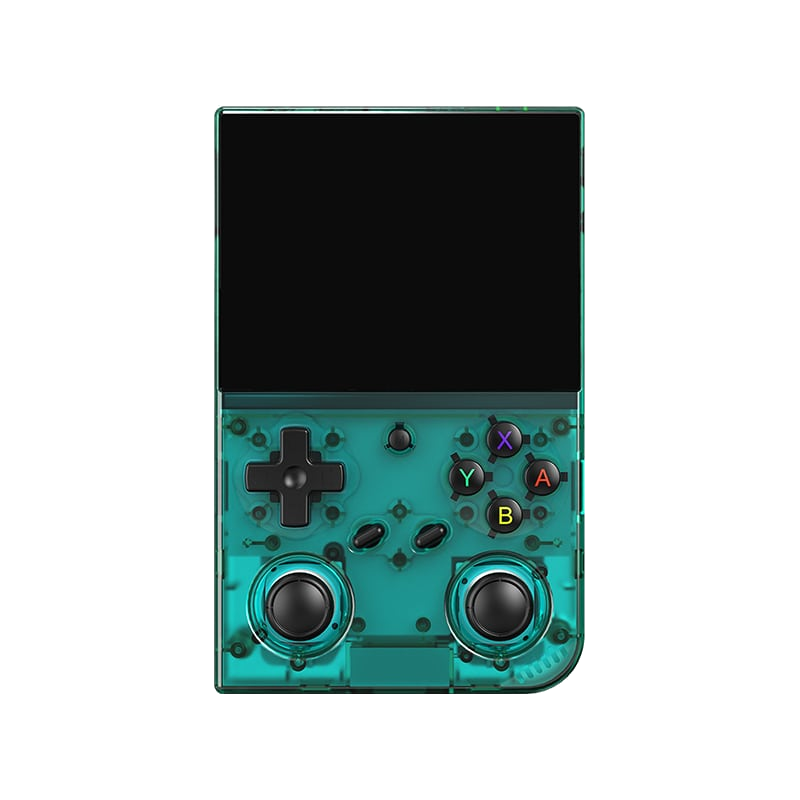
Anbernic RG35XX Pro
A horizontal handheld with the H700 chip — the sweet spot between price and performance.
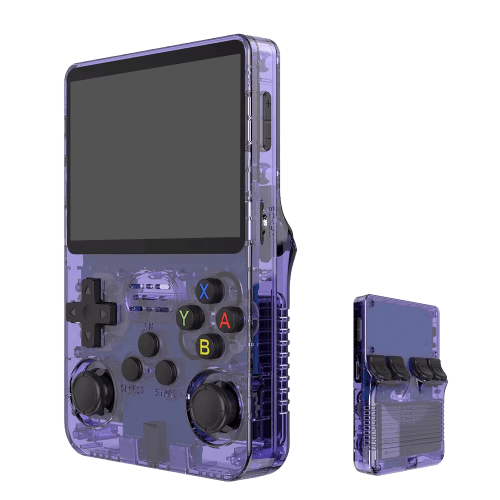
R36S
An affordable clone with a vertical display and an open system.

Batocera.linux
A Linux distribution that turns anything into a retro console — a PC, a Raspberry Pi, or a handheld.
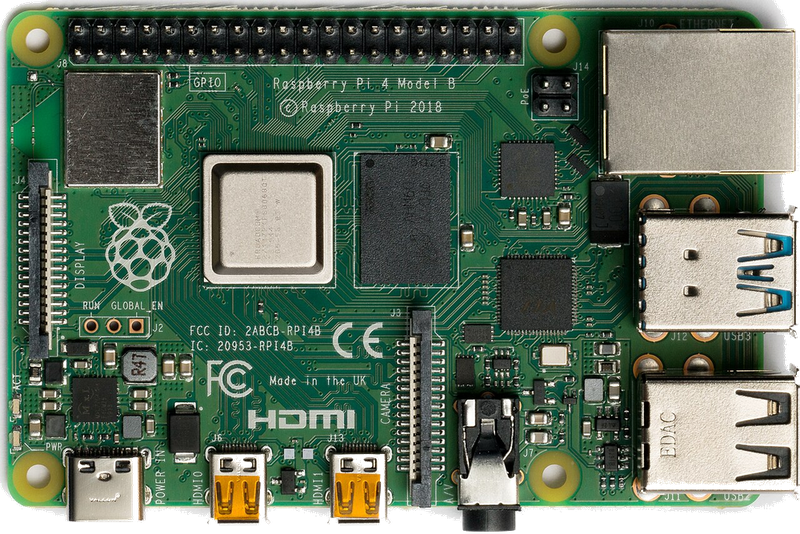
Raspberry Pi & spol.
A cheap box the size of a deck of cards that you can turn into a retro console for your TV.
Android (boxy, TV i telefony)
Phone, TV box or Android TV — download an emulator from the store and play within minutes.
Emulace na PC
The most powerful and flexible path — from 8-bit all the way to PS2, GameCube and 3DS.
iOS (iPhone & iPad)
Since 2024, emulators run on iPhone and iPad too — straight from the App Store.
Emulace na konzolích (PS, Xbox, Switch)
Even a PlayStation, Xbox or Switch can be turned into a retro machine — through their homebrew scene.
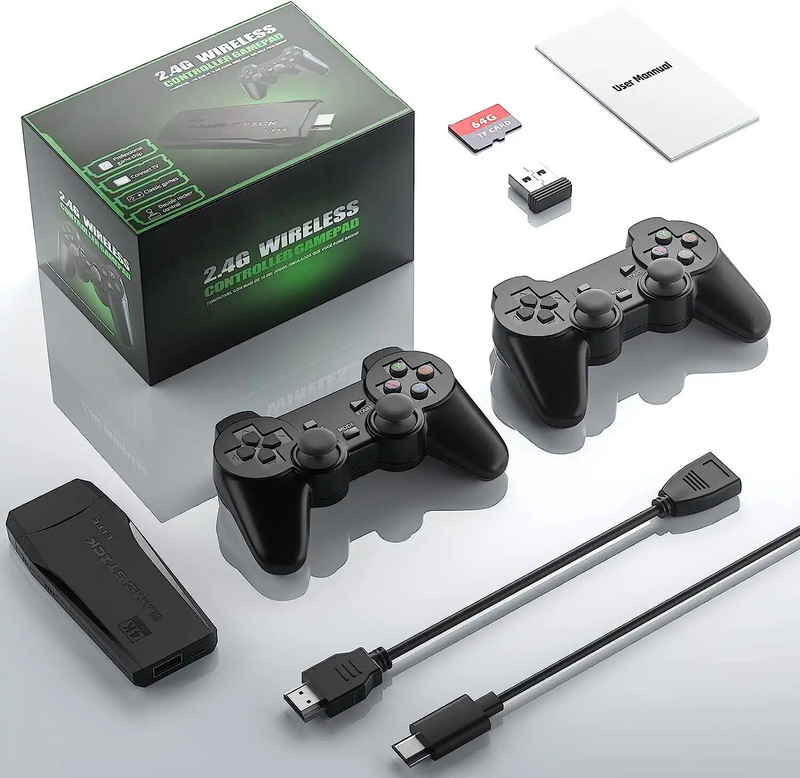
Game Stick (HDMI)
A cheap HDMI "stick" for your TV with a pair of wireless controllers — retro gaming with no setup.
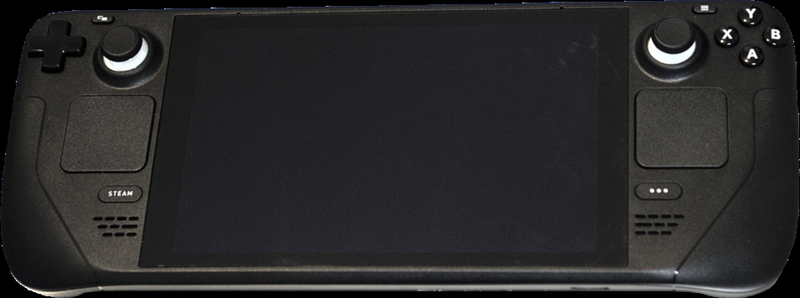
Steam Deck
A pocket gaming PC from Valve — and after a few minutes with EmuDeck, also the most powerful retro handheld you can get.
ROMky: kde se berou hry pro emulátory
What a ROM is, how to obtain one legally, where the law stands, and why game preservation matters.
AYN Odin 2
Výkonný Android handheld ve stylu herního ovladače, ve víc výkonnostních variantách.
Miyoo A30
Vodorovná kapesní konzole ve stylu Game Boy Micro, ideální na NES až PS1 klasiku.
Miyoo Flip
Véčko ve stylu GBA SP s čipem RK3566 – zvládne i Dreamcast, i když ne vždy plynule.
Miyoo Mini V4
Čtvrtá revize levné legendy – stejný slabý čip, ale konečně vydrží baterie i Wi-Fi.
Powkiddy RGB30
Hranatý handheld se čtvercovým displejem a joysticky posazenými nad tlačítky místo vedle nich.
Retroid Pocket 4 Pro
Nejvýkonnější Retroid s AMOLED displejem, který se otáčí i na výšku.
Retroid Pocket 5
Levnější sourozenec Pocket 4 Pro s větším displejem a osvědčeným výkonem.
Retroid Pocket Mini
Kapesní konzole ve skutečně kapesní velikosti pro rychlé retro hraní odkudkoli.
Anbernic RG28XX
Nejmenší člen rodiny s čipem H700, kapesní tvar inspirovaný klasickými herními konzolemi.
Anbernic RG34XX
Sklápěcí tělo v duchu klasických konzolí s neobvyklým 3,4palcovým displejem.
Anbernic RG353M
Vodorovný sourozenec RG353V se stejným T618 čipem a asymetrickými páčkami à la Vita.
Anbernic RG353V
Svislý PDA tvar, duální Android/Linux boot a čip T618 v kapesním balení.
Anbernic RG35XX
Malá krabička, která v roce 2023 nastartovala vlnu levných linuxových retro handheldů.
Anbernic RG35XX H
První RG35XX s pořádnými analogovými páčkami, míří na 3D hry z Nintenda 64 a PSP.
Anbernic RG35XX Plus
Stejná krabička jako RG35XX, jen konečně s Wi-Fi a Bluetooth pro bezdrátové ovladače.
Anbernic RG35XX SP
Sklápěcí tvar jako Game Boy Advance SP – displej schovaný pod krytkou přímo v kapse.
Anbernic RG405M
Kovové tělo, klasické tlačítka bez dotykové obrazovky a čip Unisoc T618.
Anbernic RG405V
Celokovové tělo, čip Unisoc T618 a čistě linuxový systém bez Androidu a kompromisů.
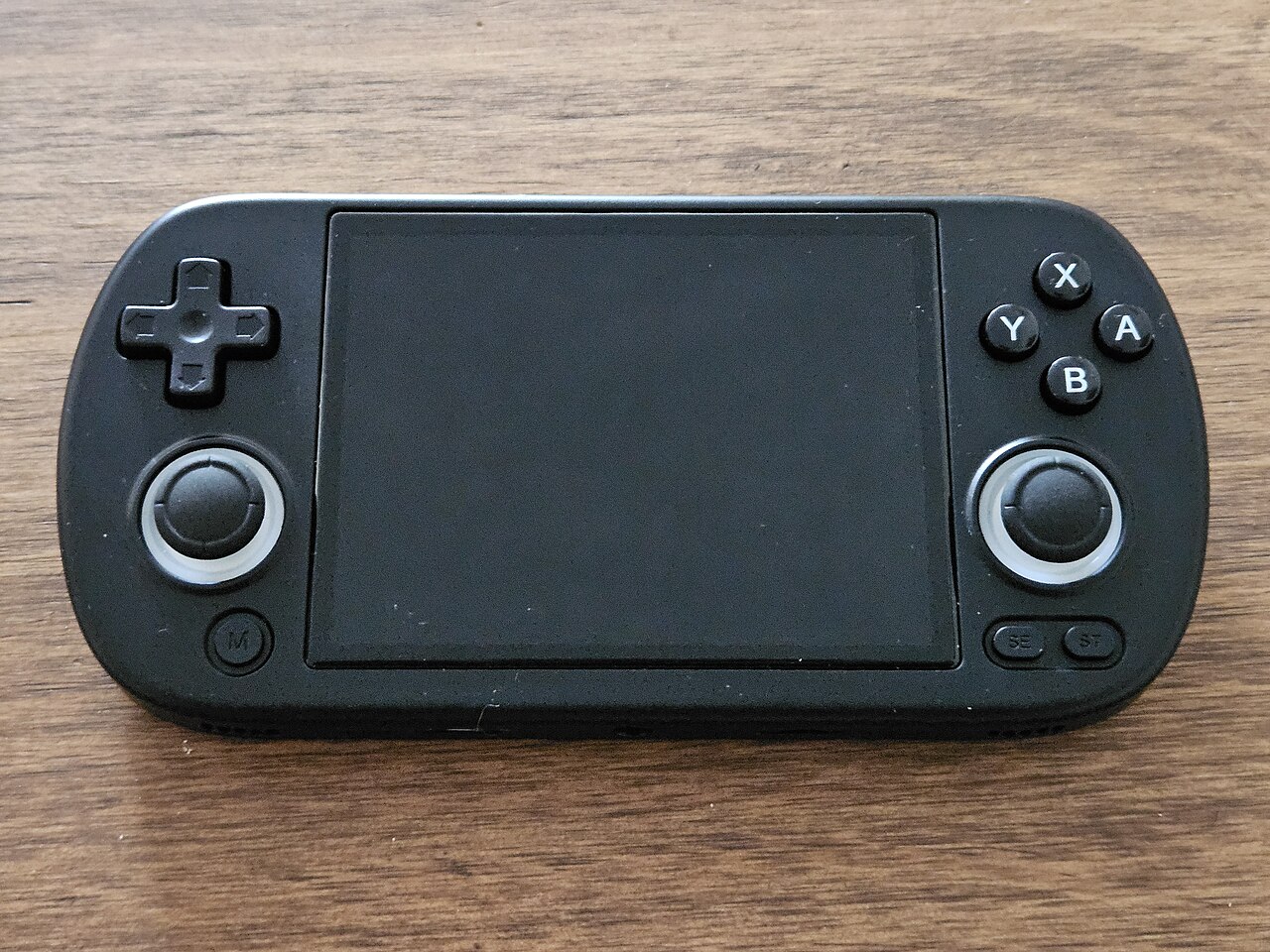
Anbernic RG40XX H
Vodorovná varianta se 4palcovým displejem a čipem H700 pro pohodlnější držení.
Anbernic RG40XX V
Svislá varianta ve tvaru připomínajícím klasický Game Boy, se stejným čipem jako model H.
Anbernic RG503
OLED displej, kovové tělo a čip RK3566 v klasickém tvaru herního ovladače.
Anbernic RG505
Tvar jako PS Vita, ale uvnitř skutečný Qualcomm Snapdragon 865 a AMOLED displej 960×544.
Anbernic RG556
Vlajková loď Anbernic s AMOLED displejem, čipem Unisoc T820 a duálním Android/Linux systémem.
TrimUI Brick
Vertikální handheld ve stylu Game Boye se stejnou elektronikou jako Smart Pro.
TrimUI Smart Pro
Malé tělo, velký 4,96" 16:9 displej a čip sdílený s TrimUI Brick.