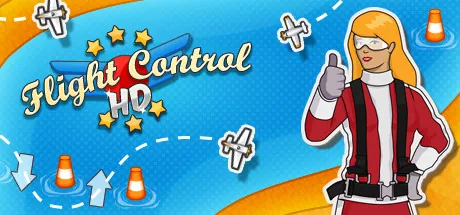
Flight Control
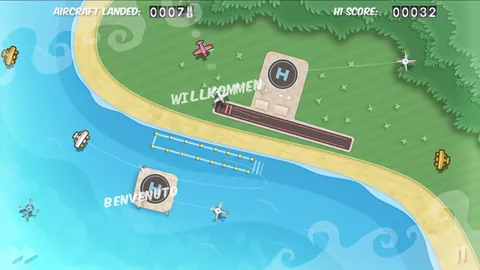
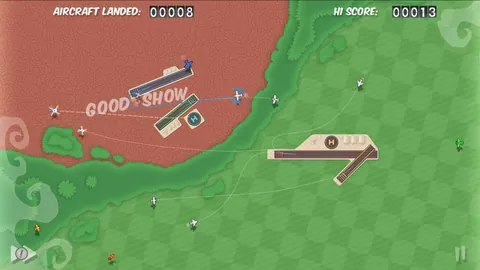
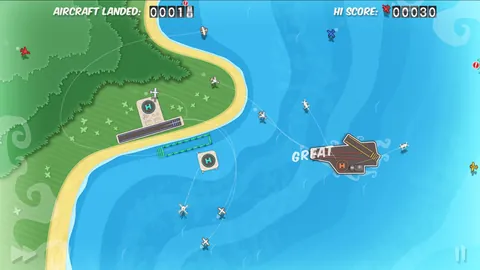
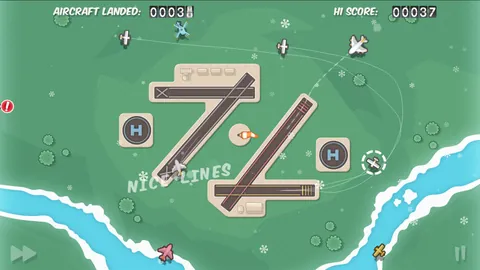
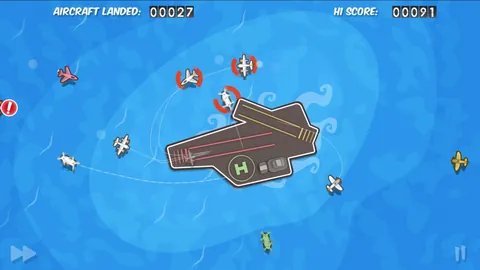
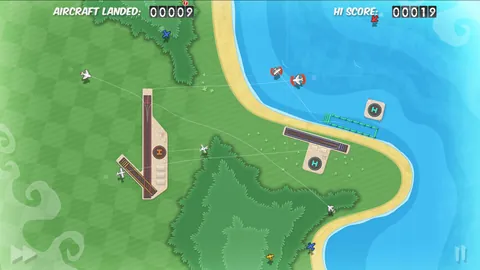
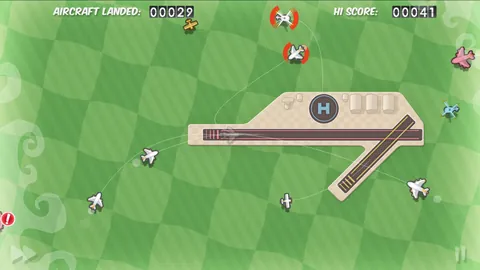
Flight Control turned the phone screen into a small air traffic control tower — you draw flight paths with your finger for incoming planes and helicopters so they land safely on the correct runway, while more aircraft keep arriving over time and the risk of collision grows geometrically. The concept is trivial to grasp, but mastering it with dozens of planes in the air at once demands quick decisions and a good overview, making the game a textbook example of how a touchscreen enables controls that would work far worse on a keyboard or gamepad.
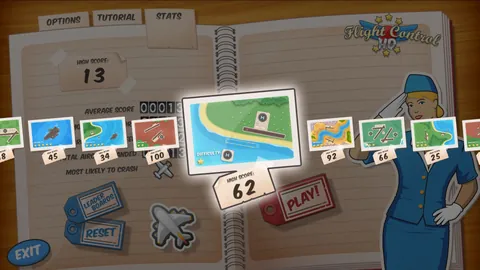
Firemint released Flight Control in 2009, and it became one of the titles regularly cited as proof that touch wasn't just a substitute for buttons but its own distinct control method with its own advantages. Simple graphics with color-coded aircraft types and a clear airport map made the game readable even on a small display, while rising difficulty and the urge to beat your own record kept it addictive across many rounds.
Flight Control's success inspired a wave of similar arcade games built around drawing paths or routes, and it expanded to other platforms including computers, where the mouse, however, never fully replicated the naturalness of a finger on glass. On mobile, it therefore remains an especially clear example of design built from the ground up for touch, not ported from elsewhere. Short rounds, no complicated menus, and an instant restart after a crash also made it an ideal title for a few minutes of waiting for a bus or standing in line — qualities that were among the defining traits of successful mobile games at the time.
Why play it: Ideal for players who want a quick, clear arcade game that shows how elegantly controls can be designed directly for a finger on a display.
Game 220 of 363 for Mobil (iOS a Android)